

Best Tools to Warm Up Your Email Account
Introduction
Imagine you’re a sales rep eagerly anticipating responses to your well-crafted emails. But instead, you discover they’re landing in the dreaded spam folder. For many businesses, establishing a new email account comes with the risk of poor deliverability, impacting engagement and increased bounce rates.
Fortunately, there’s a solution—email warm-up. In this guide, we’ll explore the best email warm-up tools that can help improve your sender reputation and enhance your campaign success
What is Email Warm-Up?
Email warm-up is a process that gradually increases the sending volume of a new email account to build trust with email service providers (ESPs). Here’s what you should know:
- How ESPs Evaluate Sender Reputation: ESPs assess new accounts on sender reputation, which is influenced by factors like engagement rates, (opens, replies) and complaints.
- Manual vs. Automated Warm-Up: You can choose to warm up your account manually or use automated tools. Automated solutions simplify the process, allowing you to focus on your actual campaigns.
- Typical Timeline Expectations: It generally takes 2-6 weeks for effective warm-up. During this period, your account grows its reputation gradually.
- Consequences of Skipping Warm-Up: Neglecting this crucial step can lead to high bounce rates, blacklisting, and spam folder placement.
Why Email Warm-Up Matters for Your Business
- Build Trust with ESPs: Ensures your emails are recognized as legitimate.
- Improve Inbox Placement Rates: Proper warm-up leads to better deliverability and engagement.
- Protect Your Domain Reputation: A strong sending reputation safeguards your domain long-term.
- Increase Campaign ROI: Enhanced deliverability translates to better engagement.
- Save Time: Automation speeds up the warm-up process compared to manual efforts.
Best Tools to Warm Up Your Email Account
1. ZeroBounce
Overview: A comprehensive solution for email deliverability needs.

Key Features:
- AI-Powered Assistant: Guides you through warm-up configurations.
- Five Engagement Rules: Including Default, Slow Pace, Repair, Boost, and Protect modes.
- Management Options: Choose self-managed or ZeroBounce-managed automation.
- Real-Time Tracking: Monitors inbox placement—whether in primary, spam, or promotions.
- Authentication Monitoring: Ensures SPF, DKIM, and DMARC alignment.
Pricing: $99/month (monthly billing). Annual billing is available with ~20% savings. Includes at least 25,000 email-validation credits/month and access to Email Warmup plus other tools Credits can be used across tools.
Note: The plan lets you customize included quantities; the page’s selector shows the options and minimums.
Why Choose ZeroBounce for Email Warmup:
- Improves Deliverability: Regular engagement through warmup helps to build a credible sender reputation and enhance inbox placement.
- Trusted by Major Brands: With clients like Tata, Disney, and Unilever, ZeroBounce is a top choice for those serious about email marketing.
- Comprehensive Reporting: Track your progress with real-time stats on inbox placement, reputation, and engagement.
2. Hunter
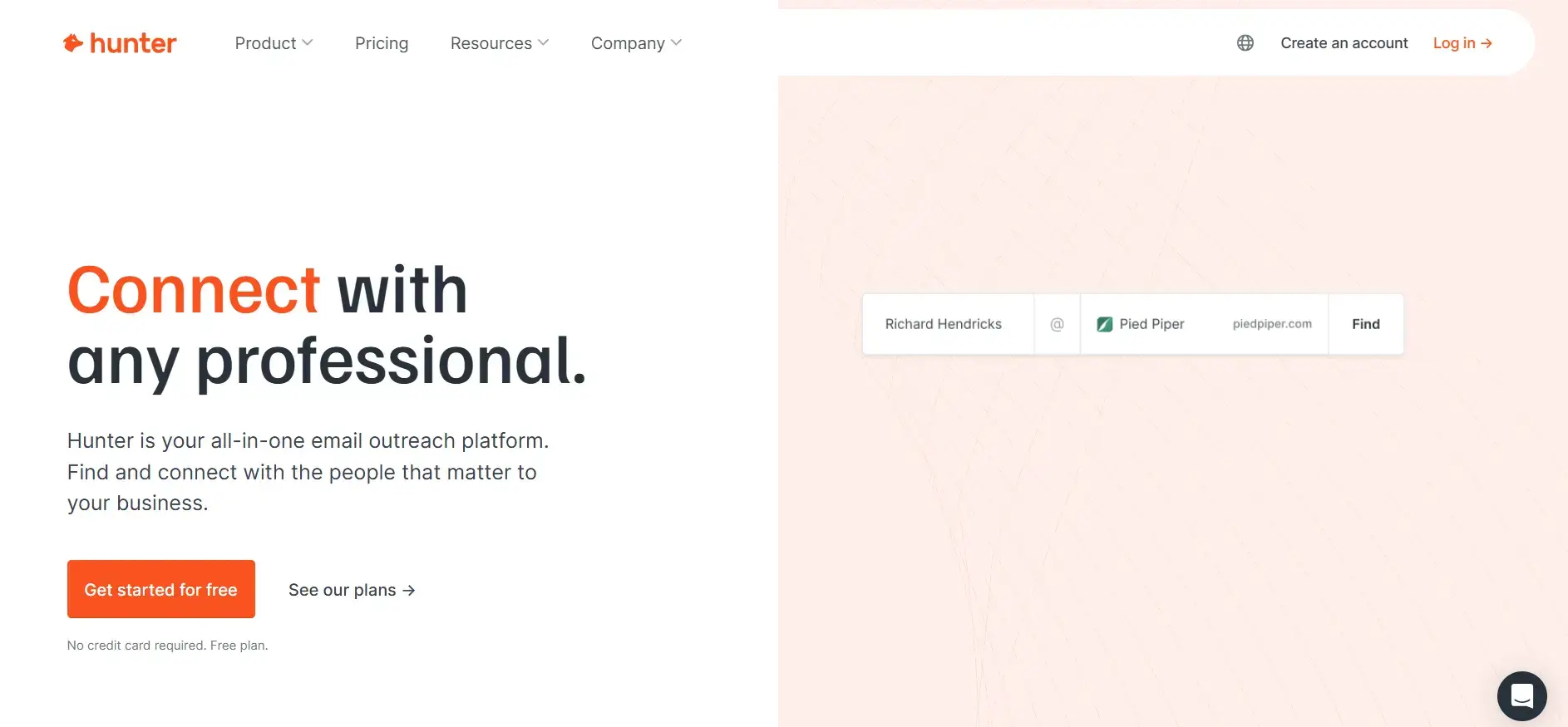
Overview: Primarily an email finding and verification tool with basic campaign functionality.
Key Features:
- Domain Search: Find emails associated with companies.
- Email Verification: 95% accuracy to prevent bounces.
- Chrome Extension: Quickly find emails on websites.
Pricing:
- Free Plan: 25 searches + 50 verifications/month.
- Plans range up to $499/month.
Ideal Use Cases: Users focused on list-building looking to use separate tools for cold emails.
Pros:
- Intuitive interface and powerful domain search.
Cons:
- Lacks built-in warm-up features.
3. TrulyInbox
Overview: Offers smart automated warm-up mimicking human interactions.
Key Features:
- Unlimited Email Accounts: Available even on the free version.
- Warmup Pool Network: Randomizes timing for natural engagement.
- Compatibility with Major ESPs: Works seamlessly with various providers.
Pricing: Free plan available; Paid plans start at $22/month.
Ideal Use Cases: Users wanting a straightforward solution that runs on autopilot.
Pros:
- Simple setup and unlimited accounts on the free plan.
Cons:
- Basic service without advanced features.
4. SalesBlink
Overview: A full-featured sales outreach platform with built-in warm-up capabilities.

Key Features:
- AI-Powered Personalization: Automated sequence building with BlinkGPT.
- Email Interaction Handling: Moves spam emails to the inbox.
- Customizable Sending: Option to set specific templates for warm-up.
Pricing: Starting at $25/month.
Ideal Use Cases: Teams wanting an all-in-one solution for outreach and warm-up.
Pros:
- Affordable and comprehensive all-in-one platform.
Cons:
- Results can vary; users report potential spam flagging.
5. Smartlead
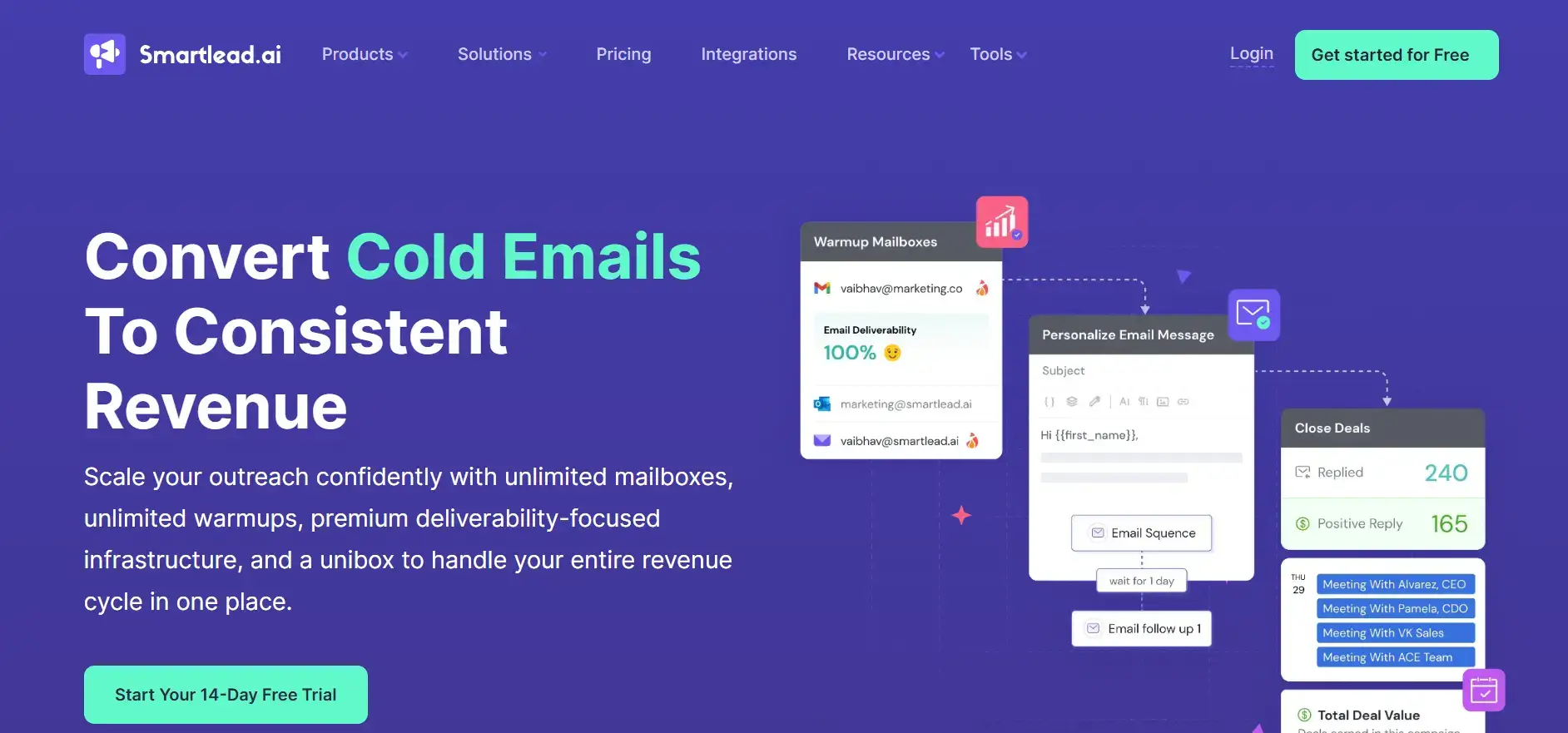
Overview: Offers advanced features for B2B companies and agencies managing large-scale campaigns.
Key Features:
- Unlimited Warmups: Included in all plans.
- Dynamic IP Rotation: Deployed for each campaign for higher deliverability.
- Automated Spam Rescue: Moves emails from spam to inbox.
Pricing: Plans starting at $39/month.
Ideal Use Cases: Businesses requiring scalable solutions for extensive emailing.
Pros:
- Scalable with advanced optimization features.
Cons:
- Some users experience issues with spam placement.
How to Choose the Right Email Warm-Up Tool
When selecting an email warm-up tool, consider:
- Primary Use Case: Validation plus warm-up vs. warm-up only.
- Email Volume & Frequency: Adjust your choice based on your sending requirements.
- Budget & Pricing Structure: Align it with your financial plans.
- Integration Needs: Ensure it will work with your existing tools.
- Customization Levels: Depending on the level of control and flexibility needed.
- Customer Support Quality: Essential for troubleshooting and optimization.
- Network Size & Provider Compatibility: Ensure the tool’s network is robust and compatible with your needs.
Email Warm-Up Best Practices
- Start with a Clean List: Ensure your emails are verified.
- Set Up Authentication: Implement SPF, DKIM, and DMARC before warm-up.
- Gradually Increase Volume: Follow best practices to avoid sudden spikes.
- Monitor Key Metrics: Pay attention to open and reply rates.
- Consistency is Key: Maintain sending frequency for a minimum of 30 days.
- Engage Slowly: Use engaged recipients initially to boost reputation.
- Adjust Based on Performance: Regularly analyze metrics and make necessary tweaks.
Common Email Warm-Up Mistakes to Avoid
- Increasing Volume Rapidly: Avoid sending too many emails too soon.
- Using Poor-Quality Lists: Skipping an email verification service increases bounces and can quickly damage sender reputation.
- Skipping Authentication: Neglecting this can lead to deliverability issues.
- Ignoring Bounce Rates: Keep an eye on bounce rates and act accordingly.
- Inconsistent Patterns: Failing to maintain regular sending patterns can hurt your score.
- Abandoning Warm-Up Early: Stop instantly after initial improvements; this could backfire.
Conclusion
Email warm-up is crucial for ensuring your deliverability is top-notch and maintaining a healthy sender reputation. Choosing the right tool to aid in this process is equally important. With AI-driven solutions and a comprehensive ecosystem, businesses can effectively tackle these challenges.






