Designed for Growth: Scale your recurring revenue with the new Teamgate SaaS CRM. Explore SaaS Features →

Book a demo today and save 50% off your first month, or 20% off your first year.

Get a free sales audit to uncover hidden revenue opportunities!

Most pipelines fail because teams don’t clearly define what a real sales opportunity is. If your reps are juggling hundreds of “deals” but only a fraction are truly qualified, your forecasts, follow-ups, and win rates will suffer.

Here’s the simple breakdown:

  • A lead is a contact with limited information.

  • A sales opportunity is a qualified lead with a confirmed need, urgency, and fit.

  • Opportunities sit between SQL and customer in the funnel.

  • Some opportunities are found (buyers actively searching).

  • Others must be created (buyers don’t yet see the problem clearly).

Teamgate is a sales operating system for teams who want disciplined selling, real insight, and a CRM their reps actually use—helping ensure every opportunity has a real stage, a real next step, and a real chance of closing.

This guide walks you through how opportunities are defined, where they sit in the funnel, how to find or create them, and how to convert them into revenue.

Key Takeaways:

  • Sales opportunities go through several stages to become customers, starting from the lead stage, progressing to marketing qualified leads (MQLs) and sales qualified leads (SQLs), and finally reaching the opportunity stage, which precedes the customer stage.
  • A lead is a contact or account with minimal information, whereas a sales opportunity is a qualified lead that fulfills specific criteria like confirmed technical fit, a defined pain point, urgency to solve it, and potential for customer conversion.
  • Opportunities typically arise from an effective marketing strategy that attracts prospects through content offers, advertising, email marketing lead generation, and SEO. They can also be found among customers about to renew services, those open to switching products, or those who can be educated about their problems.
  • Both finding and creating opportunities are critical, but their significance varies depending on the business scenario. ‘Find opportunities’ usually account for up to 12% of prospects who are well-educated about their problem and actively seeking a solution. ‘Create opportunities’ approach is fit for businesses in the new concept or new paradigm category and involves targeting leads with a problem that the business can solve.

Contents

  1. What are sales opportunities?
  2. What is the difference between a lead and a sales opportunity?
  3. Place of “opportunities” in the sales funnel
  4. Find opportunities vs. Create opportunities
  5. From sales opportunity to customer: techniques to close the sale
  6. FAQ: Sales Opportunities 

What are sales opportunities?

The old sales adage goes: “Sales opportunity is a deal that you have the possibility to close.” While there is no universal definition set in stone, the industry widely agrees that a sales opportunity is a qualified lead.

Emphasis on qualified.

The process you use to qualify a lead depends on your team and methodology. Common frameworks include BANT and MEDDIC. Regardless of framework, most sales teams align around a few core criteria.

Across the majority of these methodologies, the basic criteria for a sales opportunity are always the same:

  • It’s a potential customer that you have already met or contacted;

  • You have established that there is a pain point;

  • The customer shows interest in solving that pain point (with urgency);

  • You have confirmed a technical fit.

When these criteria are met, the deal moves from “possible” to “probable.” That’s when it deserves a place in your pipeline as an opportunity.

In disciplined sales teams, this transition is clearly defined. Stage entry criteria are agreed upon. Every opportunity has a next step. No deal sits in a stage without movement. That’s how pipeline truth is maintained, and how sales velocity improves.

Sales opportunities are also closely tied to the Sales Velocity formula, which calculates how quickly opportunities and leads turn into revenue month over month. If your opportunity stage is bloated with unqualified deals, your velocity slows, and your forecast becomes unreliable.

What is the difference between a lead and a sales opportunity?

Understanding the difference between leads and sales opportunities is crucial for effective sales management. The two terms are often used interchangeably, but they represent very different levels of certainty in the sales process.

The simplest way to think about it is this:

  • A lead is early-stage and unqualified.

  • A sales opportunity is qualified and viable.

A lead is a contact or account that you know very little about. Business cards collected at trade shows are a classic example. You exchanged introductions and agreed to follow up. That’s it.

Leads are the starting point.

Before declaring a lead an opportunity, you must qualify it. There are usually far more leads than true opportunities in any pipeline. That’s why having a structured lead scoring and qualification process is essential. Many businesses use lead enrichment tools like Clearbit Enrichment to gather additional company details. Teams often complement this with a phone number finder to identify decision-makers and speed up qualification.

An opportunity, on the other hand, is a contact or account that has been qualified against critical criteria:

  • There is a budget.

  • There is a defined need.

  • Your solution is the right technical fit.

  • The buyer has urgency.

  • You are speaking to the decision-maker.

Once a lead becomes an opportunity, there are only two outcomes: won or lost.

Sales lead vs. Sales opportunity 

Sales Lead Sales Opportunity 
A lead is a contact or an account that you know very little about.  An opportunity is a contact or an account that has been qualified.
People you met at trade shows, conferences, similar events or talked only briefly.  People who you already talked to with more depth and found out about their needs, budget, essential requirements for a solution, and who is a decision-maker.
During an ongoing qualification, it can turn into a sales opportunity or into nothing (time-waster).  During an ongoing qualification, it can turn into a sales opportunity or into nothing (time-water)

Place of “opportunities” in the sales funnel   

In the sales funnel, opportunities sit between the qualification stages and the final sale:

  1. Lead Generation: Attracting potential customers through various marketing efforts.

  2. Marketing Qualified Lead (MQL): Leads that have engaged with your marketing content and show interest.

  3. Sales Qualified Lead (SQL): Leads vetted by the sales team as ready for direct engagement.

  4. Sales Opportunity: Qualified prospects with a high potential for conversion.

  5. Customer: Prospects who have completed a purchase.

INCREASE SALES VELOCITY USING TEAMGATE

Find opportunities vs. Create opportunities

Simply put, there are two types of customers – those who come through the door themselves and those who you need to convince to enter. So when you think about your marketing and sales functions, you need to consider and strategize for both types.

Find opportunities. Unfortunately, for most B2B businesses, “find opportunities” make up only up to 12% of prospects. Generally speaking, these prospects are well educated about the problem they have and its negative impact on their business (it’s enough to make them seek to change) and they are actively looking for a solution. They typically have a strong opinion about the price they are willing to pay for the right product, too. To nudge them in the right direction, businesses can use such marketing tactics as advertising, innovative technologies from an ad server provider, content marketing, SEO, and an AI detection tool to reinforce content authenticity and trust. Hosting or participating in in-person, virtual, and hybrid events is another effective way to engage high-intent prospects. Leveraging event planning solutions can help businesses seamlessly manage these events, optimize lead capture, and enhance post-event follow-ups. On the sales side, BDRs (business development reps) are often deployed to find and qualify these opportunities for sales reps to seal the deal.

“Find opportunities” could also be interpreted as those that:

  • Are about to renew services;
  • Can switch products;
  • Can be easily educated or intrigued;
  • Have well-known problems (when new solutions are developed).

Create opportunities. Depending on your product, you may fall into three different realms on the demand spectrum: new concept, new paradigm, or established market (see the image reference below).

Demand Type Spectrum 

Demand Type Key Characteristics Key Requirements 
New Concept
  • Disruptive product/service
  • No budgetary line items
  • Requires issue creation
Educate for Awareness
New Paradigm
  • Retools existing process
  • Solves current problem better
  • Replaces current line item
Develop Opportunities
Established Market
  • Retools existing processes
  • Solves current problem better
  • Replaces current line item
Find & Be Found

“Create opportunities” approach is fit for your business if you belong to either the new concept or the new paradigm category. Essentially, there are three factors associated with creating opportunities:

  • Buyers need to understand the problem. The most likely scenario is that buyers aren’t looking for your product because they’re not aware they have a problem that needs solving. It’s also likely that they know the problem exists, but they don’t fully comprehend the impact it’s having on their business and aren’t prioritizing it.
  • Buyers need to understand the causes of the problem. It’s not uncommon for the causes of the problem to get misdiagnosed. The buyers might be actively looking for a solution in a wrong place.
  • Buyer misperceptions about product implementation, team competencies, etc. need to be addressed. Buyers often have deeply rooted misperceptions and biases that need to be addressed and overcome to create a sales opportunity.

By targeting your lead generation efforts to these segments, your sales team can position your product as the perfect fit and create solid opportunities.  

Now, the important thing to mention here is that you would use the same tactics to create opportunities as with “find opportunities” (inbound marketing, SEO, content marketing and advertising), only you would look for companies with a problem that you can solve, people who understand the problem you’re solving, and people and conditions where they are ready to solve the problem. 

From sales opportunity to customer: techniques to close the sale

There is no single universal closing method. But several proven techniques consistently improve win rates.

1. Five types of Socratic questions

Socratic questioning uncovers truth and clarifies thinking:

  • Clarification questions – Could you elaborate? What exactly does this mean?

  • Assumption challenges – What would happen if that assumption didn’t hold?

  • Evidence probes – Why do you say that? Is there data to support it?

  • Perspective exploration – What are alternative ways to look at this?

  • Implication questions – What happens if nothing changes?

This approach builds trust and surfaces real buying drivers.

2. Focus on value vs. cost

Discounting too early weakens positioning. Instead:

  • Tie your solution to measurable impact.

  • Quantify cost of inaction.

  • Show differentiation clearly.

Value-based selling strengthens margin and credibility.

3. Offer meaningful bonuses

Extras like onboarding support, consultations, or extended service commitments can reduce friction and increase perceived value.

But none of these tactics work consistently without discipline.

A robust qualification process ensures your team isn’t chasing deals that were never real. Sitting down with sales and marketing to define stage criteria, next-step rules, and qualification standards prevents bloated pipelines and misleading forecasts.

Every active opportunity should answer:

  • What problem is being solved?

  • Who is the decision-maker?

  • What is the next scheduled action?

  • What happens if nothing changes?

When these answers are clear, closing becomes systematic—not accidental.

A robust lead qualification process is what helps companies ensure they’re not wasting their valuable time chasing people who are never going to buy. Sitting down with your sales and marketing teams to agree on and define the criteria for every stage in the sales funnel is the best way to avoid a bloated pipeline and misleading forecasts. Everyone involved in your sales process should know when and why a lead is converted into an sales opportunity. Once you’ve got that consensus, you can unleash your sales force and bring those deals home.

Discover a sales operating system designed to keep your pipeline clean, your reps consistent, and your managers confident in the forecast—without enterprise CRM bloat or feature overload.

Book a Demo and ttart your journey with Teamgate today.

INCREASE SALES VELOCITY USING TEAMGATE


FAQ: Sales Opportunities 

Q: What are sales opportunities?

A: Sales opportunities are qualified leads that have met specific criteria such as confirmed technical fit, defined pain points, urgency to solve them, and potential for customer conversion. They progress through various stages, starting from leads, then marketing qualified leads (MQLs) and sales qualified leads (SQLs), and finally reaching the opportunity stage before becoming customers.

Q: What is the difference between a lead and a sales opportunity?

A: A lead is a contact or account with minimal information, while a sales opportunity is a qualified lead that fulfills specific criteria. Leads are the first step in the sales process, and they need to be qualified to become sales opportunities. The qualification process involves assessing factors such as budget, need for a solution, technical fit, readiness to buy, and speaking to the right decision-maker.

Q: How do marketing and human resources relate to sales opportunities?

A: Marketing and human resources play a role in the creation and nurturing of sales opportunities. Marketing techniques can be used to attract prospects and generate leads, while HR strategies can focus on finding or creating opportunities depending on the business scenario. Both functions need to adapt to changing market conditions and generational expectations to effectively attract and engage quality applicants.

Q: How can a central CRM system like Teamgate facilitate sales opportunity management?

A: Teamgate serves as a comprehensive CRM platform that facilitates collaboration between marketing and sales departments. By storing customer interactions and data in one place, it enables data-driven decision-making, aligns strategies, and ensures a cohesive approach to customer engagement. Teamgate can help businesses increase their sales velocity and manage the progression of sales opportunities through the pipeline.

Q: What are some effective techniques to close a sale and convert a sales opportunity into a customer?

A: Closing techniques can vary, but some effective strategies include asking Socratic questions to clarify thinking, challenge assumptions, probe evidence, explore viewpoints, and uncover implications. Focusing on the value of the product or service rather than just the cost can also justify pricing. Additionally, offering impressive bonuses or extras can add value and incentivize the customer to seal the deal.

Q: How can a robust lead qualification process improve sales opportunities?

A: A robust lead qualification process ensures that only qualified leads progress through the sales funnel, avoiding wasted time and misleading forecasts. By defining criteria for each stage in the sales process and reaching consensus between sales and marketing teams, businesses can effectively convert leads into sales opportunities and bring deals to a successful close.

Q: How can Teamgate help improve sales opportunities?

A: Teamgate is a CRM platform that offers features to enhance sales opportunity management. It provides a centralized system for storing customer data, interactions, and progress through the sales pipeline. With Teamgate, businesses can track and manage their sales opportunities, align marketing and sales strategies, and gain valuable insights to improve overall sales performance. Start your journey with Teamgate today by booking a demo.

Setting up WordPress hosting can seem challenging, but with the proper guidance, anyone can do it efficiently. This article will guide you through setting up WordPress hosting in just a few minutes. Just follow these instructions, and your website will go live fast and without any major headaches.

Choosing the Right Hosting Provider

Selecting the appropriate WordPress hosting provider is crucial. Choose a service that’s always online and has friendly staff ready to assist you. How quickly the provider responds is vital, and you’ll need to determine if it can handle future growth. A provider that offers one-click WordPress installation can simplify the setup process. Considering all your options upfront makes it easier to choose the right path.

Registering a Domain Name

A unique domain name is essential for establishing a strong online presence. Choose a name that reflects the brand or purpose of the website. After deciding on a name, register it through a domain registrar. Many hosting services offer domain name acquisition as part of their primary offerings. This consolidation streamlines the initial setup, thereby making it easier to establish a strong online presence.

Installing WordPress

Once the WordPress hosting provider and domain name are in place, it’s time to install WordPress. Many hosting services offer a one-click installation feature, which makes this step straightforward. Access the hosting dashboard, locate the WordPress installer, and follow the prompts. The software will be ready to use in just a few moments.

Configuring Basic Settings

After installation, configuring basic settings is vital. Make your site’s identity clear: choose a title and a simple tagline. Visitors will instantly get it. Adjust the time zone, date format, and language settings to ensure everything aligns with the intended audience. Getting these first settings right makes your site neat.

Selecting a Theme

The visual appeal of a website is crucial as it captures visitors’ attention. WordPress offers a plethora of themes to choose from. Browse the theme library and select one that aligns with the site’s purpose and aesthetic. Themes can be customized later, but starting with a design that fits the vision is beneficial.

Installing Essential Plugins

Plugins enhance the functionality of a WordPress site. Kick off your site build with vital plugins for security, speed, and search engine friendliness. What do most people pick to make their sites better? Usually, it’s security features, speed-boosting programs, and tools that help search engines discover their content. Installing these plugins early ensures the site runs smoothly and you optimize it for search engines.

Creating Important Pages

Every website needs a few key pages, such as a home page, an about page, and a contact page. Visitors find all the key details here, which also makes your website much more trustworthy. Use WordPress’s built-in page editor to build and customize these pages, thus ensuring they align perfectly with your site’s main goal and visual style.

Setting Up Menus

Navigation menus help visitors easily find the information they need. Setting up menus in WordPress involves accessing the menu editor under the ‘Appearance’ settings. Add critical pages to the menu, and organize them logically. When your menu is straightforward, you’ll help people effortlessly browse everything on your site.

Optimizing for Search Engines

Search engine optimization (SEO) is vital for increasing visibility. Plugins are great for enhancing your website’s content to improve its visibility in search engines. They help you add critical descriptive tags and build out sitemaps as well. Craft valuable posts; include popular search terms. Regularly updating the site with fresh content can also improve search engine rankings over time.

Ensuring Site Security

Protecting a website from threats is essential. Ensure your online setup is secure. Start with powerful passwords, not easy ones, and install some solid security programs. Regularly update WordPress, themes, and plugins to protect against vulnerabilities. Consider enabling two-factor authentication for an added layer of security. A secure site retains the trust of your customers.

Backing Up Data

Regular backups prevent data loss. Your WordPress hosting service handles automatic backups for you. Alternatively, use a backup plugin to schedule regular backups of your site’s content. Ensuring you store backups in a secure location means you can restore the site quickly in the event of an issue.

Testing and Launching the Site

Before going live, thoroughly test the site to ensure it functions properly. Check all links, forms, and functionalities to ensure they work correctly. Review the site’s appearance on different devices to confirm it is responsive. Once satisfied with the setup, launch the site and start promoting it to attract visitors.

Monitoring and Maintenance

After launching, regular monitoring and maintenance are crucial. Actively check your website’s performance and truly listen to what users tell you. Regularly update WordPress, themes, and plugins. Address any issues promptly to maintain a positive user experience. Frequently inspect the site to maintain its excellent condition, thus ensuring it always functions as expected.

Conclusion

Setting up WordPress hosting efficiently is achievable with a structured approach. You’ll find every stage necessary, from selecting your vendor to the moment your site goes live. By following these guidelines, individuals can have their WordPress site up and running in minutes, ready to make an impact online. 

Best Tools to Warm Up Your Email Account

Introduction

Imagine you’re a sales rep eagerly anticipating responses to your well-crafted emails. But instead, you discover they’re landing in the dreaded spam folder. For many businesses, establishing a new email account comes with the risk of poor deliverability, impacting engagement and increased bounce rates.

Fortunately, there’s a solution—email warm-up. In this guide, we’ll explore the best email warm-up tools that can help improve your sender reputation and enhance your campaign success

What is Email Warm-Up?

Email warm-up is a process that gradually increases the sending volume of a new email account to build trust with email service providers (ESPs). Here’s what you should know:

  • How ESPs Evaluate Sender Reputation: ESPs assess new accounts on sender reputation, which is influenced by factors like engagement rates, (opens, replies) and complaints.
  • Manual vs. Automated Warm-Up: You can choose to warm up your account manually or use automated tools. Automated solutions simplify the process, allowing you to focus on your actual campaigns.
  • Typical Timeline Expectations: It generally takes 2-6 weeks for effective warm-up. During this period, your account grows its reputation gradually.
  • Consequences of Skipping Warm-Up: Neglecting this crucial step can lead to high bounce rates, blacklisting, and spam folder placement.

Why Email Warm-Up Matters for Your Business

  • Build Trust with ESPs: Ensures your emails are recognized as legitimate.
  • Improve Inbox Placement Rates: Proper warm-up leads to better deliverability and engagement.
  • Protect Your Domain Reputation: A strong sending reputation safeguards your domain long-term.
  • Increase Campaign ROI: Enhanced deliverability translates to better engagement.
  • Save Time: Automation speeds up the warm-up process compared to manual efforts.

Best Tools to Warm Up Your Email Account

1. ZeroBounce

Overview: A comprehensive solution for email deliverability needs.

Key Features:

  • AI-Powered Assistant: Guides you through warm-up configurations.
  • Five Engagement Rules: Including Default, Slow Pace, Repair, Boost, and Protect modes.
  • Management Options: Choose self-managed or ZeroBounce-managed automation.
  • Real-Time Tracking: Monitors inbox placement—whether in primary, spam, or promotions.
  • Authentication Monitoring: Ensures SPF, DKIM, and DMARC alignment.

Pricing: $99/month (monthly billing). Annual billing is available with ~20% savings. Includes at least 25,000 email-validation credits/month and access to Email Warmup plus other tools Credits can be used across tools. 

Note: The plan lets you customize included quantities; the page’s selector shows the options and minimums.

Why Choose ZeroBounce for Email Warmup:

  • Improves Deliverability: Regular engagement through warmup helps to build a credible sender reputation and enhance inbox placement.
  • Trusted by Major Brands: With clients like Tata, Disney, and Unilever, ZeroBounce is a top choice for those serious about email marketing.
  • Comprehensive Reporting: Track your progress with real-time stats on inbox placement, reputation, and engagement.

2. Hunter

Overview: Primarily an email finding and verification tool with basic campaign functionality.

Key Features:

  • Domain Search: Find emails associated with companies.
  • Email Verification: 95% accuracy to prevent bounces.
  • Chrome Extension: Quickly find emails on websites.

Pricing:

  • Free Plan: 25 searches + 50 verifications/month.
  • Plans range up to $499/month.

Ideal Use Cases: Users focused on list-building looking to use separate tools for cold emails.

Pros:

  • Intuitive interface and powerful domain search.

Cons:

  • Lacks built-in warm-up features.

3. TrulyInbox

Overview: Offers smart automated warm-up mimicking human interactions.

Key Features:

  • Unlimited Email Accounts: Available even on the free version.
  • Warmup Pool Network: Randomizes timing for natural engagement.
  • Compatibility with Major ESPs: Works seamlessly with various providers.

Pricing: Free plan available; Paid plans start at $22/month.

Ideal Use Cases: Users wanting a straightforward solution that runs on autopilot.

Pros:

  • Simple setup and unlimited accounts on the free plan.

Cons:

  • Basic service without advanced features.

4. SalesBlink

Overview: A full-featured sales outreach platform with built-in warm-up capabilities.

Key Features:

  • AI-Powered Personalization: Automated sequence building with BlinkGPT.
  • Email Interaction Handling: Moves spam emails to the inbox.
  • Customizable Sending: Option to set specific templates for warm-up.

Pricing: Starting at $25/month.

Ideal Use Cases: Teams wanting an all-in-one solution for outreach and warm-up.

Pros:

  • Affordable and comprehensive all-in-one platform.

Cons:

  • Results can vary; users report potential spam flagging.

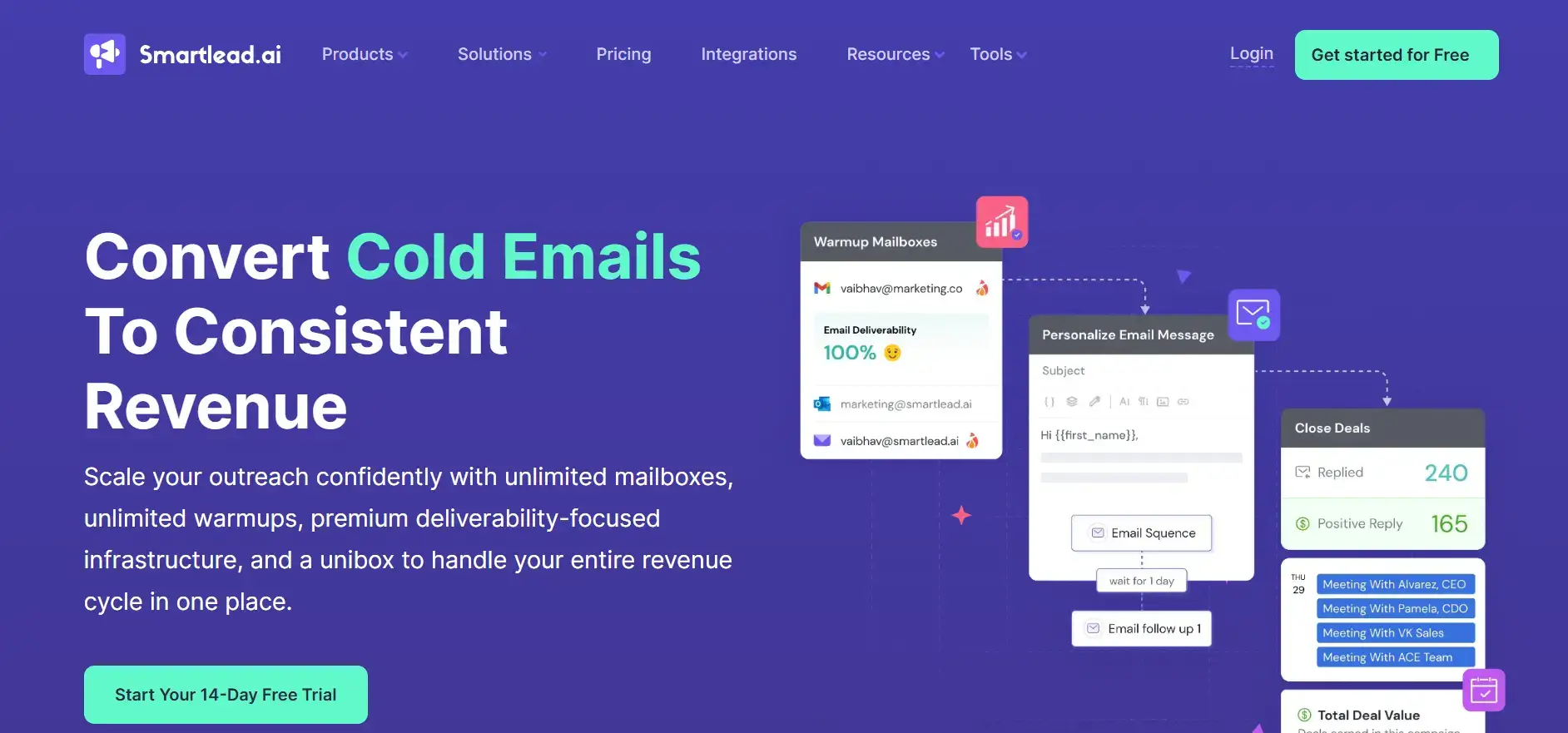
5. Smartlead

Overview: Offers advanced features for B2B companies and agencies managing large-scale campaigns.

Key Features:

  • Unlimited Warmups: Included in all plans.
  • Dynamic IP Rotation: Deployed for each campaign for higher deliverability.
  • Automated Spam Rescue: Moves emails from spam to inbox.

Pricing: Plans starting at $39/month.

Ideal Use Cases: Businesses requiring scalable solutions for extensive emailing.

Pros:

  • Scalable with advanced optimization features.

Cons:

  • Some users experience issues with spam placement.

How to Choose the Right Email Warm-Up Tool

When selecting an email warm-up tool, consider:

  • Primary Use Case: Validation plus warm-up vs. warm-up only.
  • Email Volume & Frequency: Adjust your choice based on your sending requirements.
  • Budget & Pricing Structure: Align it with your financial plans.
  • Integration Needs: Ensure it will work with your existing tools.
  • Customization Levels: Depending on the level of control and flexibility needed.
  • Customer Support Quality: Essential for troubleshooting and optimization.
  • Network Size & Provider Compatibility: Ensure the tool’s network is robust and compatible with your needs.

Email Warm-Up Best Practices

  1. Start with a Clean List: Ensure your emails are verified.
  2. Set Up Authentication: Implement SPF, DKIM, and DMARC before warm-up.
  3. Gradually Increase Volume: Follow best practices to avoid sudden spikes.
  4. Monitor Key Metrics: Pay attention to open and reply rates.
  5. Consistency is Key: Maintain sending frequency for a minimum of 30 days.
  6. Engage Slowly: Use engaged recipients initially to boost reputation.
  7. Adjust Based on Performance: Regularly analyze metrics and make necessary tweaks.

Common Email Warm-Up Mistakes to Avoid

  • Increasing Volume Rapidly: Avoid sending too many emails too soon.
  • Using Poor-Quality Lists: Skipping an email verification service increases bounces and can quickly damage sender reputation.
  • Skipping Authentication: Neglecting this can lead to deliverability issues.
  • Ignoring Bounce Rates: Keep an eye on bounce rates and act accordingly.
  • Inconsistent Patterns: Failing to maintain regular sending patterns can hurt your score.
  • Abandoning Warm-Up Early: Stop instantly after initial improvements; this could backfire.

Conclusion

Email warm-up is crucial for ensuring your deliverability is top-notch and maintaining a healthy sender reputation. Choosing the right tool to aid in this process is equally important. With AI-driven solutions and a comprehensive ecosystem, businesses can effectively tackle these challenges.

Sales Isn’t the Wild West — It’s a Process You Can Run

If your sales results feel inconsistent, it’s rarely because your team “can’t sell.” It’s usually because the process isn’t clear, enforced, or visible.

A strong sales process:

  • Defines clear stages from prospecting to nurturing

  • Requires a next step for every active deal

  • Standardizes qualification and follow-up

  • Uses tools like CRMs to reduce admin and enforce discipline

Teamgate helps reps follow a clear sales process and helps managers trust the numbers—without turning CRM into a full-time admin job.

In this guide, you’ll see how modern sales teams structure their process, where deals usually break down, and what you can fix immediately—without overhauling your entire business.

Key Takeaways:

  • The sales process is more than just making a pitch; it consists of structured steps from prospecting to nurturing.
  • Standardizing the sales process enhances efficiency and makes onboarding new salespeople smoother.
  • Incorporating tools like CRMs can greatly aid in automating and optimizing various stages of the sales process.
  • Researching potential clients is paramount, ensuring tailored pitches and understanding how one’s solution fits into their existing business processes.
  • Properly handling objections and ensuring a smooth closing process is vital for maintaining client relationships and reducing buyer’s remorse.

What is a sales process?

The sales process is the structured path your team follows from first contact (e.g., cold calling or inbound lead response) to closing and nurturing the account.

It can be chaotic. Or it can be clearly defined, measurable, and repeatable.

A standardized sales process almost always outperforms an improvised one because it:

  • Reduces missed follow-ups

  • Makes onboarding new reps easier

  • Improves forecast accuracy

  • Protects revenue from “stale” deals

Generally, a sales process includes 7 parts:

  1. Prospecting.
  2. Lead qualification.
  3. Research.
  4. Pitching.
  5. Handling objections.
  6. Closing.
  7. Nurturing.

Optimizing the sales process

Prospecting

Optimizing the sales process

Prospecting

Prospecting is how new leads enter your pipeline. It can happen through outbound (sales-driven outreach) or inbound (marketing-generated leads).

Outbound prospecting typically includes:

  • Cold emails

  • Follow-ups

  • Phone calls

  • Social media outreach

  • Live meetings

Inbound leads usually come from ads, referrals, or organic channels and are handed to sales once qualified.

For many sales teams, outbound remains the main engine. But this is also where discipline often breaks down.

Common rep-level symptoms:

  • “I don’t know who to follow up with today.”

  • Follow-ups rely on memory.

  • Outreach history is scattered across inboxes and spreadsheets.

This is where structured tracking matters. Every prospect should:

  • Sit in a defined stage

  • Have a clear next step

  • Have outreach history tied to the deal

When email sync, activity logging, and task reminders are centralized in one place, prospecting becomes systematic instead of heroic. Reps can work from a daily task list instead of guessing what to do next.

Sales teams can also use a scraper API to automatically gather company or lead data from public sources, enriching CRM records and speeding up prospect research. But enrichment only works if the data feeds into a system that enforces follow-up.

A disciplined setup makes it easier to onboard new sales hires. Follow-up templates, stage definitions, and automated task creation reduce ramp time and eliminate “figure it out as you go.”

Lead qualification

Once the prospecting stage is nailed down, a somewhat easier part of the sales methodology can be implemented. Lead qualification, while incredibly important for good conversion rates and the entire buying process, is significantly simpler to standardize when compared to other stages.

Lead qualification is all about identifying the customer’s needs and whether they can be matched by your solution. Qualifying questions, as they are called, can be sent over emails or over an early sales call (sometimes known as a discovery call). Using a platform like Mailgo can make this step smoother by automating personalized cold emails and improving deliverability, ensuring your qualifying questions actually reach decision-makers. While they can differ, commonly such questions are used:

  • What problem are you trying to solve?
  • How does it impact your day-to-day activities?
  • What solutions are you evaluating?

Additionally, some businesses won’t be able to easily reach decision-makers during the prospecting process. In these cases, adding a few questions that would ensure that salespeople are talking to the right person is necessary. These can be simple qualifiers like asking what is the person’s role in the company.

Finally, lead qualification should always be related to the ideal customer profile (ICP). Understanding how your leads fit into the ICP makes it easier to build a streamlined and successful sales process that will keep bringing in repeat business. When you standardize what data is most important for you regarding your inbound leads – Teamgate can automate your qualification by scoring your leads.

Research

Before delivering a sales presentation, careful research is essential.

Unlike other stages, research cannot be fully automated. It requires thinking.

The goal is to understand:

  • The prospect’s business model

  • Their internal processes

  • Key stakeholders

  • Operational constraints

  • How your solution fits their current workflow

Understanding surface-level needs isn’t enough. You must understand integration—where your product fits inside their operations.

When notes, past conversations, emails, and stakeholder information are centralized, research becomes easier. Reps don’t lose context between calls, and managers can see where deals are getting stuck.

Good research increases win rates and shortens sales cycles because you’re solving real problems—not pitching generic benefits.

Pitching

The sales pitch is often seen as the main event. In reality, it’s the result of everything that came before it.

A strong pitch:

  • Reflects the research

  • Addresses identified pain points

  • Includes relevant stakeholders

  • Aligns with the buying process

If you only bring decision-makers but exclude operational stakeholders, deals can stall later. In complex sales, multiple personas influence outcomes.

Many businesses overestimate the pitch and underestimate process discipline. If qualification was weak or next steps weren’t enforced, even a strong pitch won’t save the deal.

When stages reflect reality and every deal has a defined next action, pitching becomes one step in a managed flow—not a gamble.

Handling objections

Objections are normal, especially in B2B.

Common categories include:

  • Pricing

  • Technical integration

  • Process alignment

  • Internal approval concerns

Pricing objections often require flexibility within predefined ranges. Other objections tend to repeat over time.

When managers review pipeline data regularly—looking at deal aging, activity history, and lost reasons—patterns appear. You can then draft standardized responses and improve qualification criteria.

Without structured tracking, objections feel random. With disciplined data, they become predictable.

Closing

Closing may be shorter than other stages, but it benefits from structure.

Best practices include:

  • Pre-drafted contract templates

  • Clear handoff to onboarding or account management

  • Defined expectations for implementation

Part of closing is reducing buyer’s remorse. That means structured onboarding and proactive follow-up.

When tasks, reminders, and ownership are clearly assigned, deals don’t “close and disappear.” Instead, they transition smoothly into active accounts.

Nurturing

Modern businesses are rarely “fire-and-forget.” Long-term revenue depends on nurturing.

Nurturing includes:

  • Ongoing support

  • Regular check-ins

  • Upsell and cross-sell opportunities

  • Collecting testimonials and case studies

Customer history, notes, and activity logs should remain centralized so account managers have full context.

Two-way relationships matter. Asking for feedback, testimonials, or joint case studies strengthens loyalty and reinforces value.

Consistent follow-up isn’t luck, it’s a system. And systems protect revenue from silent decay.

Conclusion

Sales is no longer the Wild West. It’s a process you can define, measure, and improve.

If your pipeline feels messy, forecasts slip late in the quarter, or reps rely on memory for follow-ups, the issue isn’t motivation—it’s structure.

When you:

  • Define stage entry and exit criteria

  • Require a next step for every active deal

  • Centralize activity and communication

  • Review deal aging and activity weekly

You move from hopeful forecasting to predictable revenue.

If forecasts feel like guesses and late-stage deals stall without visibility, pipeline discipline changes everything.

Streamline Your Sales with Teamgate CRM

Discover a sales operating system designed to keep your pipeline clean, your reps consistent, and your managers confident in the forecast—without enterprise CRM bloat or feature overload.

Most deals don’t stall because your product is weak they stall because the real problem was never clearly defined. Gap Selling fixes that by forcing clarity: define the customer’s current state, define their future state, and quantify the cost of the gap in between.

If your team:

  • Struggles with vague discovery

  • Relies too heavily on product demos

  • Has late-stage deals that quietly go cold

  • Faces forecasts built on “I think it’ll close”

…then Gap Selling may be the shift you need.

5 Key Takeaways:

  1. Process vs. Methodology Enlightenment: Discover the critical distinction between process and methodology in sales, revealing why Gap Selling transcends conventional sales tactics by addressing the ‘gap’ between the customer’s current and desired state.
  2. Gap Selling Demystified: Unpack the essence of Gap Selling, emphasizing its customer-centric focus that prioritizes understanding and addressing specific customer needs over selling a product or service.
  3. Strategic Framework Unveiled: Learn the intricacies of how Gap Selling works, including the identification of gaps, the crafting of tailored solutions, and the strategic dialogue that moves customers towards a purchase.
  4. Success Blueprint: Gain insights into the practical steps and mindset shifts required to excel in Gap Selling, highlighting the importance of research, active listening, and empathy in creating value for customers.
  5. Compatibility Assessment: Equip yourself with criteria to evaluate whether Gap Selling aligns with your organization’s sales culture, operational model, and long-term goals, ensuring a strategic fit that maximizes sales effectiveness.

Contents:

What Is Gap Selling?

Gap Selling zeroes in on understanding and clearly quantifying the gap between a customer’s current situation and their ideal outcome. Rather than emphasizing product features, it emphasizes identifying the core problems customers face, allowing for compelling, outcome-oriented pitches.

Instead of asking, “How does my solution fit?” you ask:

  • What is happening now?

  • What should be happening instead?

  • What is the measurable impact of the difference?

That difference, the gap, becomes the reason to act.

What Problems Does Gap Selling Address?

Many sales teams struggle because they pitch product features without truly understanding customer pain points. Gap Selling addresses this directly by focusing on customer problems first, leading to clearer value propositions, shorter sales cycles, and fewer unqualified leads.

It also prevents a common issue in scaling teams: reps moving deals forward without fully diagnosing them. When discovery is shallow, pipeline stages become misleading, and forecasts suffer.

Gap Selling forces depth.

Gap Selling Benefits

Gap selling works according to the way buyers think. Customers don’t buy based on surface-level problems, they buy based on the impact those problems have on revenue, risk, efficiency, or growth.

Gap selling helps the buyer see:

  • How the root cause affects their current state

  • What their ideal future state looks like

  • Why closing the gap is urgent

In gap selling, the conversation rarely focuses on product features until the current state, the gap, and the future state are identified. That way, you sell based on the outcome, the value the customer receives from purchasing your product or service.

Here are the main benefits of gap selling:

  • Sharper Qualification: Identifies valuable prospects quicker.

  • Emotional Resonance: Builds stronger relationships through empathy.

  • Value Justification: Clearly quantifies why your solution is worth the investment.

  • Cross-Sell Potential: Reveals hidden opportunities within client challenges.

For managers, this also improves pipeline truth. When deals are built around clearly defined problems and quantified impact, they’re far less likely to stall in late stages without real momentum.

How Gap Selling Works

Gap selling focuses on three key areas: the current state, the future state, and the gap. Let’s explore further:

The Current State

Understand your prospect’s existing pain clearly. For instance, a SaaS sales team might uncover inefficiencies causing three-month delays in revenue cycles.

The customer’s current state consists of:

  • Environment details: Location, product or service, target market, stakeholders.

  • Type of problem: Technical? Operational? Financial? Strategic?

  • Impact: How much money, time, or risk is involved?

  • Root cause: What’s actually driving the issue?

  • Emotion: Fear? Frustration? Pressure?

To uncover a problem’s root cause, you’ll need to ask a variety of questions.

Probing Questions

Designed to encourage deep thought:

  • How would you describe the problem you’re facing?

  • What is working and what isn’t in your company?

  • What do you expect to achieve with new technology?

Provoking Questions

Challenge their current assumptions:

  • Have you ever considered […]?

  • What do you think about […]?

Validating Questions

Confirm your understanding:

  • If I understand correctly…

  • Just to confirm…

  • Do you mean…

The key is structured discovery. And this is where many teams fall short, great conversations happen, but insights live in scattered notes or inbox threads instead of the pipeline.

When discovery notes, deal stages, and next steps are captured inside a structured system, with defined stage criteria and required next actions — the “current state” becomes visible across the team instead of trapped in one rep’s memory.

The Future State

Future state discussions revolve around the ideal outcome. This involves understanding what the prospect’s company would look like if they solve the problem, and why it matters.

You explore:

  • New environment: What changes operationally?

  • Problems solved: What disappears short-term and long-term?

  • Desired outcomes: Revenue growth? Efficiency? Reduced risk?

  • Desired emotions: Relief? Confidence? Stability?

  • Potential solutions: What have they explored already?

Your job is to make the future tangible and specific.

The Gap

The gap represents the measurable distance between the current and future state.

When exposing gaps, it’s essential to quantify:

  • Financial impact

  • Operational inefficiency

  • Opportunity cost

  • Risk exposure

Showing impact creates urgency. Urgency creates action.

Lead conversion becomes far more predictable when the buyer clearly understands the cost of doing nothing.

Gap Selling Example

The gap represents the measurable distance between the current and future state.

When exposing gaps, it’s essential to quantify:

  • Financial impact

  • Operational inefficiency

  • Opportunity cost

  • Risk exposure

Showing impact creates urgency. Urgency creates action.

Lead conversion becomes far more predictable when the buyer clearly understands the cost of doing nothing.


Gap Selling Example

The first step for a sales rep is to gather as much information as possible. If the product is a cloud-based accounting system, one discovery question might be:

“How would you describe the problem you’re facing?”

The prospect explains they struggle to detect accounting fraud. Digging deeper reveals:

  • They only catch 50% of fraudulent transactions.

  • Fraud cost them $5M last quarter.

  • Manual processes slow detection.

  • Leadership feels stressed and exposed.

Now the gap is clear.

The current state: $5M quarterly loss and operational risk.
The future state: Automated detection and early alerts.
The gap: $5M per quarter plus executive anxiety.

Only now does the rep introduce their AI-driven solution, including transaction matching and alerting systems, possibly integrating tools like an AI generated image checker to detect manipulated invoices or falsified documentation.

The pitch isn’t about features. It’s about eliminating a quantified loss.

For example, if the company also handles visual records or scanned documentation as part of verification, integrating an AI generated image checker can help detect manipulated images or falsified invoices. That way, the prospect’s company will detect issues earlier and avoid catastrophic financial losses.

Achieving Success With Gap Selling

Successful implementation demands:

  • In-depth research

  • Industry knowledge

  • Strong listening skills

  • Structured discovery

  • Emotional intelligence

Tips for Preparation:

  • Conduct industry trend research before discovery calls.

  • Use prospecting tools to understand stakeholders and business pressures.

  • Share “gap reveal” stories weekly as a team to reinforce learning.

But mindset alone isn’t enough.

Gap Selling requires discipline. Deals must move through defined stages. Every active opportunity needs a real next step. Discovery insights must be documented and revisited.

Without operational discipline, even great methodology collapses.

Is Gap Selling Right for Your Organization?

A strong sales methodology is essential to a successful sales process. Aligning the methodology with your sales process makes your reps more efficient. When deciding on a sales process, use your product and corporate culture as a guide.

Sales Process vs Sales Methodology

A sales process is the repeatable set of stages (prospecting, qualification, presentation, closing).

A sales methodology defines how you execute within those stages.

Gap Selling is a methodology. It fits best when:

  • Your product is complex or high-value.

  • Buying decisions involve multiple stakeholders.

  • Discovery depth materially impacts win rate.

  • Forecast accuracy matters.

If your product is transactional and easy to buy, Gap Selling may be overkill.

Gap Selling vs Solution Selling

Solution selling focuses on needs. Gap selling focuses on root problems and measurable impact.

The subtle difference matters.

Solution selling risks stopping at perceived need. Gap selling digs deeper to uncover root cause and financial consequence.

Gap Selling vs Customer-Centric Selling or Challenger Sales

Gap selling is collaborative and empathetic. Discovery continues throughout the sales cycle.

Challenger selling, by contrast, relies more on reframing and controlling the conversation.

Gap Selling is particularly powerful when long-term trust and clarity drive decisions.

Gap Selling vs S.P.I.N

S.P.I.N. is an acronym for Situation, Problem, Implication, Need-payoff. This approach uses questions that focus on these four areas. This methodology is all about sales reps building rapport with their buyers and understanding their challenges.

  • Situation questions help define the state of things.
  • Problem questions get to the heart of the issue.
  • Implication questions probe the prospect to consider the consequences of not fixing things.
  • Need-payoff questions encourage prospects to consider how their environment would benefit from change.

The key difference between S.P.I.N. and gap selling is the focus and the level of detail collected. The gap method focuses heavily on identifying the gap between the problem and the solution.

S.P.I.N. selling helps salespeople create authentic relationships with their clients and add value. It’s best used when the prospect hasn’t identified their problem or isn’t fully aware of the implications.

When Is Gap Selling the Right Fit?

Gap selling works especially well if:

  • You sell complex B2B solutions.

  • Your team struggles with late-stage deal stagnation.

  • Forecasts lack reliability.

  • Discovery quality varies between reps.

If your pipeline reviews feel like storytelling instead of evidence, Gap Selling — combined with disciplined pipeline management — can transform how deals are evaluated.

Transitioning to Gap Selling: Unlearning Old Habits

Gap selling can be a tough transition for some sales teams. Getting them to unlearn old habits such as focusing on features or making assumptions about the problem may take time. The best way to get reps more comfortable is by giving them the right training and tools. Here are some skills your team may need to develop when starting your journey with this approach:

  • Strong listening skills: Salespeople are trained to talk. However, they will need to adopt active listening skills to learn what matters to the customer.
  • Problem-solving skills: Sales reps will need to move from product specs to see how the product solves a problem.
  • Empathy: Emotions play a big role in purchasing decisions. Reps need to be able to understand those emotions to recommend the best solution.
  • Inquisitive attitude: Sales reps will need to keep digging on each topic. This can be uncomfortable for some. However, doing so is critical to uncovering the root of the problem.

Gap Selling With Teamgate

Gap selling is powerful, but only when/if it’s operationalized.

Teamgate helps you turn discovery into discipline.

Because Teamgate represents a sales operating system built on structured stages, defined next steps, and visible activity signals, it naturally supports Gap Selling execution:

  • Customizable pipelines ensure each deal sits in a real stage with a real next step, preventing vague progress.

  • Tasks and reminders make follow-up systematic, not memory-based.

  • Centralized notes and activity history keep discovery insights attached to the deal.

  • Dashboards and forecasting tools give managers visibility into deal age, activity, and stage movement, making pipeline reviews evidence-based.

  • Workflow automations reduce admin overhead so reps can focus on problem diagnosis instead of CRM upkeep.

Instead of great discovery living in scattered notes, it becomes structured, visible, and coachable.

That’s the difference between a methodology and a system.

If your follow-ups rely on memory and your deals quietly stall without a clear next step, structured pipeline discipline fixes it fast.

Reach out to us for a demo or sign up for a 14-day trial to see for yourself.


FAQs: Gap Selling

Q: What does Gap Selling mean?

A: Gap Selling is a sales strategy that focuses on identifying the ‘gap’ between where a customer is currently and where they want to be. It’s about understanding and solving the customer’s specific challenges, offering solutions that bridge that gap, rather than focusing solely on the product or service being sold.

Q: What are the steps to successfully implementing Gap Selling?

A: To implement Gap Selling successfully, you should:

  • Keep a problem-centric mindset throughout the sales process.
  • Ask targeted questions to uncover both factual and emotional aspects of the customer’s problem.
  • Use CRM tools to track and organize customer data and insights.
  • Demonstrate deep understanding of the customer’s industry.
  • Focus on exposing and addressing the value gap perceived by the customer.

Q: What are the advantages of Gap Selling for a sales team?

A: Gap Selling offers several benefits for sales teams, including:

  • Better alignment with customer needs, leading to more successful sales outcomes.
  • Deeper customer relationships, as sales approaches are more consultative and solution-focused.
  • Enhanced status as trusted advisors to their customers, rather than just vendors.

Q: In what ways do CRM tools support the Gap Selling process?

A: CRM tools are invaluable in Gap Selling as they:

  • Enable efficient tracking and organization of customer interactions and data.
  • Facilitate effective follow-up communications, ensuring no opportunities are missed.
  • Provide insights into customer behaviors and preferences, helping tailor solutions more effectively to their needs.

Want your business to grow like a bushfire but don’t want to spend money? Your wish has been granted early this year.

Here is a massive list of 400 free online tools and resources to help you become more productive, propel your design, social media and content marketing efforts to new heights and automate time-consuming tasks, so that you can direct all your attention and energy to more fruitful projects.

AI Tools for Business

What kind of article would we be writing about helpful tools in 2026 if it didn’t include AI? While this section spans all categories that we dive further into below, it is the only list fully focused on AI tools geared to drive your business to greater heights.

ChatGPT: The Classic. Helps with writing, brainstorming ideas, drafting emails, and answering questions. Best for general use.

Google Gemini: Like ChatGPT in terms of capability, but works inside Google Docs, Sheets, and Gmail to summarize, edit, and organize information.

Whitesonic/Jasper: A huge help to teams who don’t have copywriting capabilities. Creates blog posts, ads, and other marketing content quickly.

ElevenLabs: Turns text into realistic voiceovers for videos, podcasts, or product demos.

Otter.ai: Records meetings and automatically creates transcripts and summaries.

Github Copilot: Suggests code and helps developers write software faster. A big part of the reason you’re starting to hear the term “Vibe Coding”.

UXPin: Build or edit components of your design, prototype or website with a prompt or sketch.

OnlyMonster.ai: CRM and automation tool for agencies managing multiple creator accounts. It centralizes chats, analytics, and performance tracking to help teams automate workflows and scale efficiently.

Lindy.ai: AI and Automation go hand-in-hand. Create agents that handle tasks on your behalf.

Website Building Tools

resources

Image Source: Layers

Gone are the days when building a beautiful website could cost you an arm and a leg. Use these free website building tools to get your business online at no cost except your time.

Bootstrap Zero: Download hundreds of open-source and responsive templates and themes for bootstrap

Bootswatch: Another free resource for bootstrap theme although limited than Bootstrap Zero

HTML5 UP: Your source for free and responsive HTML5 themes, which are all fully customizable.

Landing Harbor: provides a free landing page for your mobile app – a great site to promote your business

Layers: WordPress theme that’s free forever. There is also a Pro version if you want to upgrade

Strikingly: Free responsive and mobile-optimized websites for the Strikingly domain

Templated: Free 800+ fully responsive CSS and HTML5 website templates

WordPress.org/Wordpress. Com: Free website builder and hundreds of free WP themes

Logo Generator

Image Source: ZenBusiness

Want to add a little oomph to your brand? Here are 5 free logo generators that you can use to create a slick and modern logo in just a few minutes.

Hipster Logo Generator: want a fresh and hip logo for your business – the name says it all

ZenBusiness: create a more professional looking logo in just a few minutes

Signature Maker: create your digital signature for free. It’s based on HTML5 so it works on most modern browsers

Squarespace Free Logo: free two-step logo generator from Squarespace with downloadable low and high resolution versions

Withoomph: free logo generator which shows you different versions of the logo

Business Name Generator

Image Source: Hipster Business Name

If you want your business idea to catch on and grow like a weed, do put a little effort into picking out a memorable business name. Sometimes the best ideas hide in plain sight, so give your imagination a tickle with these name generator tools.    

Domain: quick and free domain generator

Hipster Business Name: cousin of the Hipster Logo Generator – both of them are hip and very millennial

Impossibility: it calls itself as the “best domain name generator ever.” Try it to find out

Do you have a CRM that keeps you organised?

The most user-friendly CRM on the market. 14-day free trial.

Start Free Trial

Painless setup, no credit card required

Lean Domain Search: domain name generator with some advice how to get the ideal domain name for you

Naminum: just type a keyword where your want to base your company name and it will give you numerous domain name suggestions

Short Domain Search: search for short domain names in seconds. The site has added new tools for more refined searches.

The Name App: helps you find a name for any ideas you have

Wordoid: let’s you create new and catchy words for your business or for your next product. Available in English, French, Spanish, and Italian

Invoice/Legal Docs

Image Source: Wave

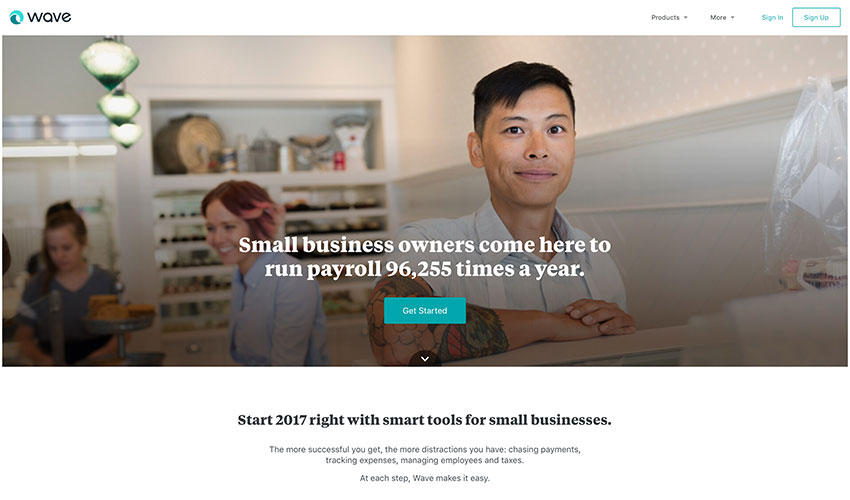
Fancy cutting costs without losing performance? Then charge and don’t be charged with these free invoicing and legal docs resources for small business owners and entrepreneurs.

Docracy: open collection of legal contracts and documents

Termly: Legally backed policy generators and consent management tools for websites, apps, and businesses of all sizes. 

Free Invoice Generator: the name says it all

Invoice to me: create a more itemized or detailed invoice using this invoice generator for free

Invoice.to: clean and easy to use; however, it’s still experimental according to its creator

Kiss: legal documents for startup investors and owners all for free

Shake: create a legal agreement and sign it in a matter of minutes for free. It’s optimized for mobile so it’s easy to use.

Wave: ideal for small business owners who are looking for fast and easy accounting and invoicing, and it’s for free.

Idea Management

Image Source: Germ.io

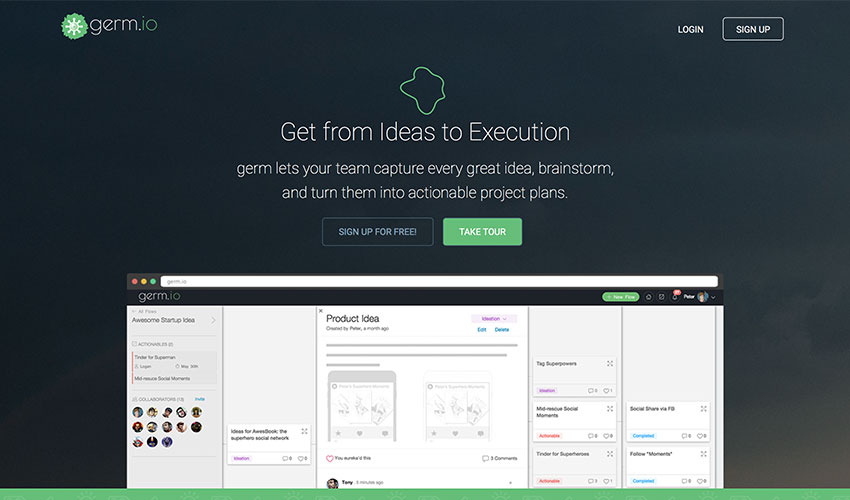
Don’t let your ideas go to waste. Snap them up at their infancy, test, experiment and watch them blossom into something beautiful using these free idea management tools.

Germ.io: turns your ideas into reality by tracking them and allowing you to collaborate with your team until you successfully execute them

Experiment Board: allows you to test your startup idea for free in the community even before you publicly launch it

Skitch: let your idea stand out with this free tool from Evernote.

Content Curation/Trending Ideas

Image Source: Buzzsumo

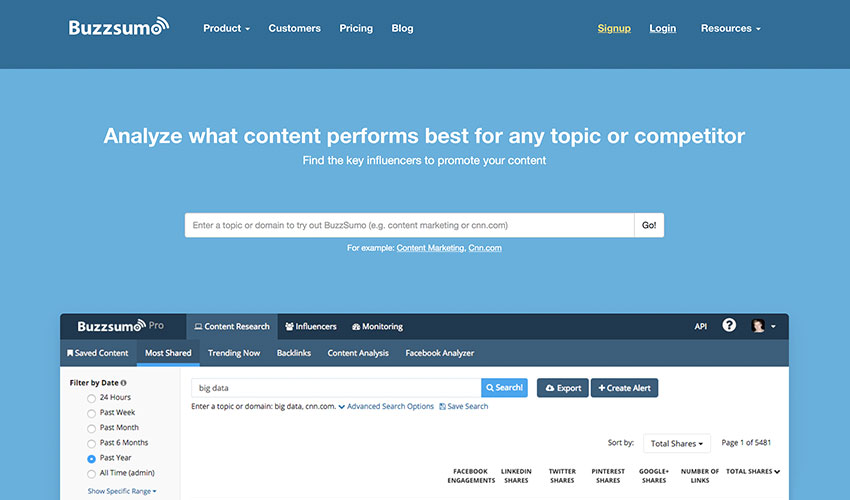
Struggling to keep up with the speed and volume of online content? Take advantage of these free content curation tools to stay abreast with the industry’s trending stories and never miss anything important.

Ruzzit: place of the most shared content on the Internet along with their popularity score and on what social media platform

Buzzsumo: gives you the trending content and shows you how well it competes against another content

Feedly: compiles all news feeds according to category or source. It can be customized and shared

Flipboard: works similarly like Feedly. You can create your own compilation or magazine which other users can follow and share.

Google Trends: displays trending searches in real time

Hubspot Blog Topic Generator: looking for the next idea for your blog topic? This tool is for you for free

Portent: it’s like a mentor on how to make a viral post

Reddit: a forum/community where you can get real trending news from the common people every day.

Swayy: gives you the latest and most interesting news on the web. However, the subscription is only free to one dashboard user.

Others: Google What’s Hot | Twitter Trending | Quora  

Tip: once you’re ready to scale the marketing efforts for your company, check out these online business tools that content marketing consultant, Ryan Robinson recommends for growing your traffic.                                                             

Image Editors

Image Source: Canva

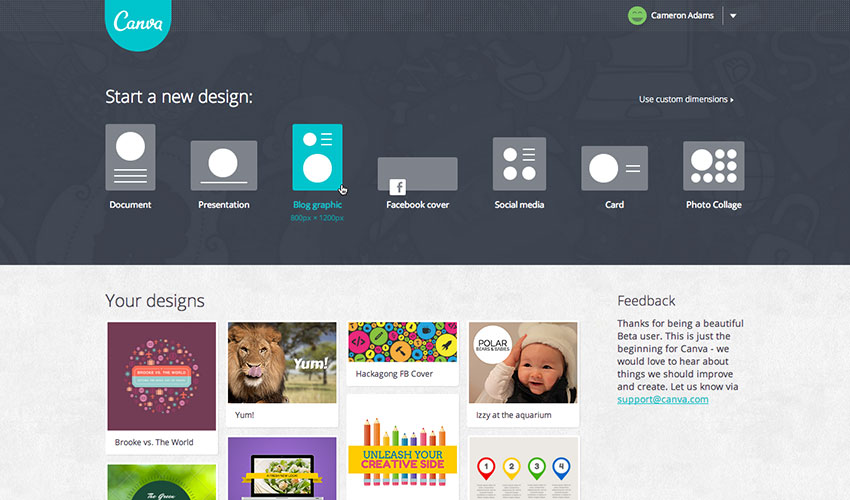
Push your social presence to the next level with free image editing tools that will enable you to instantly create stunning visuals and professional-looking graphics to make your stories resonate

PicMonkey: edit your pictures, make beautiful collages, or create professional-looking graphics, PicMonkey has it for free

Pixlr: easy to use online photo editor

Canva: beautiful image, video, menu designs and more – for your blog, Facebook page, or website

[optin-monster-shortcode id=”cvfuxuhchvywm9wl2q6w”]

Ease.ly: allows you to create stunning visuals, such as infographics, resumes, or marketing presentations. You can share your works for free as well.

Meme Generator: create a meme instantly in just three easy steps. You don’t even need to upload a picture. Also available in 4 languages.

Pablo: increase or make your social presence stand out with these beautiful, free images from Pablo

Place It: more than 2,500 mock-ups and videos across all devices for free

Recite: make any quote memorable and visually enticing with Recite. Just type your favorite quote and choose from the ready-to-use templates. After that, you can share it to any social network or email straight to anyone.

Social Image Resizer Tool: resizes and change the file format of any image for web use

Image Optimizers

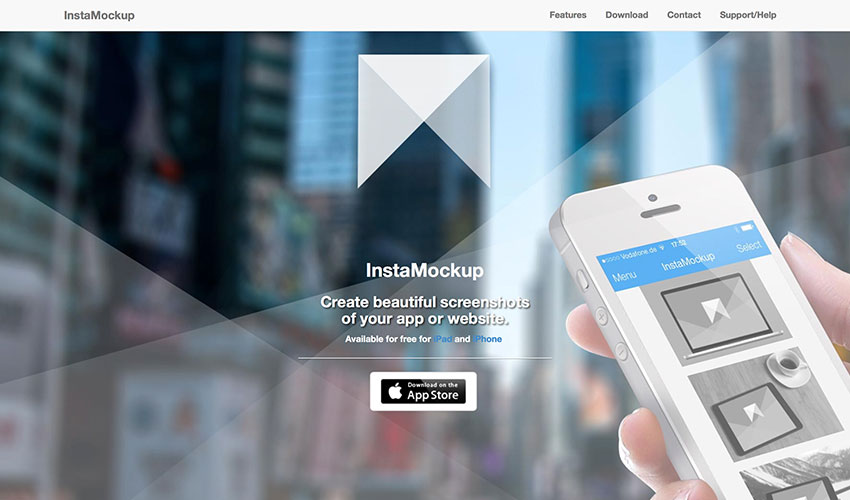
Image Source: InstaMockup

Optimizing images no longer means losing on quality. You can enhance image clarity before compression using an HD photo converter, which helps upscale low-resolution visuals without compromising performance. Resize and compress your images to make them load faster and take less disk space with free image optimization tools.

Compressor.io: reduce or optimize any image you have without changing the high quality of the image.

Dunnnk: Dunnnk is never short of beautiful mockups for Android and iOS devices, all of which have high quality

Image Optim: compresses your images without losing the high quality so that your images can load faster.

Image Optimizer: free online image optimizer, compressor, and resizer. It has now a downloadable version allowing  you to work offline, and it’s all for free.

InstaMockup: a free iOS tool which allows you to create beautiful mockups and allow you to showcase your product in real environments. Available for both iPad and iPhone.

TinyJPG: allows you to compress and optimize your JPEG and PNG images

Smush.it: WordPress image compression and optimization tool

Blogging and Writing Tools

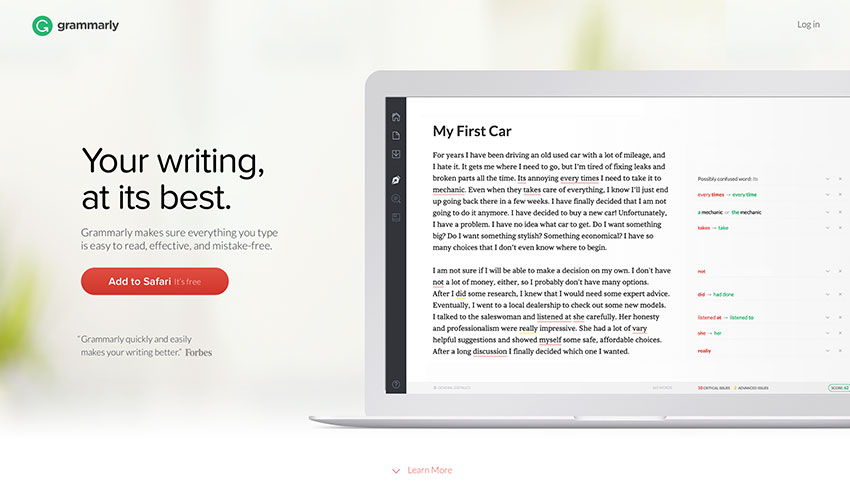
Image Source: Grammarly

Have your inspiration fairies abandoned you lately? Feeling stuck in a rut with your writing routine? Take note of these free blogging and writing tools that will bring the joy back to you.

A5.gg: a small note-taking tool which allows you to take notes using your browser. The best thing about it – it automatically saves your notes so that it is still there when you return.

CoSchedule: analyzes your headlines and suggests how you can write them better in order to drive more traffic to your website

Editorial Calendar: a WordPress blog management tool which allows you to see your blog posts in one place

Egg Timer: a simple online timer which you can repeatedly use for free

Blank Page: makes writing easy, simple, and hassle-free

Free Summarizer: summarize your long sentences that still makes sense

GPTZero: an online AI checker that analyzes any piece of writing and tells you how much of it might be AI-written, with clear, easy-to-read results.

Undetectable AI: a tool that rewrites AI-generated content to make it sound more natural and human-like, helping you avoid detection while keeping your writing clear and authentic.

Liberio: create and publish an eBook straight from Google Docs

Known: a social learning community which allows you to write and collaborate with others. You can also publish it and let the community give you feedback and advice. Perfect for authors who are just starting out.

ZenPen: gets you to write without any distractions is ZenPen’s ultimate goal. That is evident in its no-frill UI

Story Wars: allows you to collaborate and share stories with other writers from across the globe

WP Hide Post: WordPress plugin that lets you control what appears on your blog. You can even control which part of a particular blog can be seen by the readers.

Social Locker: another free WordPress plugin which asks your visitor “to pay” for the content you made through a share, a like, or a Tweet.

Medium: a free blogging platform

Hemingway: a writing app that automatically corrects the syntax of your sentences highlighting them with different colors so you know what specifically is wrong with it.

Grammarly: an online editor that corrects your grammar and sentence cohesiveness. It now has a downloadable version.

SEO and Website Analyzers

Startup Tools SEOMator

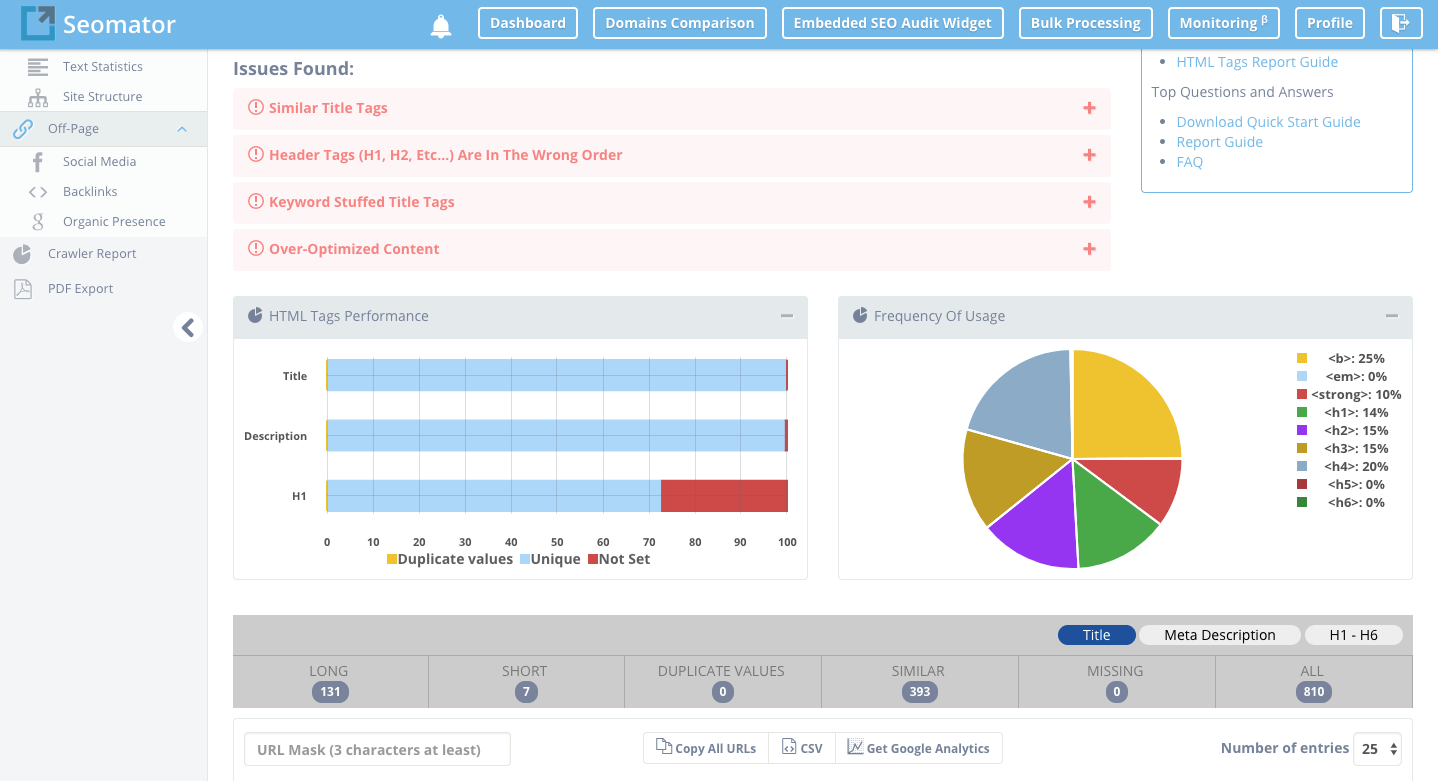
Image Source: Seomator

Don’t let a poor SEO performance drag your site’s performance down the drain. Try these free SEO and website optimization tools to collect feedback, analyze and improve your SEO strategy.  

Ahrefs: checks your backlinks and analyzes your website

Alexa Ranking: analyzes the ranking of any site by providing you analytical insights

Browseo: it gives you feedback how search engines view your site

Broken Links: you don’t have to worry about 404s anymore with this tool as it finds any broken links and redirects them to the correct page

Copyscape: analyzes content if it’s plagiarized or not

Google Pagespeed Insights: another of Google’s useful tools which checks how your site performs

Google: Analytics | Keyword Planner | Webmaster Tools | Trends                                                   

GTMetrics: this is the tool if you want to know how fast your website performance is

Hubspot Marketing Grader: get feedback for your marketing efforts

Keywordtool.io: search for the right keywords for your content

Moz Local: find your local listing on any search engine

Nibbler: tests any website’s performance, popularity, and more

OpenLink Profiler: analyzes and checks backlinks from any website to ensure that you get the freshest and the best ones

Open Site Explorer: also a link analyzer tool

Pingdom: tests how long your website loads

Quick Sprout: provides a comprehensive analysis of your website

SimilarWeb: analyzes and provides insights for any website or app

Seomator: Seomator is the Online SEO Audit Tool and Website Crawler for Website’s SEO Health. In other words, Seomator provides In-depth Technical SEO Analysis and SEO On-Page Testing Tool for Websites Optimization. Same time, Seomator is the Sales Automation Tool that could be implemented directly on a company’s website to automate and increase sales. White-label Reports deliver directly to customers and save hours of work and life.

SEO Site Checkup: checks how well your website’s SEO performs and gives you feedback so you’ll know which ones need fixing

SERPs Rank Checker: checks how well your SERP ranking and SEO performs

Shopify e-Commerce Report: free business tools to grow your Shopify business

W3C Validator: validates the markup validity of any Web documents on any file format

Woorank: screens and analyzes the SEO ranking of your website

XML Sitemaps: allows you to create XML, HTM, and Text sitemaps which can be submitted to any major search engines

Send, Collect and Verify Emails

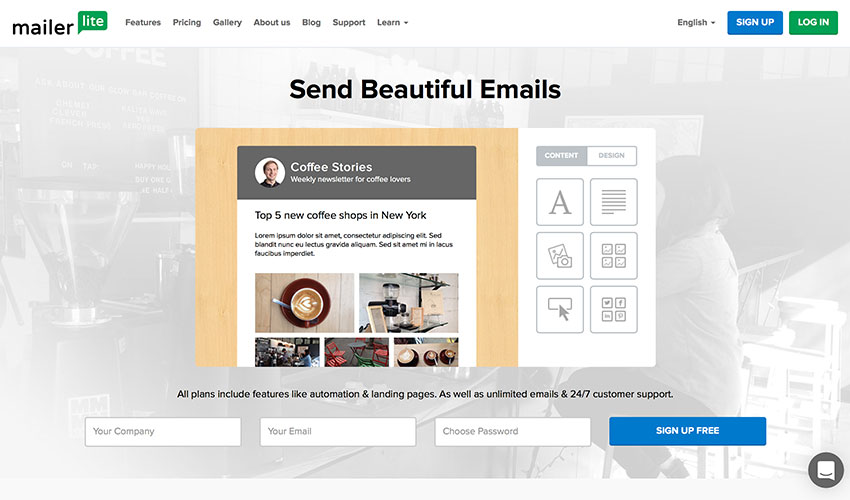
Image Source: Mailerlite

Email made easy, at no additional cost. These free email tools will give you back your time and peace of mind: create, send, track and analyze your campaigns for free.  

Beefree: makes writing emails much easier

Canned Emails: ready-made email messages you can use

Contact Form 7: a free WordPress plugin which allows you to collect your emails

Hello Bar: a tool which enables you to attract more email subscribers

Mailchimp: allows you to send your emails to multiple recipients with just one click. It also has a premium version which enables you to send your emails to more recipients.

Mailerlite: track your emails and find out who has already read them

Mailgun: allows you to send free 10K emails every month

[optin-monster-shortcode id=”u0wiahzfsrgu4dsbbxsb”]

Mandrill: send to 12K emails every month for free

ManyContactsBar: free contact form for your website

Scroll Triggered Box: free WordPress plugin that boosts your conversion rates

Sendgrid: allows you to deliver your emails to 12K people every month for free

Sendinblue: email management tool which allows you to send free 9K emails every month

Sumome List Builder: convert your visitors into customers and subscribers

ZeroBounce: is a free email verification tool allowing users to verify email addresses in real-time.

Social Media and Community Management

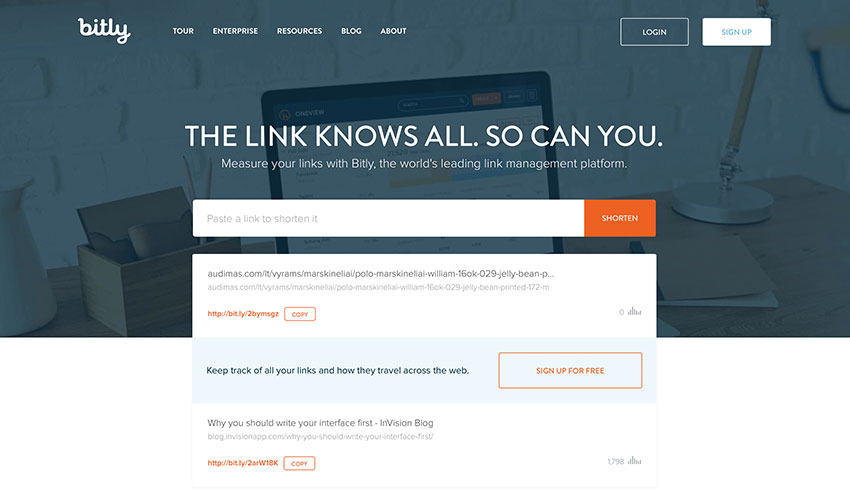
Image Source: Bitly

Your time can be better spent connecting with customers and building your brand than counting likes and shares. Automate your social media with these free online tools to amplify your promotional efforts and increase the engagement.

Addthis: enables you to get more likes, shares, follows, and conversions

App Review Monitor: get insights from the latest app reviews straight to your inbox or Slack account

Bitly: shortens your links so you can share and send them much more easily

Buffer Free Plan: allows you to schedule your posts to any social media network

Digg Digg: a free WordPress plugin that shares your content on all platforms with just one click

Disqus: build your audience by increasing your engagement and allowing discussions

Click To Tweet: tool that lets you get more shares for your blog posts and content

Filament: a customizable share bar

Free Survey Creator: lets you create a survey and acquire feedback for free

How Many Shares: monitor how many shares your content has in various social media networks

Crowdfire: a simple way of growing your audience

Klout: social media analytics tool which rates your social media influence

Latergram:  a perfect tool for your Instagram account which helps you schedule your Instagram posts

MyTweetLinks: increases your Twitter audience

Presskit Generator: creates a press kit for your app for free

Ritetag: Chrome and Firefox browser extension that analyzes your hashtag

SharedCount: lets you track how many shares, likes, and tweets your content has

SocialRank: Twitter management tool

Social Analytics: a free Chrome extension which allows you to get the social data of any URL from supported social networks

Sumome Share: automatically optimizes your share button to increase your website traffic

WordPress Pin It Button for Images: WordPress plugin which allows you to place a “Pin It” button to your images

WriteRack: the perfect tool to create a tweetstorm

A/B Testing and Growth Hacking

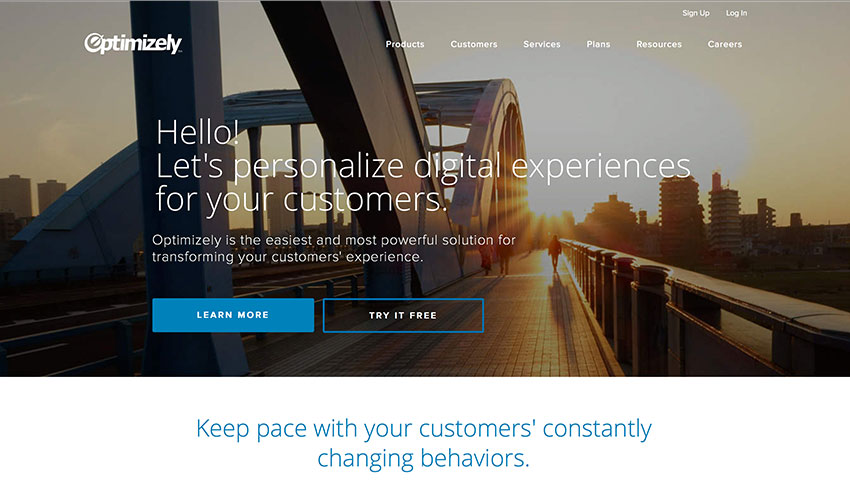
Image Source: Optimizely

Take the guesswork out of website optimization by basing your decisions on real data rather than your own hunch. A few proven growth hacks can take your business a long way.

GrowthHackers: lets you create a fast and sustainable financial and customer growth

Hello Bar: lets you test your call-to-actions and keywords

Petit Hacks: helps you grow your conversion rate by teaching you retention, revenue, and acquisition hacks

Optimizely: helps you optimize your app or website

Customer Service and Survey

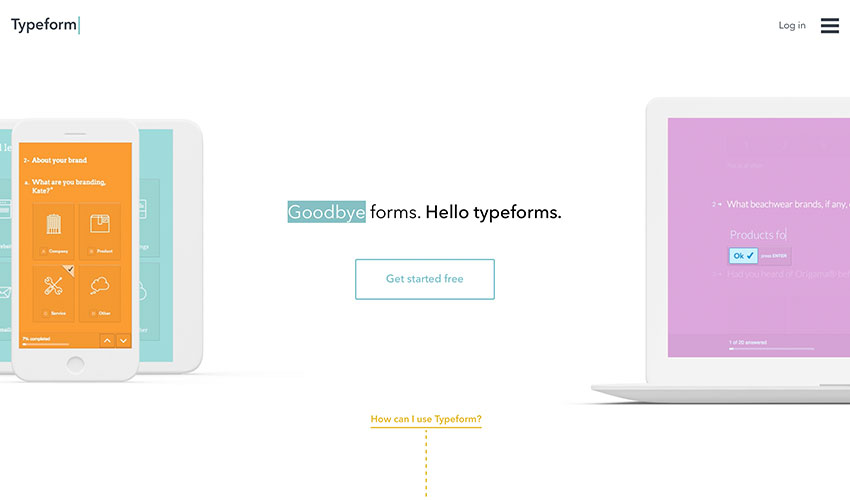
Image Source: Typeform

Keep the customers happy and their feedback rolling in by using these free online tools.

Batch: helps you engage with your mobile customers better

Free Survey Creator: helps you create surveys and get feedback

Helprace: a customer service platform which allows you to create a personalized help desk and feedback portal. The tool is free for up to 3 customer service reps

Survey Any Place: allows you to create entertaining surveys and create awesome respondent experience

Tally: lets you create free polls

Typeform: a form and online survey builder

Guides and Courses

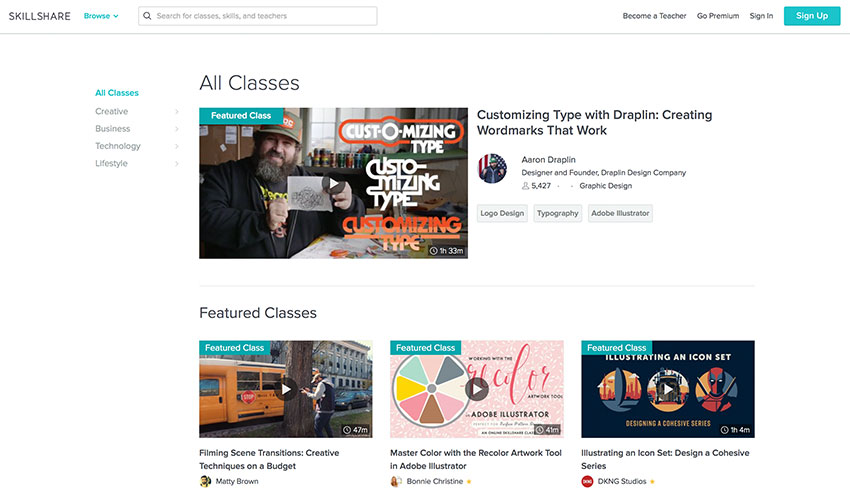
Image Source: Skillshare

It’s never too late or too early to deepen your well of knowledge. Immerse yourself in a new learning experience for free.  

Build an Online Course: teaches you how to create a free online course

Coursera: free online classes from Ivy League universities and other top educational institutions

Codecademy: learn how to code in a fun way

Closed Club: learn from the mistakes of failed startup ventures

Email Course for Sponsorship: a free course that teaches you how to get sponsorships

FirstSiteGuide: teaches you how to make a successful blog or website

Hackdesign: gives you a free lesson on design every week straight into your mailbox

Khan Academy: free online courses on STEM and more

KeepYourFriendsClose: a free e-Book that helps you retain your customers for the long term

Launch This Year: helps you how to launch your online business

MailCharts: a free course that teaches you how to create effective marketing campaigns

Mixergy: learn the secrets of the most successful entrepreneurs

Primer: a free marketing lesson from Google

reSRC.io: programming tutorials and resources

Rocketship.fm: another program where you can learn from top entrepreneurs

Skillshare: free online courses and projects

Startup Notes: short but meaningful lessons from successful startups notebook-style

Startup Talks: watch and listen trade secrets from successful startup entrepreneurs

The Lean LaunchPad: dreaming of creating a startup venture? This is the site where you can learn how

TalentBuddy: another site that offers free coding lessons

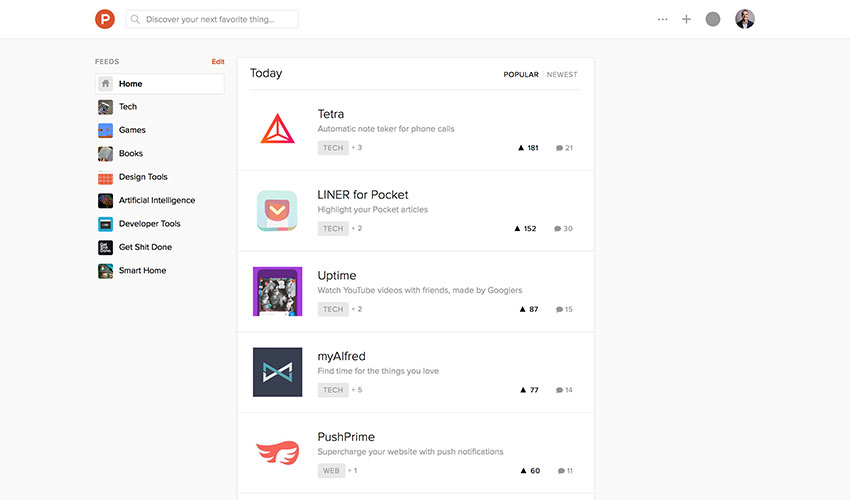
Discover Tools, Startups, and Collaborators

Image Source: Product Hunt

Connect with fellow entrepreneurs, get inspired by the real-world stories, and stay in the know. Have your own piece of wisdom to share? Join a dedicated community!

Angellist: invest, create, or work at a startup

Assembly: collaborate and brainstorm with other people anywhere in the world

Beta List: discover and connect with up and coming startups

CoFounders Lab: meet and collaborate entrepreneurs near you

Erli Bird: where you can find and recruit beta testers as well as collect feedback from Android and iOS users

Founder2be: looking for a partner for your startup? This is the best place to start

Product Hunt: find new products in the market every day

StartupLi.st: the ‘Facebook’ for startups

Startups List: a massive list of startups anywhere in the world

Newsletters

Image Source: Mattermark Daily

Enjoy a constant trickle of knowledge and advice in your inbox at no cost! Learn from industry experts one free newsletter at a time.

Design for Hackers: free newsletter for 12 weeks that includes lessons on design

Email 1K: a free 30-day course that teaches you how to grow your email list

ChargeWhatYou’reWorth: a newsletter that teaches you how much to price yourself and your services

Mattermark Daily: newsletter about founders and entrepreneurs

Product Psychology: newsletter that gives you valuable insights on user behavior

Startup Digest: a personalized newsletter that gives you information about startups around your area

UX Newsletter: newsletter about research, design, and creation

UX Design Weekly: gives you a UX design link every week

Other Useful Tools

Image Source: Ad Spend Calculator

Tame the numbers and cost calculations with the help of these free online tools.

Ad Spend Calculator: gives helpful advertising and marketing advice for startups

App vs. Website: gives you the pros and cons of building a website or an app

Foundrs: equity calculator for you and your business partner/co-founder

HowMuchToMakeAnApp: gives you an estimation how much it will cost you to create an app

Pitcherific: teaches you the art of making pitches that sells

RingCentral Meetings: provides the power to conduct HD video conferences and screen sharing as part of a complete business communications solution. Employees can hold face-to-face meetings in high definition and share screens or documents with anyone, anytime, anywhere. As part of a complete unified communications as a service (UCaaS) cloud offering, it empowers employees to connect with clients and enable collaboration between teams across locations—as if they’re all in the same conference room.

Startup Equity Calculator: gives you an idea how much salary you should give for new hires

StoryXpress: helps to create and hosts videos that generate leads

Design

Image Source: Dribbble

These free premium resources and tools will open you the door to the world of design. These free premium startup resources and tools will open you the door to the world of design.

Dbf: best design freebies for Dribble and Behance

Dribbble: a treasure trove of inspiration and design freebies

Freebbblefree high-quality designs from Dribbble

Fribbblefree PSD files and other design resources created  by Dribbble users

Freebiesbuganother website where you can find free PSD files and other resources from designers

Free Section of Pixedenfree high-quality web and graphic design templates. There’s also a premium version for $6 a month

Free Section of Creative Market: gives out free random items every Monday

Graphic Burger: mouthwatering designs for free from the professional design community

Marvelonline collaboration tool where you can create prototypes and share your design

Pixel Buddhafree premium resources from professionals for professionals

Premium Pixels: collection of free design resources and WordPress themes

Placeit Freebie: more than 2500 high-quality mockups and videos for iOS devices for free

Renderforest – free tools for everyone to create professional intros, animations, slideshows and music visualizations in minutes

365 Psdfree downloadable PSD every day

UI Spacethousands of high-quality handcrafted freebies

Freepikfree vectors, PSDs, images, and icons

Tech&Allfree design resources, news, and PSDs

Linearity: is a graphic design software for the whole Apple ecosystem

SketchAppResources: free resources for the Sketch app

Web3Canvas: free design resources, tutorials, and more

Sources of Inspiration

Image Source: Awwwards

Don’t let a bad day turn into a bad life. Tickle your inspiration with these free tools and resources and restore your creative vibes.

Awwwards: website awards for best web design trends

Behance: website where you can showcase your design portfolio and search for others for inspiration

Crayonfree marketing resources

MaterialUpfree material design resources uploaded every day

FLTDSGNyour one-stop source for inspiration of websites and apps using flat UI design

Flat UI Design: flat UI design resource for websites and apps on Pinterest

Land-Book: find inspiration for your landing pages in this online gallery

Moodboard: lets you create and share your moodboard

Niice: search engine to find design ideas

[optin-monster-shortcode id=”hgbnyw9k7kko6mtq6fgy”]

Site Inspire: free web design inspiration

UI Cloud: thousands of UI elements and kits in different categories

Oceanget feedback for your designs from fellow designers around the world

One Page Love: find inspiration for your one-page website

Pttrnsa massive resource for mobile UI interface in a wide range of categories

The Starter Kit: resource for designers and developers

The Best Designs: the best design inspiration for you

UI Paradefree UI tools and design inspirations

Color Pickers

Image Source: Adobe Color CC

Make your design experiences a breeze by using these free color pickers to extract dominant colors from images, create vivid color combinations and palettes for free.

0 to 255: a  no-nonsense color picker that helps you find the perfect color variations and combinations

Adaptive Backgrounds: a jQuery plugin that allows you to extract dominant colors from images

Adobe Color CC:  a collection of color combinations

Bootflatcolor combination collection for flat design

Brand Colors: discover the color combinations used by the most popular brands, such as Adobe, Amazon, and American Express

Coleure: absolute color management created with Sketch

Colllor: free color palette generator

Colorful Gradientscomputer-generated gradients for free

Coolors: create and share color palettes in a matter of seconds. You can also save your work for future reference

Flat UI Colors: beautiful flat UI color palettes. The site is launching more colors soon as well as more tools for designers and developers

Get UI Colors: free cool color combinations for flat design

Hex Colorrrs: free HEX / RGB converter

Material Palette: allows you to create and export your material design color palette. The website also has free  icons and colors for material design.

New Flat UI Color Picker: a wide range of flat colors for UI design

Material UI Colors: a collection of material design colors for the web, Android, and iOS

Palettonchoose the right color for your website using this free color scheme designer

Palette for Chrome: a Chrome extension that enables you to create a color palette using any image. Just right-click the image and choose “Palette Creation”.

PLTTS: lets you easily find a matching color palette

Skala Color: a free macOS color picker that is compatible with any format. It automatically recognizes colors and can be applied with just one click.

Stock Photography

Image Source: Pexels

Inject some life and energy into your site by adding professional, natural-looking photos from professional photographers from all over the wall.

All The Free Stock: free stock images, icons, videos, mockups, templates, and more

Depositphotos: high-quality stock photography, vectors, and videos for professional design needs.

Spark Adobe:helps you create a perfect marketing plan

Bucketlistlymore than 5,000 free creative common travel photos from around the world

Cupcake: free photos from Swedish photographer Jonas Wimmerstrȍm

Designers Pics: another free stock photo resource

Death to the Stock Photo: free stock photo sent straight into your email every month

Free Nature Stockroyalty-free nature stock photos by Adrian Pelletier

Foodie’s Feed: free high resolution food photos for your food blog

Function: photo packs for free

Gratisographyanother rich resource for high resolution photos for free

Getrefe: free high-quality photos in different categories

IM Free: royalty-free images and other web design resources for commercial use

ISO Republic: free high resolution stock photos for creatives

Jay Mantri: free-to-use high resolution photos by Jay Mantri. He also has contests where you can win free items

Jéshoots: free downloadable modern photos

Kaboompics: your get-to place for great photos

Lock & Stock Photos: free high-quality photos

Burst by Shopifyfree photography for entrepreneurs

Little Visuals: delivers 7 free photos straight into your email every week

Life of Pix: free high-resolution photography from professional photographers from all over the world

Moveast: free images that chronicles the journey of a man going east

Mazwai: free creative commons high-definition video clips and footages

Magdeleine: get a free photo every day

MMT: free photos for commercial use. The collection is updated weekly

New Old Stock: curated vintage photos from public archives

Pexels: one of the best stock photos in the web updated daily, and it’s for free

Pixabay: free downloadable stock photos for commercial use

Picography: free images you can use for any purpose straight from Ireland

Picjumbo: free exclusive photos that have never been published straight into your inbox

Public Domain Archive: free vintage and modern high resolution photos every week

Paul Jarvis: 20 free downloadable high-res photos you can use

Raumrot: absolutely free photos you can edit and modify

Stock Up: tens of thousands of free stock photos across 31 websites

Startup Stock Photos: free photos, images, and vectors

Stokpic: free 10 new photos sent into your inbox every two weeks

StockSnap: high resolution photos free from copyright restrictions

Super Famous: free high resolution photos you can use for any purposes as long as you credit the owner

Snapographic: use these photos in any way you like for free

Splitshiremouthwatering photos for free

The Pattern Library: free amazing patterns for your web design projects

Travel Coffee Book: free travel photos you can use in any way

Unsplashfree high resolution photos in a wide range of categories

Some more websites: Free Digital Photos | Morguefile | Public Domain Pictures | Free Stockvault | ImageFree | Rgbstock | Dreamstime | FreeImages | FreeRangeImages | FreePhotosBank

Icons

Image Source: Font Awesome

Refresh your website by adding some beautiful, high quality icons. These 21 online tools will help you to unlock and explore the potential of graphics.

Fontello: generate new icons and fonts for free

Flat Iconmore than 16000 of glyph vestor icons for free

Material Design Icons: an open-source glyph collection by Google with around 750 glyphs

Glyphsearch: search all free icons around the web

MakeAppIcon: creates any type of app icon for free

Endless Icons: free icons for flat design

Ico Moon: icon generator that gives you  more than 4,000 vector icons

The Noun Project: a collection of glyph icons from different artists

Perfect Icons: a tool that lets you create resolution independent icons

Icon Finder: free icons you can use in any way

Free Round Icons: Doodle Set | Flat Set | Vector Line Set

Icon Sweets: 60 Photoshop icons for your web projects as well as your iPad and iPhone apps

Make Appiconcreate an icon for your app with just one click

App Icon Template: create royalty-free icon for Android, iOs, and OS X platforms

SmartIcons: more than 1,400 downloadable icons for free

Ego Icons: clean and simple vector icons

FlatIconslets you customize your icons for flat design

To(icon): more icons all your for free

Typography

Image Source: Typekit

An ugly, inappropriate font can suck the life out of an otherwise robust website. Take advantage of free typography collections and choose a font that helps you visualize your idea.

TypeGenius: provides a wide array of font combination for any kind of project

Font Squirrel: completely free fonts for commercial use

Google Fonts: open-source fonts by Google 100% free

Beautiful Web Type: another Google resource to help you find stunning typefaces

DaFont: fonts archive which can be downloaded for free

1001 Free Fonts:  a massive collection of free fonts

FontPark: another massive archive of free fonts for any use

Font-to-width: a tool that helps you fit typefaces in their containers without scaling them

Adobe Edge Fonts: an accessible collection of free web fonts

Typekit: a smaller collection but have some great fonts included

Coding and Design Tools

Image Source: Codacy

Drive your business growth with these 22 free coding and design tools at your disposal. Take your mind off complex tasks (like reviewing code) and watch your idea take form.

Hive: unlimited cloud service for free

GitHub: a development platform which lets you collaborate, create, and share software

BitBucket: code collaboration tool

Chisel: contains an unlimited fossil repositories for free with an ISC license

Visual Studio: find most of the tools for developers and designers here

Landscape: gives you an early warning before everything turns unexpectedly.

Swiftypefinds the right results to your searches by browsing all cloud storages. The free version, however, has a limitation

Keen.io: collects event data from anywhere, add rich custom attributes, and send it everywhere

Coveralls: analyzes your code and tells you which part is not covered with your test suite. 

Codacychecks code style and tracks code accuracy throughout your sprints

Searchcode: helps you find billions of lines of codes

TinyCertSSL certificates for free

Opbeat: tool for JS developers which analyzes and optimizes your app’s performance

Pingdom: monitors websites’ uptime

Rollbar: monitors any app for full-stack error. Supports all languages

Loggly: tool that helps you improve log management

Devport: turns your apps, GitHub repos, and websites into a portfolio

Getting Real: a free eBook that teaches you how to create better web apps

Peek: gives you a f-minute video of someone who uses your app or site

Creator: helps you create better and faster apps

DevFreeCasts: collection of screencasts featuring different developes

Cody: library of code nuggets for free

Other Design Tools

Image Source: UI Names

Small things can make a big difference. Save time and improve your design experiences with these smart online tools.

UI Names: gives you ideas of names for your mockups and designs

UI Faces: collection of avatar faces for your UI

Copy Paste Character: design resource you can copy paste

Window Resizer: tool that allows you to see your design in different resolutions

Sonics: user interface sound effects for free

Focus and Attention

Image Source: Noisli

Need a little bit more than moral support to hit your productivity levels? Take your pick from a bunch of free online tools that can dramatically improve your focus and attention.

Noisli: background sound generator that helps increase  your focus and productivity

Noizio: sound equalizer that helps you relax and focus

Defonichelps you create immersive soundscapes

Designers.mx: listen to the music other designers are listening to while they work

Coffitivitygives you coffee shop ambiance while working

Octave: free UI sounds for the iOS platform

Free Sound: massive database of sounds and other audio snippets

Sonics: free sound and sound effects straight to your inbox every week

Deep Focus: relaxing music to help you focus from Spotify

Self Control: (for Mac users)helps you block websites that can easily distract you while working

Cold Turkey: (Windows) blocks distracting websites while you’re working

Team Collaboration

Image Source: Slack

Take the hassle out of team collaboration and benefit from a smooth idea sharing and project management experience. These free tools will introduce you to the world of smart people management.

Trello: helps you collaborate much easier

Evernote: your digital workspace

Dropbox: free cloud storage for up to 2GB

Time Doctor: a time tracking software that claims to increase your productivity by 22% with features like powerful customizable reports that include web and app usage, optional screenshot monitoring and more. In inbound marketing where tasks are abundant, you have to make sure every minute counts. Time Doctor helps you exactly with that.

Yanado: task and project management tool inside Gmail

Wetransfer: allows you to transfer up to 2GB for free

Drp.iofast image hosting and file transfer for free

Pocket: digital to-do later tool

Raindropbookmarking tool for Mac users

Flowdock: collaboration tool for a small team

Typetalk: easy to use instant messaging for team collaboration

Slack: team collaboration tool where you can share your ideas easily

HipChat: team chat for unlimited users

Google Hangouts: team chat and group video calls

Voveet: lets you have 3D conference calls with your team or clients

FreeBusy: helps coordinate the schedule of all team members

RealTimeBoard: online digital whiteboard

Witkit: secure and encrypted data storage with free 50GB of space

Any.do: team collaboration tool

Asana: team management and collaboration tool

Hubstaff Tasks: Easy Agile Project management software

GoToMeeting: free online meetings and web conferencing made easy

ProofHub: a tool design for remote teams tow work effectively

Freelancing and Remote Networking Tools

Image Source: Nomadlist

Bring your team together, upgrade your freelancing routine and tap into a community of nomads and entrepreneurs without spending a single dollar.

Founded X Startup Stats: gives you insight where to build your startup

Teleport: Startup Cities: planning to bring your startup to another city? Teleport helps analyze your budget and logistics for the move

Workfrom: find the best places to work remotely around the city where you are

Lastroomteam travel management tool made easy

Nomadlist: find the best cities in the world to live and work remotely

Internet is a bottomless treasure cove of fantastic free stuff — you just need time and patience to uncover the best pieces. Don’t stop at these 400 free online tools and resources, keep your eyes and ears open for new product launches and continue hustling like a real champ.