Get a free sales audit to uncover hidden revenue opportunities!

The automotive CRM landscape is shifting fast in 2026. With the rise of AI-driven lead management, omnichannel communication, and tighter integrations across marketing and DMS tools, dealerships are demanding more flexible and cost-efficient solutions.

While eLeads CRM has long served as a trusted option in the automotive sector, many businesses are now exploring alternatives that offer deeper customization, better automation, and improved ROI.

In this updated guide, we review five leading eLeads CRM alternatives for 2026—comparing their standout features, integrations, pricing, and ideal use cases to help you choose the right CRM for your dealership or sales organization.

Key Takeaways:

  1. Comprehensive CRM Options: Explore versatile alternatives to eLeads CRM.
  2. Integration Capabilities: Importance of seamless integration with other tools.
  3. Customization & Flexibility: Key factors in aligning a CRM with business needs.
  4. Scalability: Ensure your CRM can grow with your business.
  5. Cost-Effectiveness: Evaluate pricing to get the best value for your investment.

Contents:

What is eLeads CRM?

Overview of eLeads CRM

eLeads CRM is a specialized customer relationship management system tailored for the automotive industry. It offers tools designed to manage customer interactions, streamline sales processes, and enhance marketing efforts. Key features include lead management, multi-channel communication, and integration with dealership management systems (DMS).

However, as businesses evolve, there is often a need to explore alternatives that can provide more tailored software features, better integration capabilities, or more cost-effective solutions.

Key Features of eLeads CRM

eLeads CRM is known for its robust lead management system, which allows businesses to capture and nurture leads effectively. The platform supports multi-channel communication, enabling dealerships to engage with customers via email, phone, and text messages. Additionally, eLeads CRM offers tools for campaign management, customer follow-ups, and performance tracking, which are essential for driving sales and improving customer satisfaction.

Limitations of eLeads CRM

Despite its strengths, eLeads CRM has certain limitations. Its focus on the automotive industry may make it less suitable for businesses in other sectors. Additionally, while eLeads CRM provides a comprehensive set of features, it may lack the flexibility and customization options that some businesses require. For companies looking for more tailored solutions, better integration capabilities, or a platform that can scale with their growth, exploring alternatives to eLeads CRM might be necessary.

Criteria for Choosing an eLeads CRM Alternative

Criteria for Choosing an eLeads CRM Alternative

When evaluating eLeads CRM alternatives in 2026, dealerships and sales-led teams need to look beyond feature checklists and focus on sales discipline, adoption, and pipeline truth. The right CRM should actively prevent revenue leakage—not just record activity after the fact.

AI & Automation That Enforce Follow-Up
Modern CRMs should automate the fundamentals: next-step reminders, task creation after calls, and alerts when deals stall. Predictive lead scoring and AI-driven prioritization only matter if they push reps toward timely, consistent action.

Integration Ecosystem (No Data Silos)
Your CRM must connect natively to email, calendars, calling/SMS, marketing tools, and your DMS or accounting stack. The goal is simple: reps shouldn’t update the same information twice—or worse, keep critical context in their inbox.

Customization Without Complexity
Flexible pipelines, stage definitions, and workflows are essential—but avoid platforms that require heavy admin work to maintain. The best CRMs let managers define clear process rules while keeping rep workflows fast and intuitive.

Scalability & Cloud Reliability
A cloud-native CRM should scale users, pipelines, and data volume without performance issues. Look for platforms that deliver strong uptime, fast load times, and secure access across desktop and mobile.

Pricing Transparency & ROI
Avoid CRMs that nickel-and-dime for essentials like reporting or integrations. Clear pricing, minimal add-ons, and fast time-to-value matter more than headline feature counts.

Adoption & User Experience
If reps don’t use the CRM daily, nothing else matters. Mobile-first design, low admin overhead, and workflows that reflect how reps actually sell are critical to long-term success.

Top 5 Alternatives to eLeads CRM

crm image by Depositphotos

1. Teamgate CRM: The Best All-Rounder

Overview of Teamgate CRM

Overview of Teamgate CRM

Teamgate CRM is built as a sales operating system, not a passive database. While eLeads CRM focuses heavily on automotive-specific workflows, Teamgate is designed to protect revenue across sales-led teams by enforcing disciplined selling, clean pipelines, and consistent follow-up—without bloated complexity.

At its core, Teamgate ensures every deal lives in a real stage with a real next step. This eliminates the silent revenue leak most teams experience when opportunities sit “open” but inactive.

Key Features of Teamgate CRM (and Why They Matter)

Teamgate’s features are intentionally tied to sales behavior—not vanity functionality:

  • Visual Deal Pipelines with Defined Stages
    Keeps deals grounded in reality, improves forecast accuracy, and prevents late-stage “hope-casting.”

  • Tasks, Activities, and Reminders
    Turns the CRM into a daily operating plan so follow-up discipline doesn’t rely on memory.

  • Email & Calendar Sync (Gmail/Outlook)
    Centralizes conversations and meetings, reducing context loss and manual logging.

  • SmartDialer & SMS Integrations (Twilio/Nexmo)
    Enables fast outreach with automatic activity capture—less admin, more selling.

  • Sales Dashboards & Deal Aging Insights
    Gives managers leading indicators (activity, deal age, next-step coverage) for evidence-based coaching.

  • Workflow Automations
    Auto-create tasks, reminders, and notifications so consistent behavior becomes the default.

Ideal For

Small to mid-market sales teams (2–50 users) that want predictable revenue, high CRM adoption, and visibility—without running a bloated enterprise system.

Scalability & Pricing

Teamgate scales cleanly from founder-led teams to structured sales orgs, supporting unlimited pipelines, advanced analytics, and API access as complexity grows. Pricing is transparent and designed around value, not feature gating—making it a strong ROI-driven alternative to eLeads CRM.

Teamgate CRM recently won best value-for-money CRM of 2024!

2. Salesforce CRM: The Enterprise Powerhouse

Overview of Salesforce CRM

Salesforce CRM is one of the most recognized names in the CRM industry, known for its comprehensive and customizable solutions that cater to large enterprises. Unlike eLeads CRM, which is more focused on the automotive sector, Salesforce CRM offers a wide range of tools and functionalities that can be adapted to various industries and business needs.

Key Features of Salesforce CRM

Salesforce CRM is renowned for its scalability and customization options. The platform is built to handle large volumes of data and support extensive user bases, making it ideal for enterprises with complex needs. Salesforce offers a variety of modules and add-ons, such as Sales Cloud, Service Cloud, and Marketing Cloud, which allow businesses to build a CRM system tailored to their specific requirements. For businesses looking to enhance lead management, Salesforce lead routing software provides a robust solution to automate and streamline lead assignment based on specific criteria.
  • Highly customizable dashboards and workflows

  • Advanced analytics and AI-driven insights

  • Extensive third-party integration capabilities

  • Scalable architecture to support business growth

Ideal For: Large enterprises and businesses with complex CRM needs requiring extensive customization and integration options.

To address the elephant in the room, this level of customization and scalability comes at a cost. Salesforce CRM is generally more expensive than other CRM solutions, and its pricing structure can be complex, with additional costs for certain features and modules. For businesses with the budget and need for a highly customizable and scalable CRM, Salesforce is an excellent choice, but smaller companies or those with simpler needs might find it more than they require.

3. HubSpot CRM: The Inbound Marketing Leader

Overview of HubSpot CRM

HubSpot CRM is a well-regarded platform, particularly known for its strengths in inbound marketing and lead nurturing. Unlike eLeads CRM, which is tailored to the automotive industry, HubSpot CRM is designed to support businesses of all sizes across various sectors, with a strong focus on integrating marketing, sales, and customer service functions.

Key Features of HubSpot CRM

HubSpot CRM also excels in its ease of use. The platform is known for its intuitive interface, which makes it easy for users to navigate and utilize its features effectively. This ease of use is particularly beneficial for small to medium-sized businesses that may not have dedicated IT teams to manage their CRM.

  • Integrated marketing automation tools

  • Email tracking and lead nurturing capabilities

  • Customizable dashboards and reportingselecthub.com

  • Free tier with scalable upgrade options

Ideal For: Businesses focusing on inbound marketing strategies and seeking an all-in-one CRM solution, assuming you are willing to scale your budget accordingly. 

While HubSpot CRM’s free version is one of its major selling points, businesses with more complex needs may find the cost of the paid plans comparable to other CRMs. However, the integration of HubSpot CRM with the company’s broader marketing and sales tools makes it a powerful option for businesses focused on inbound marketing, and its scalability ensures that it can grow alongside your business.

4. Zoho CRM: The Budget-Friendly Option

Overview of Zoho CRM

Zoho CRM is a popular choice for small to medium-sized businesses looking for a cost-effective customer relationship management solution. Unlike eLeads CRM, which is highly specialized for the automotive industry, Zoho CRM offers a more generalist approach, providing a wide range of features at a very competitive price point. This makes it an attractive alternative for businesses that need a robust CRM without breaking the bank.

Key Features of Zoho CRM

Zoho CRM is packed with features that cater to various aspects of customer relationship management. It offers tools for lead management, sales pipeline tracking, marketing automation, and customer support, among others. One of the platform’s strengths is its extensive customization capabilities, allowing businesses to tailor their CRM environment to fit their specific needs.

Top Features:

  • Custom modules and process automation

  • AI assistant (“Zia”) for sales predictions

  • Territory and workflow management

  • Integrations with over 500+ third-party apps

Why Choose It?
If you want strong customization capabilities like Salesforce—but without the enterprise pricing—Zoho CRM is a smart, scalable option.

Scalability and Pricing of Zoho CRM

One of the standout features of Zoho CRM is its affordability. The platform offers several pricing tiers, starting with a free version that supports up to three users, making it an ideal choice for startups and small businesses. As your business grows, you can upgrade to one of Zoho CRM’s paid plans, which offer additional features and greater customization options. Despite its low cost, Zoho CRM doesn’t skimp on functionality, making it one of the best value-for-money CRM solutions on the market.

In terms of scalability, Zoho CRM can grow with your business, accommodating more users, data, and features as needed. This scalability, combined with its competitive pricing, makes Zoho CRM an excellent choice for businesses looking to get the most out of their CRM investment without overspending.

5. Pipedrive CRM: The Sales-Focused Solution

Overview of Pipedrive CRM

Pipedrive CRM is a sales-focused customer relationship management system designed to help businesses manage their sales pipelines more effectively. Unlike eLeads CRM, which serves the broader needs of the automotive industry, Pipedrive is laser-focused on sales management, making it an ideal choice for businesses that prioritize sales processes and pipeline visibility above all else.

Key Features of Pipedrive CRM

Pipedrive CRM is known for its intuitive, visual approach to sales pipeline management. The platform allows sales teams to easily track the progress of deals, manage contacts, and forecast revenue, all from a simple drag-and-drop interface. This visual pipeline feature is Pipedrive’s hallmark, enabling sales teams to see the status of every deal at a glance and take action to move deals forward.

  • Highly visual drag-and-drop pipelines

  • Deal rotting and activity reminders

  • Revenue forecasting and goal tracking

  • Mobile app and Chrome extension for lead capture

Why Choose It?
For sales reps who spend most of their time prospecting, following up, and closing deals, Pipedrive keeps CRM management lean and productive.

Pipedrive CRM integrates well with other tools, particularly those related to sales and marketing. It supports integration with popular email providers, marketing automation platforms, and other sales tools, ensuring that all aspects of the sales process are connected and streamlined.

Scalability and Pricing of Pipedrive CRM

Pipedrive CRM offers a straightforward pricing model, with several tiers based on the features you need. The platform is competitively priced, making it accessible to businesses of all sizes, from startups to large sales teams. Pipedrive’s pricing structure is transparent, with no hidden fees, which is a significant advantage for businesses working within a budget.

In terms of scalability, Pipedrive CRM is designed to grow with your business. As your sales team expands, you can easily add more users and access additional features as needed. Pipedrive’s focus on sales processes makes it particularly well-suited for businesses that are looking to scale their sales operations efficiently.

Conclusion: Choosing the Right CRM for Your Needs

In 2026, choosing a CRM isn’t about storing contacts—it’s about running your sales operation with discipline and clarity. CRMs that merely record activity allow revenue to leak quietly through missed follow-ups, stale deals, and unreliable forecasts.

While eLeads CRM remains viable for traditional automotive workflows, modern sales teams are demanding systems that enforce next steps, surface deal health early, and integrate seamlessly with their existing stack.

Alternatives like Teamgate, Salesforce, HubSpot, Zoho, and Pipedrive each serve different needs—but the best choice is the one your reps will actually use every day and your managers can trust when forecasting.

Pro Tip: Use free trials to test one critical question: Does this CRM tell my team exactly what to do next—and show leadership what’s real?

To get started with Teamgate CRM for FREE today, claim your 14 day trial or book a system demo.


FAQs: eLeads CRM Alternatives

What are the main differences between eLeads CRM and Teamgate CRM?

The primary difference between eLeads CRM and Teamgate CRM is their target industries. eLeads CRM is specifically designed for the automotive industry, offering specialized tools for dealerships, while Teamgate CRM is a versatile, industry-agnostic platform suitable for a wide range of businesses. Teamgate CRM also offers more customization options and better integration capabilities compared to eLeads CRM.

Why should I consider switching from eLeads CRM to an alternative?

You might consider switching from eLeads CRM if your business requires more flexibility, better integration with other tools, or if you are looking for a CRM that can scale with your growing needs. Additionally, if your business operates outside the automotive industry, you might benefit from a CRM that is not as niche-specific as eLeads.

How does Teamgate CRM compare to Salesforce CRM?

Teamgate CRM is generally more user-friendly and cost-effective compared to Salesforce CRM. While Salesforce offers extensive customization and scalability, it is more suited to large enterprises with complex needs and higher budgets. Teamgate CRM, on the other hand, provides a more straightforward solution that is ideal for small to medium-sized businesses looking for an intuitive and affordable CRM.

Is Zoho CRM a good alternative for small businesses?

Yes, Zoho CRM is an excellent alternative for small businesses due to its affordability and extensive feature set. It offers a free version for up to three users, making it an accessible option for startups. Zoho CRM also provides good customization and integration options, making it a versatile tool for small businesses with limited budgets.

Can HubSpot CRM replace eLeads CRM for automotive businesses?

While HubSpot CRM can be used by automotive businesses, it is not specifically designed for this industry like eLeads CRM. However, HubSpot excels in inbound marketing and lead nurturing, making it a strong choice for businesses that prioritize these areas. If your automotive business places a high value on marketing automation and lead management, HubSpot could be a viable alternative.

What makes Pipedrive CRM a strong choice for sales teams?

Pipedrive CRM is designed with a strong focus on sales pipeline management, making it ideal for sales teams that need a visual and intuitive way to track deals and manage sales activities. Its simple drag-and-drop interface allows teams to see the status of each deal at a glance, and its sales-focused features help streamline the sales process, making it a strong choice for teams looking to enhance their sales performance.

How do the pricing models of these CRM alternatives compare?

The pricing models of these CRM alternatives vary significantly. Teamgate CRM offers competitive pricing with a focus on value for money, while Salesforce CRM tends to be more expensive due to its extensive features and scalability. HubSpot CRM offers a free version with paid tiers for advanced features, making it scalable according to your needs. Zoho CRM is known for its affordability, especially for small businesses, and Pipedrive CRM provides a transparent, straightforward pricing structure that scales with your team’s needs.

Which CRM is best for a growing business?

For a growing business, scalability is key. Teamgate CRM is an excellent choice due to its scalability and ability to adapt to different business sizes and industries. Salesforce CRM is also a strong option for larger businesses that require extensive customization and advanced features. Zoho CRM is ideal for small businesses planning to grow, thanks to its affordable pricing and flexible features.

What integration capabilities should I look for when choosing a CRM?

When choosing a CRM, it’s important to look for integration capabilities with tools you already use, such as email marketing platforms, accounting automation software, and customer support systems. CRMs like Teamgate and Salesforce offer extensive integration options with third-party applications, which helps in creating a seamless workflow and ensuring all your business tools work together efficiently.

How does ease of use vary between these CRM options?

Ease of use varies significantly between these CRM options. Teamgate CRM and Pipedrive CRM are known for their intuitive interfaces and user-friendly designs, making them easy to adopt with minimal training. Salesforce CRM, while powerful, has a steeper learning curve due to its complexity and extensive features. HubSpot CRM also offers an easy-to-use interface, especially for businesses focusing on marketing and sales alignment. Zoho CRM strikes a balance between ease of use and customization, making it accessible yet flexible.

Revenue usually doesn’t disappear in one big moment—it leaks out through missed follow-ups, vague pipeline stages, and deals that sit “open” with no real next step. If you want full-cycle sales to work, you need three things:

  • Clear stages that mean something

  • A required next step on every active deal

  • Visibility into activity and deal health

Teamgate is a sales operating system for teams who want disciplined selling, real insight, and a CRM their reps actually use. Instead of adding bloat, it reinforces the behaviors that keep deals moving and forecasts grounded in reality.

Key Takeaways

  • Key CRM Features: Discover crucial features for full-cycle sales, including lead management and workflow automation.
  • Sales Team Collaboration: Understand how CRMs enhance team collaboration and communication.
  • Customer Follow-ups: Learn how CRMs automate and manage customer follow-ups effectively.
  • Integration Importance: Find out why integrating your CRM with other tools is essential.
  • CRM Scalability: See why scalability is critical for growing businesses.

Contents

What is a Full-Cycle Sales Process?

A full-cycle sales process covers every stage of the sales journey; from the first conversation to closed-won and ongoing follow-up. But in practice, it’s not just a list of stages. It’s a system that ensures:

  • Every deal has a clear stage

  • Every stage has defined entry and exit criteria

  • Every active opportunity has a next step

The key stages of a full-cycle sales process include:

Prospecting

This is where sales representatives identify potential customers or leads. It involves researching and gathering information about prospective clients who might be interested in the product or service.

Qualifying

In this stage, the sales team assesses leads to determine their suitability and likelihood of converting. This means validating need, budget, authority, timeline, and fit, so reps don’t waste cycles on deals that were never real.

Presenting

Once a lead is qualified, the sales representative presents the product or service, showing how it addresses the customer’s specific needs. This stage should always end with a defined next step, another meeting, a proposal review, or stakeholder alignment.

Handling Objections

Customers often have concerns. Addressing these effectively requires clarity on what’s blocking the deal and a structured follow-up plan to resolve it.

Closing

This is where the sale is finalized. Clear documentation, activity history, and stakeholder context help prevent last-minute surprises.

Follow-up

Post-sale follow-up ensures customer satisfaction and long-term value. Without structured reminders and task management, even happy customers can drift away.

Managing each stage efficiently improves win rates and protects momentum. The difference between a healthy pipeline and a misleading one often comes down to how strictly these stages are enforced.

Why You Need a CRM for Full-Cycle Sales

Running full-cycle sales without a CRM doesn’t just slow teams down, it creates blind spots that cost revenue.

Deals sit in “open” stages with no next action. Reps rely on memory for follow-up. Managers forecast based on optimism instead of evidence.

A CRM built for disciplined execution turns selling into a repeatable operating rhythm instead of a collection of personal habits.

Teamgate represents a sales operating system that protects revenue by enforcing disciplined selling, clean pipeline data, consistent follow-up, and leadership visibility, without bloated features or heavy admin overhead

Benefits of Using a CRM in Full-Cycle Sales:

The real value of a CRM isn’t storing data. It’s reinforcing behavior at scale.

Predictable execution:
Tasks, reminders, and automations make consistent follow-up the default instead of a heroic effort.

Pipeline truth:
Deal aging, activity history, and next-step coverage replace subjective forecasting with real signals.

Higher rep adoption:
When email, calls, meetings, and notes live in one place, reps update the CRM because it helps them sell—not because they’re forced to.

Better coaching leverage:
Managers can coach from activity data, deal health, and next-step coverage instead of anecdotes.

Revenue protection:
Stale deals are surfaced early, preventing silent pipeline decay and wasted capacity.

In short, a full-cycle CRM doesn’t just track sales—it protects revenue from the hidden cost of inaction.

Key Features to Look for in a CRM for Full-Cycle Sales

Choosing the right CRM for full-cycle sales involves understanding the essential features that can enhance your sales process and drive better results. Here are the key features to look for:

Lead and Contact Management

A robust CRM should offer comprehensive lead and contact management capabilities. This includes storing and organizing contact information, tracking interactions, and managing follow-up tasks. Effective lead management ensures that no potential customer falls through the cracks and that sales representatives can easily access all the information they need to engage with leads effectively.

Sales Pipeline Management

Sales pipeline management is crucial for visualizing the different stages of the sales process. A CRM with this feature allows sales teams to track the progress of deals, identify bottlenecks, and forecast sales revenue. It provides a clear overview of where each lead is in the sales cycle, helping managers make informed decisions and prioritize efforts.

Workflow Automation

Automation capabilities in a CRM can significantly improve efficiency by automating repetitive tasks such as sending follow-up emails, scheduling meetings, and updating records. Workflow automation ensures consistency and frees up time for sales representatives to focus on more strategic activities, such as nurturing relationships and closing deals.

Analytics and Reporting

Detailed analytics and reporting features are essential for monitoring performance and making data-driven decisions. A CRM should provide customizable reports and dashboards that offer insights into sales activities, team performance, and customer behaviors. This information helps in identifying trends, evaluating the effectiveness of sales strategies, and making necessary adjustments.

Integration Capabilities

A good CRM should seamlessly integrate with other tools and systems that your business uses, such as email platforms, marketing automation software, and customer support systems. Integration capabilities ensure that data flows smoothly across different systems, providing a unified view of customer interactions and enabling better collaboration between departments.

Customization Options

Every business has unique needs, and a one-size-fits-all approach doesn’t work. Look for a CRM that offers customization options, allowing you to tailor the system to your specific sales processes and requirements. This can include customizing fields, workflows, and user interfaces to match your business model.

By focusing on these key features, businesses can select a CRM that not only supports their full-cycle sales process but also enhances overall productivity and effectiveness. The right CRM will empower sales teams to work smarter, close deals faster, and build stronger customer relationships.

Top 5 CRMs for Full-Cycle Sales

1. Teamgate CRM

Overview: Teamgate CRM is designed for sales-led teams that want process clarity without enterprise bloat. It focuses on clean pipelines, enforced next steps, and high rep adoption.

Teamgate CRM Key Features and Benefits (Behavior-Focused):

  • Visual Deal Pipeline with Real Stages: Custom pipelines and clear stage definitions ensure every deal reflects reality, not optimism—improving forecast accuracy.
  • Mandatory Next Steps via Tasks & Activities: Every active deal is tied to a concrete action, eliminating “no next step” stagnation.
  • Email & Calendar Sync (Gmail/Outlook): Conversations, meetings, and history stay attached to deals automatically, reducing admin and lost context.
  • Built-in Calling & SMS (Twilio/Nexmo): Reps call and follow up directly from the CRM, with outcomes logged automatically for consistency.
  • Workflow Automations: Auto-created tasks, reminders, and notifications enforce follow-up discipline without manual policing.
  • Sales Dashboards & Forecasting: Managers see deal aging, activity levels, and pipeline health—so coaching and forecasts are evidence-based.
  • Rep-First Adoption: Fast setup, minimal data entry, and mobile apps ensure reps actually use the system daily.

How Teamgate Supports Full-Cycle Sales:
Teamgate makes disciplined selling the default. Deals can’t quietly go stale because next steps are visible. Follow-up becomes systematic, not optional. Managers gain reliable pipeline insight, and reps spend less time on admin and more time advancing deals.

2. Salesforce

Overview: Salesforce is one of the most widely used CRM platforms globally, known for its extensive features and scalability. It is ideal for businesses of all sizes looking to manage their full-cycle sales processes efficiently.

Salesforce Key Features and Benefits:

  • Lead and Contact Management: Salesforce offers comprehensive lead and contact management tools, including lead scoring, assignment, and tracking. Its robust database allows users to store and manage vast amounts of customer information.
  • Sales Pipeline Management: The platform’s pipeline management features enable users to visualize the sales process, track deal progress, and identify potential bottlenecks. Salesforce’s customizable pipelines provide flexibility to fit various sales processes.
  • Workflow Automation: Salesforce’s automation tools streamline routine tasks, such as sending follow-up emails, scheduling appointments, and updating records. Automation helps improve efficiency and ensures consistency in sales activities.
  • Analytics and Reporting: Salesforce provides advanced analytics and reporting capabilities, offering insights into sales performance, customer behavior, and team productivity. Users can create custom reports and dashboards to monitor key metrics.
  • Integration Capabilities: Salesforce integrates with numerous third-party applications, including marketing automation tools, email platforms, and customer support systems. This integration ensures a seamless flow of information across different departments.
  • Customization Options: Salesforce allows extensive customization, enabling businesses to tailor the CRM to their specific needs. Users can customize fields, workflows, and reports to match their sales processes.

How Salesforce Supports Full-Cycle Sales: Salesforce supports full-cycle sales by providing tools that cover every stage of the sales process. From lead generation and nurturing to closing deals and post-sale follow-up, Salesforce offers features that enhance each phase of the sales journey.

3. HubSpot CRM

Overview: HubSpot CRM is a popular choice for businesses seeking an easy-to-use, scalable CRM solution. It offers a range of features designed to manage full-cycle sales processes efficiently.

Hubspot CRM Key Features and Benefits:

  • Lead and Contact Management: HubSpot CRM provides powerful lead and contact management tools, including automatic lead capture, tracking, and segmentation. Its user-friendly interface makes it easy to manage customer information.
  • Sales Pipeline Management: HubSpot’s visual pipeline management tools allow users to track deals through different stages. Customizable pipelines help businesses tailor the sales process to their specific needs.
  • Workflow Automation: HubSpot automates routine tasks such as email follow-ups, meeting scheduling, and data entry. Automation ensures that sales representatives can focus on building relationships and closing deals.
  • Analytics and Reporting: HubSpot offers robust reporting and analytics tools that provide insights into sales activities, performance, and customer interactions. Customizable dashboards and reports help businesses monitor key metrics and make data-driven decisions.
  • Integration Capabilities: HubSpot integrates seamlessly with a variety of tools, including email platforms, marketing automation software, and customer support systems. This integration ensures a cohesive sales process and better data management.
  • Customization Options: HubSpot allows users to customize fields, workflows, and reports, ensuring that the CRM aligns with their unique business needs.

How Hubspot CRM Supports Full-Cycle Sales: HubSpot CRM supports full-cycle sales by providing tools for lead generation, qualification, deal tracking, and follow-up. Its comprehensive feature set ensures that every stage of the sales process is managed efficiently.

4. Pipedrive

Overview: Pipedrive is a CRM designed specifically for sales teams, focusing on simplicity and efficiency. It provides a visual interface that makes it easy to manage the full sales cycle, from lead generation to deal closure.

Pipedrive Key Features and Benefits:

  • Lead and Contact Management: Pipedrive offers robust lead and contact management features, including detailed contact profiles, interaction tracking, and lead segmentation. The system ensures that all customer information is organized and easily accessible.
  • Sales Pipeline Management: Pipedrive’s visual sales pipeline allows users to drag and drop deals through various stages. This feature helps sales teams keep track of their progress and quickly identify which deals need attention.
  • Workflow Automation: Pipedrive automates repetitive tasks such as sending follow-up emails, creating to-do lists, and updating deal statuses. Automation saves time and ensures that important tasks are not overlooked.
  • Analytics and Reporting: Pipedrive provides powerful analytics and reporting tools that offer insights into sales performance, deal progression, and team productivity. Customizable reports help managers make informed decisions based on real-time data.
  • Integration Capabilities: Pipedrive integrates with a wide range of third-party applications, including email platforms, marketing tools, and project management software. This ensures a seamless flow of information and enhances collaboration across teams.
  • Customization Options: Users can customize Pipedrive to fit their specific sales processes by adjusting fields, workflows, and pipelines. This flexibility ensures that the CRM aligns with unique business needs.

How Pipedrive Supports Full-Cycle Sales: Pipedrive’s features are designed to support every stage of the full-cycle sales process. From initial contact and lead management to deal tracking and closure, Pipedrive provides the tools necessary for efficient and effective sales management.

5. Zoho CRM

Overview: Zoho CRM is a versatile and scalable CRM solution suitable for businesses of all sizes. It offers a comprehensive suite of features that support the full-cycle sales process, from lead generation to customer retention.

Zoho CRM Key Features and Benefits:

  • Lead and Contact Management: Zoho CRM provides advanced lead and contact management tools, including lead scoring, assignment rules, and interaction tracking. It helps sales teams organize and prioritize their leads efficiently.
  • Sales Pipeline Management: Zoho’s sales pipeline management features allow users to track deals through various stages, visualize the sales process, and identify potential bottlenecks. Customizable pipelines ensure that the CRM fits the unique needs of different businesses.
  • Workflow Automation: Zoho CRM automates routine tasks such as sending follow-up emails, scheduling appointments, and updating records. This feature helps improve productivity and ensures that important tasks are completed on time.
  • Analytics and Reporting: Zoho CRM offers powerful analytics and reporting tools that provide insights into sales performance, customer behaviors, and team productivity. Users can create custom reports and dashboards to monitor key metrics and make data-driven decisions.
  • Integration Capabilities: Zoho CRM integrates with a wide range of third-party applications, including email platforms, marketing automation tools, and customer support systems. This ensures seamless data flow and enhances collaboration across different departments.
  • Customization Options: Zoho CRM allows extensive customization, enabling businesses to tailor the system to their specific needs. Users can customize fields, workflows, and reports to match their sales processes.

How Zoho CRM Supports Full-Cycle Sales: Zoho CRM supports full-cycle sales by providing tools that cover every stage of the sales process. From lead generation and nurturing to deal closure and post-sale follow-up, Zoho CRM offers features that enhance each phase of the sales journey.

How to Choose the Right CRM for Your Business

Selecting the right CRM for your business is a critical decision that can significantly impact your sales efficiency and overall growth. Here are the key factors to consider when choosing a CRM for full-cycle sales:

Assess Your Business Needs

Start by evaluating your business requirements and sales processes. Understand what specific features and functionalities are essential for your team. For example, if your sales process involves extensive customer interaction, you might need a CRM with robust contact management and communication tools.

Compare Different CRM Options

Research and compare various CRM options based on their features, pricing, and scalability. Consider factors such as ease of use, integration capabilities, customization options, and customer support. Reading reviews and testimonials from other businesses can also provide valuable insights into the effectiveness of different CRMs.

Evaluate Integration Capabilities

Ensure that the CRM you choose can integrate seamlessly with your existing tools and systems, such as email platforms, marketing automation software, and customer support systems. This integration is crucial for maintaining a cohesive sales process and ensuring that data flows smoothly across different departments.

Consider Scalability

Choose a CRM that can grow with your business. Scalability is important if you plan to expand your operations or if your sales team is likely to increase. The CRM should be able to handle an increased number of users, leads, and transactions without compromising performance.

Importance of Trial Periods and Demos

Take advantage of free trials and demos offered by CRM vendors. This allows you to test the software’s features and see how it fits with your sales processes. Involve your sales team in the evaluation process to get their feedback and ensure that the CRM meets their needs.

Cost and Return on Investment

While cost is an important consideration, it shouldn’t be the only factor. Consider the return on investment (ROI) that the CRM can provide. A slightly more expensive CRM that significantly improves your sales efficiency and revenue can be more beneficial in the long run compared to a cheaper, less effective option.

By considering these factors, you can make an informed decision and choose a CRM that best aligns with your business goals and sales strategies.

Conclusion

Full-cycle sales only work when every stage has structure, every deal has a next step, and every forecast is grounded in real activity.

The right CRM reinforces those fundamentals. By understanding the strengths of Teamgate CRM, Salesforce, HubSpot CRM, Pipedrive, and Zoho CRM, you can choose a system that supports disciplined execution—not just data storage.

If forecasts feel like guesses and late-stage deals stall without visibility, pipeline discipline changes everything.

To get started with Teamgate CRM today, speak with their dedicated team or start a free trial for yourself.


FAQs: Full-Cycle Sales CRM

What features should I look for in a CRM for full-cycle sales?

When selecting a CRM for full-cycle sales, look for features such as lead and contact management, sales pipeline visualization, workflow automation, detailed analytics and reporting, integration capabilities with other tools, and customization options to fit your specific business needs.

How does a CRM improve sales team collaboration?

A CRM enhances sales team collaboration by providing a centralized platform where all team members can access and share information about leads, deals, and customer interactions. It ensures that everyone is on the same page, reduces duplication of efforts, and facilitates communication across the team.

Can a CRM help in managing customer follow-ups?

Yes, a CRM can automate and manage customer follow-ups by scheduling reminders, sending automated emails, and tracking interaction history. This ensures timely follow-ups, which are crucial for maintaining customer engagement and improving conversion rates.

What is the importance of CRM integration with other tools?

Integration with other tools such as email platforms, marketing automation software, and customer support systems is important because it allows for seamless data flow and enhances the overall efficiency of business processes. It ensures that all departments have access to up-to-date information, improving collaboration and decision-making.

How do customizable CRM fields benefit my business?

Customizable CRM fields allow you to tailor the CRM to match your specific business processes and data requirements. This flexibility ensures that the CRM can adapt to your unique workflows, making it more effective and relevant to your business operations.

Why is CRM scalability important for growing businesses?

Scalability is important because as your business grows, your CRM should be able to handle an increasing number of users, leads, and transactions without compromising performance. A scalable CRM ensures that you won’t need to switch systems as your business expands, saving time and resources.

How can CRM analytics improve my sales strategy?

CRM analytics provide insights into sales performance, customer behaviors, and team productivity. By analyzing this data, you can identify trends, evaluate the effectiveness of your sales strategies, and make informed decisions to optimize your sales process and improve results.

What are the benefits of CRM workflow automation?

CRM workflow automation streamlines repetitive tasks such as sending follow-up emails, scheduling appointments, and updating records. This improves efficiency, reduces the chance of human error, and allows sales representatives to focus on more strategic activities, such as building relationships and closing deals.

How does a CRM enhance customer satisfaction?

A CRM enhances customer satisfaction by ensuring that all customer interactions are tracked and managed efficiently. This leads to timely responses, personalized communication, and a consistent customer experience, which in turn increases customer loyalty and retention.

What should I consider when evaluating CRM cost versus ROI?

When evaluating CRM cost versus ROI, consider both the initial and long-term costs, including subscription fees, implementation services, training, and ongoing support. Weigh these costs against the potential benefits such as improved sales efficiency, higher conversion rates, and increased revenue. A CRM that provides significant value and ROI justifies the investment.

Best Tools to Warm Up Your Email Account

Introduction

Imagine you’re a sales rep eagerly anticipating responses to your well-crafted emails. But instead, you discover they’re landing in the dreaded spam folder. For many businesses, establishing a new email account comes with the risk of poor deliverability, impacting engagement and increased bounce rates.

Fortunately, there’s a solution—email warm-up. In this guide, we’ll explore the best email warm-up tools that can help improve your sender reputation and enhance your campaign success

What is Email Warm-Up?

Email warm-up is a process that gradually increases the sending volume of a new email account to build trust with email service providers (ESPs). Here’s what you should know:

  • How ESPs Evaluate Sender Reputation: ESPs assess new accounts on sender reputation, which is influenced by factors like engagement rates, (opens, replies) and complaints.
  • Manual vs. Automated Warm-Up: You can choose to warm up your account manually or use automated tools. Automated solutions simplify the process, allowing you to focus on your actual campaigns.
  • Typical Timeline Expectations: It generally takes 2-6 weeks for effective warm-up. During this period, your account grows its reputation gradually.
  • Consequences of Skipping Warm-Up: Neglecting this crucial step can lead to high bounce rates, blacklisting, and spam folder placement.

Why Email Warm-Up Matters for Your Business

  • Build Trust with ESPs: Ensures your emails are recognized as legitimate.
  • Improve Inbox Placement Rates: Proper warm-up leads to better deliverability and engagement.
  • Protect Your Domain Reputation: A strong sending reputation safeguards your domain long-term.
  • Increase Campaign ROI: Enhanced deliverability translates to better engagement.
  • Save Time: Automation speeds up the warm-up process compared to manual efforts.

Best Tools to Warm Up Your Email Account

1. ZeroBounce

Overview: A comprehensive solution for email deliverability needs.

Key Features:

  • AI-Powered Assistant: Guides you through warm-up configurations.
  • Five Engagement Rules: Including Default, Slow Pace, Repair, Boost, and Protect modes.
  • Management Options: Choose self-managed or ZeroBounce-managed automation.
  • Real-Time Tracking: Monitors inbox placement—whether in primary, spam, or promotions.
  • Authentication Monitoring: Ensures SPF, DKIM, and DMARC alignment.

Pricing: $99/month (monthly billing). Annual billing is available with ~20% savings. Includes at least 25,000 email-validation credits/month and access to Email Warmup plus other tools Credits can be used across tools. 

Note: The plan lets you customize included quantities; the page’s selector shows the options and minimums.

Why Choose ZeroBounce for Email Warmup:

  • Improves Deliverability: Regular engagement through warmup helps to build a credible sender reputation and enhance inbox placement.
  • Trusted by Major Brands: With clients like Tata, Disney, and Unilever, ZeroBounce is a top choice for those serious about email marketing.
  • Comprehensive Reporting: Track your progress with real-time stats on inbox placement, reputation, and engagement.

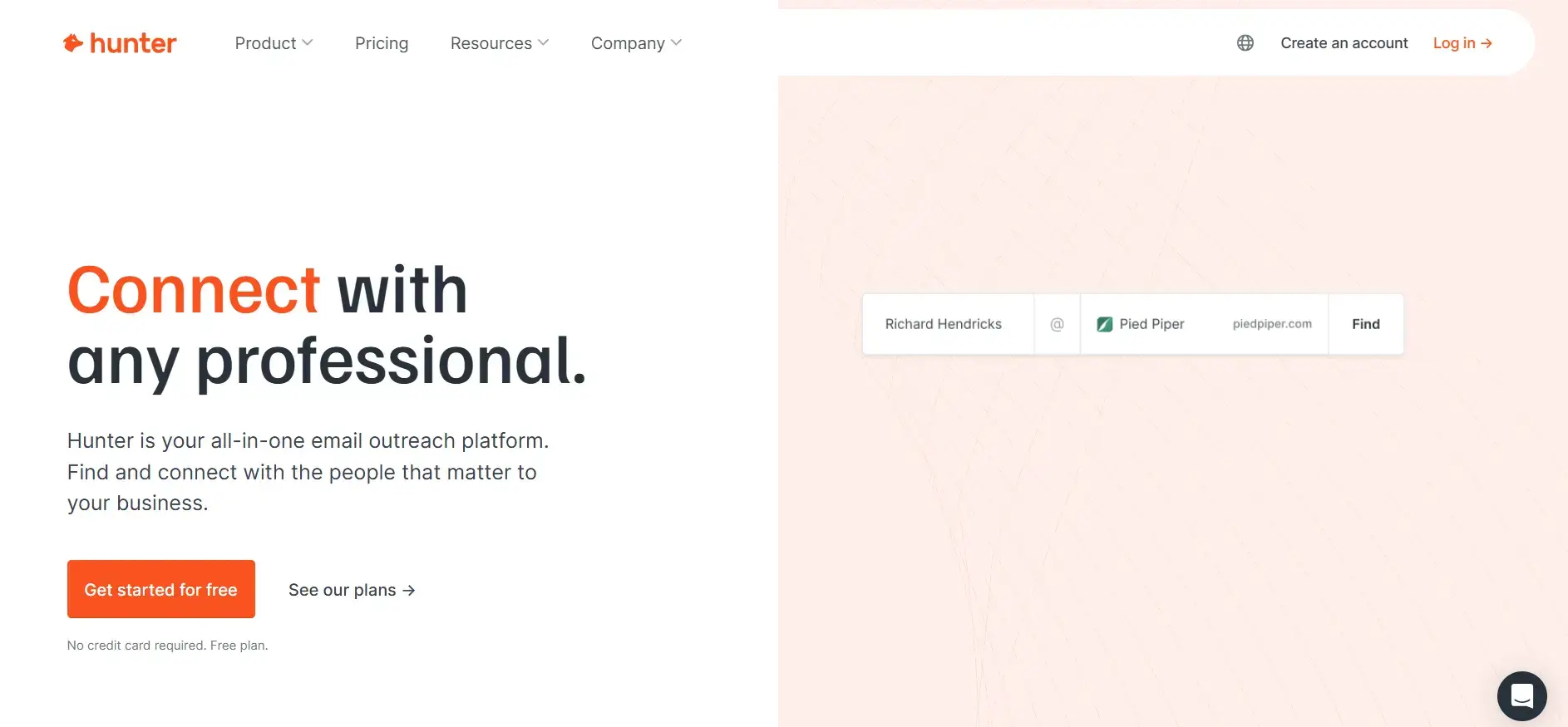
2. Hunter

Overview: Primarily an email finding and verification tool with basic campaign functionality.

Key Features:

  • Domain Search: Find emails associated with companies.
  • Email Verification: 95% accuracy to prevent bounces.
  • Chrome Extension: Quickly find emails on websites.

Pricing:

  • Free Plan: 25 searches + 50 verifications/month.
  • Plans range up to $499/month.

Ideal Use Cases: Users focused on list-building looking to use separate tools for cold emails.

Pros:

  • Intuitive interface and powerful domain search.

Cons:

  • Lacks built-in warm-up features.

3. TrulyInbox

Overview: Offers smart automated warm-up mimicking human interactions.

Key Features:

  • Unlimited Email Accounts: Available even on the free version.
  • Warmup Pool Network: Randomizes timing for natural engagement.
  • Compatibility with Major ESPs: Works seamlessly with various providers.

Pricing: Free plan available; Paid plans start at $22/month.

Ideal Use Cases: Users wanting a straightforward solution that runs on autopilot.

Pros:

  • Simple setup and unlimited accounts on the free plan.

Cons:

  • Basic service without advanced features.

4. SalesBlink

Overview: A full-featured sales outreach platform with built-in warm-up capabilities.

Key Features:

  • AI-Powered Personalization: Automated sequence building with BlinkGPT.
  • Email Interaction Handling: Moves spam emails to the inbox.
  • Customizable Sending: Option to set specific templates for warm-up.

Pricing: Starting at $25/month.

Ideal Use Cases: Teams wanting an all-in-one solution for outreach and warm-up.

Pros:

  • Affordable and comprehensive all-in-one platform.

Cons:

  • Results can vary; users report potential spam flagging.

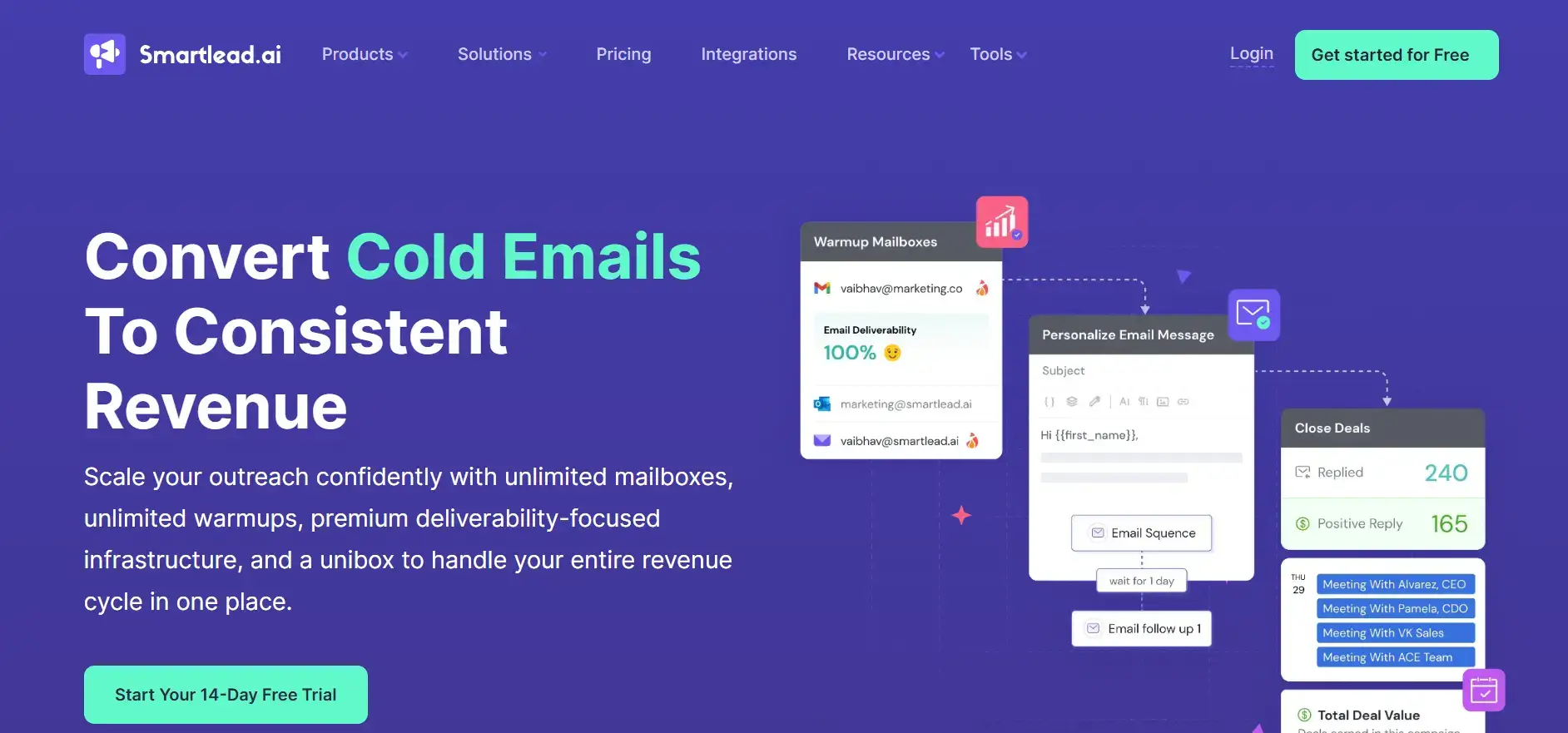
5. Smartlead

Overview: Offers advanced features for B2B companies and agencies managing large-scale campaigns.

Key Features:

  • Unlimited Warmups: Included in all plans.
  • Dynamic IP Rotation: Deployed for each campaign for higher deliverability.
  • Automated Spam Rescue: Moves emails from spam to inbox.

Pricing: Plans starting at $39/month.

Ideal Use Cases: Businesses requiring scalable solutions for extensive emailing.

Pros:

  • Scalable with advanced optimization features.

Cons:

  • Some users experience issues with spam placement.

How to Choose the Right Email Warm-Up Tool

When selecting an email warm-up tool, consider:

  • Primary Use Case: Validation plus warm-up vs. warm-up only.
  • Email Volume & Frequency: Adjust your choice based on your sending requirements.
  • Budget & Pricing Structure: Align it with your financial plans.
  • Integration Needs: Ensure it will work with your existing tools.
  • Customization Levels: Depending on the level of control and flexibility needed.
  • Customer Support Quality: Essential for troubleshooting and optimization.
  • Network Size & Provider Compatibility: Ensure the tool’s network is robust and compatible with your needs.

Email Warm-Up Best Practices

  1. Start with a Clean List: Ensure your emails are verified.
  2. Set Up Authentication: Implement SPF, DKIM, and DMARC before warm-up.
  3. Gradually Increase Volume: Follow best practices to avoid sudden spikes.
  4. Monitor Key Metrics: Pay attention to open and reply rates.
  5. Consistency is Key: Maintain sending frequency for a minimum of 30 days.
  6. Engage Slowly: Use engaged recipients initially to boost reputation.
  7. Adjust Based on Performance: Regularly analyze metrics and make necessary tweaks.

Common Email Warm-Up Mistakes to Avoid

  • Increasing Volume Rapidly: Avoid sending too many emails too soon.
  • Using Poor-Quality Lists: This can severely damage your sender reputation.
  • Skipping Authentication: Neglecting this can lead to deliverability issues.
  • Ignoring Bounce Rates: Keep an eye on bounce rates and act accordingly.
  • Inconsistent Patterns: Failing to maintain regular sending patterns can hurt your score.
  • Abandoning Warm-Up Early: Stop instantly after initial improvements; this could backfire.

Conclusion

Email warm-up is crucial for ensuring your deliverability is top-notch and maintaining a healthy sender reputation. Choosing the right tool to aid in this process is equally important. With AI-driven solutions and a comprehensive ecosystem, businesses can effectively tackle these challenges.

According to recent datafrom Cox Automotive, the average car buyer now visits only two dealerships before making a purchase decision. With over 80% of shoppers starting their journey online, it’s crucial for auto dealers to capture and nurture every lead—whether they originate from digital channels or in-person visits.

A robust Customer Relationship Management (CRM) system designed for auto dealerships can transform operations. The right CRM not only centralizes lead management but also streamlines sales processes, enhances customer experiences, and drives revenue growth. This guide explores the best CRM platforms tailored for dealerships, helping you choose the right fit for your business.

Key Takeaways:

  • Maintaining strong customer relationships is essential for repeat business, but scaling this manually becomes overwhelming. A CRM solves this challenge.

  • Auto dealer CRM platforms help capture, organize, and nurture leads throughout the funnel—from inquiry to sale and beyond.

  • Automotive CRMs centralize lead sources from websites, ads, walk-ins, and referrals in one system.

  • The best platforms balance ease of use, configuration flexibility, integrations, and strong customer support.

  • Leading CRMs for auto dealerships include Teamgate, DealerSocket, Dominion Dealer Solutions, ProMax, Selly Automotive, VinSolutions, DriveCentric, Datacar CRM, and AutoRaptor.

Contents:

  1. What is Auto Dealer CRM Software?
  2. How to Evaluate Auto Dealer CRM Software
  3. 8 Best CRM For Auto Dealers in 2024
  4. Maximizing CRM Benefits for Auto Dealerships
  5. FAQs: Auto Dealer CRM Software

What is Auto Dealer CRM Software?

Automobile Customer Relationship Management (CRM) software is a specialized system designed to support auto dealerships in capturing and nurturing leads, enhancing customer interactions, and streamlining operations. Partnering with a Custom CRM development company can help tailor these systems to meet the specific needs of automotive businesses. Alternatively, many companies choose to hire dedicated React developers who can create responsive, user-friendly interfaces tailored to dealership needs. This technology provides essential tools that assist in developing effective automotive marketing campaigns, tracking sales progress, maintaining communication with customers, and managing leads through an organized pipeline.

Example of Auto Dealer CRM Software in Action

Consider a scenario where a customer notices a drop in fuel efficiency after a service appointment:

  1. Initial Contact: The customer calls your service center.

  2. CRM Ticketing: The representative logs the complaint into the CRM, generating a service ticket.

  3. Team Notification: The service team is instantly alerted through the CRM.

  4. Customer Communication: The CRM sends an automated confirmation email with appointment details.

This integrated approach ensures that all relevant information is efficiently shared among teams and with the customer, providing a seamless experience. It’s a reminder that smooth internal communication is just one side of running a successful dealership. The other side is building a strong online presence, and link building for automotive businesses is a proven way to attract more leads and improve search rankings.

Without such a system, these steps would require manual coordination, which could delay response times and diminish customer satisfaction.

Benefits of Using CRM in Auto Dealerships

CRM software helps dealerships deliver personalized, timely, and efficient service. Benefits include:

  • Improved Customer Experience: Tailored follow-ups and faster service resolution.

  • Higher Retention & Loyalty: Centralized customer history builds stronger relationships.

  • Operational Efficiency: Automation reduces manual work and ensures no lead is lost.

  • Stronger Online-to-Offline Journey: With most buyers starting online, integrating a dealership website builder with your CRM helps keep lead capture, inventory data, and communications aligned in real time, a process typically handled by experienced web developers.

  • Enhanced Branding: Supplementing your CRM with tools like a custom-designed logo maker reinforces trust and improves digital presence.

As more car buyers begin their search online, a dealership’s website serves as a critical first point of contact for potential buyers. By integrating a dealership website builder with your CRM, you can optimize lead capture, automate follow-ups, and keep inventory data up to date in real time—creating a seamless transition from online research to in-person visits. Adopting automotive industry software solutions can further enhance operational efficiency, streamline data management, and provide industry-specific tools to support sales and service teams.

In fact, many shoppers are taking their search online. For dealerships aiming to stand out, supplementing strong CRM tools with a custom-designed logo maker can enhance your visual branding and reinforce trust in the digital journey.

How to Evaluate Auto Dealer CRM Software

Selecting the right CRM software for your auto dealership is crucial to enhancing your sales and customer service efficiency. As you compare various CRM platforms, consider these essential factors to find the best fit for your business needs.

Essential Features of Auto Dealer CRM Software

Look for CRMs that offer a robust set of features tailored to auto dealerships. Essential capabilities should include:

  • Lead Management: Track and nurture leads from first contact to close.

  • Contact Management: Keep customer data organized and accessible.

  • Analytics & Reporting: Measure performance and guide data-driven decisions.

  • Sales & Marketing Automation: Automate repetitive workflows like follow-ups.

  • Task Management: Prioritize and assign daily activities.

  • Communication Tools: Enable SMS, email, and phone interactions from within the CRM.

Configuration Flexibility

Look for CRMs that can be customized without heavy development work, so they adapt to your dealership’s unique workflows.

Integration Capabilities

Ensure the CRM can integrate seamlessly with existing systems such as Enterprise Resource Planning (ERP) systems and Dealer Management Systems (DMS). These integrations are vital for automating processes and improving the accuracy and usefulness of CRM data. More about CRM integrations can be found in this guide.

Reliable Customer Support

Strong customer support is crucial for any CRM system. Evaluate the support services provided, including:

  • Accessibility of Support: Availability of support via multiple channels such as phone, email, and live chat.
  • Responsiveness: Quick response times and effective problem resolution are essential.
  • Resource Availability: Access to a comprehensive online knowledge base or resource center that helps with self-service troubleshooting and best practices.

By considering these aspects, you can ensure that the CRM software you choose will effectively support your auto dealership’s unique needs and help streamline your operations.

8 Best CRM For Auto Dealers in 2024

1. Teamgate CRM

Teamgate CRM Ratings

Teamgate CRM Key Features

  • Intuitive interface and easy configuration

  • Sales dashboards with KPIs and visual pipeline tracking

  • Drag-and-drop pipeline management

  • SmartDialer native call management

  • Integrations with Xero, Slack, and Mailchimp

  • Advanced reporting and analytics

Teamgate CRM is a complete CRM platform perfect for dealerships of all sizes. It offers various features like lead management and comprehensive reporting to streamline and improve an auto dealership’s processes.

Recently awarded leader in Capterra’s 2024 Value-for-Money CRM list, the smart, easy-to-use CRM has a sales dashboard, native call management (SmartDialer), and contact management features to build and nurture relationships with customers. These features can help personalize the customer experience from the moment you receive a test drive request to the time customers schedule their first service.

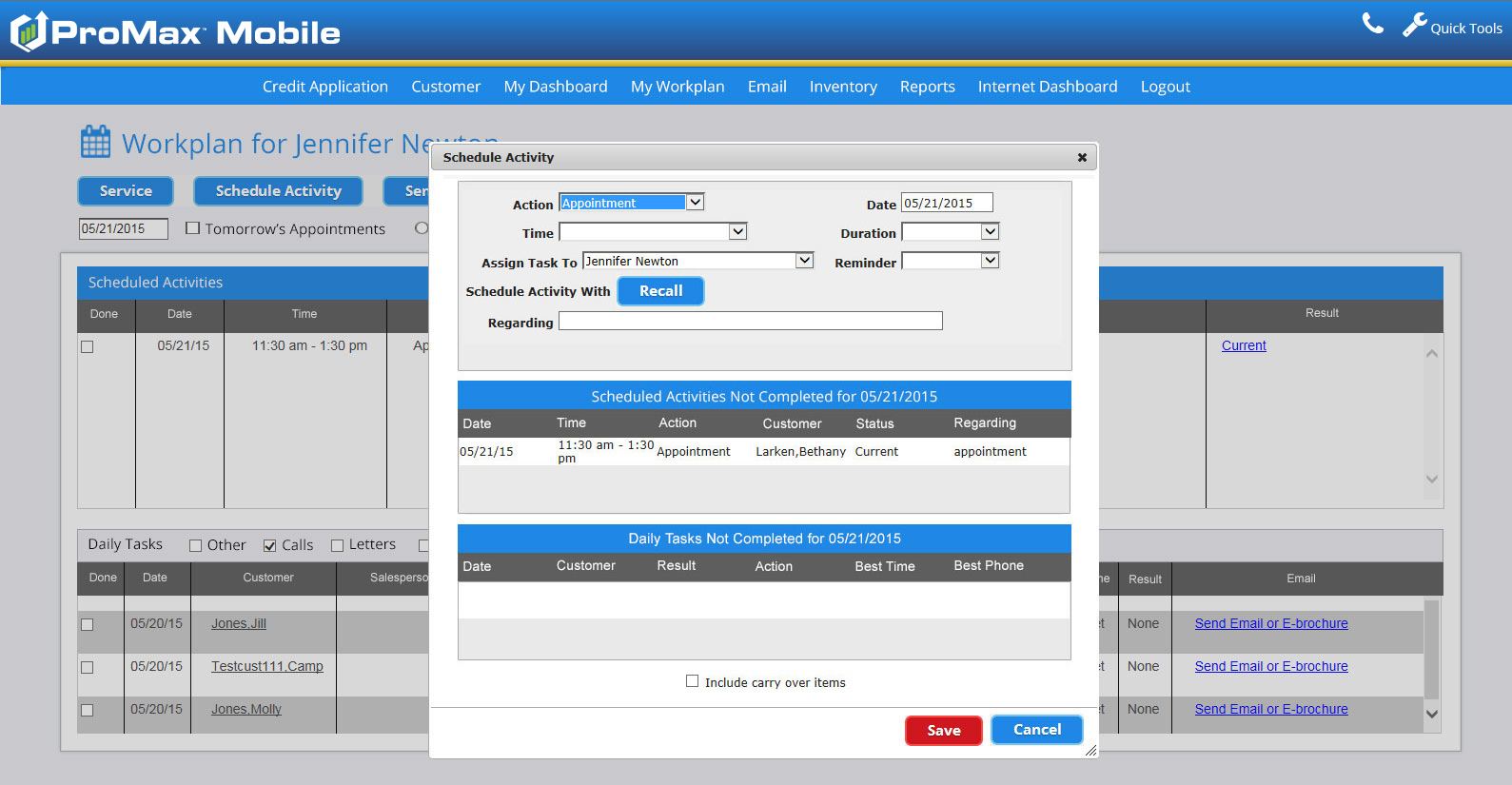
2. ProMax

screenshot of auto crm software

ProMax Ratings

ProMax Key Features

  • Certified OEM lead manager

  • Customizable lead management and reports

  • Email marketing with A/B testing

  • Inventory management

  • Accessible on desktop and mobile

ProMax is an award-winning CRM. A notable feature is its lead management tool, which is customizable to fit your specific sales processes. Plus, it offers customizable lead activity monitoring, reports, and notifications, so you can easily track sales performance.

The CRM is available for virtually all devices, including desktop and mobile devices. This is great for using the platform from anywhere, whether you’re in the office, the shop, or the lot.

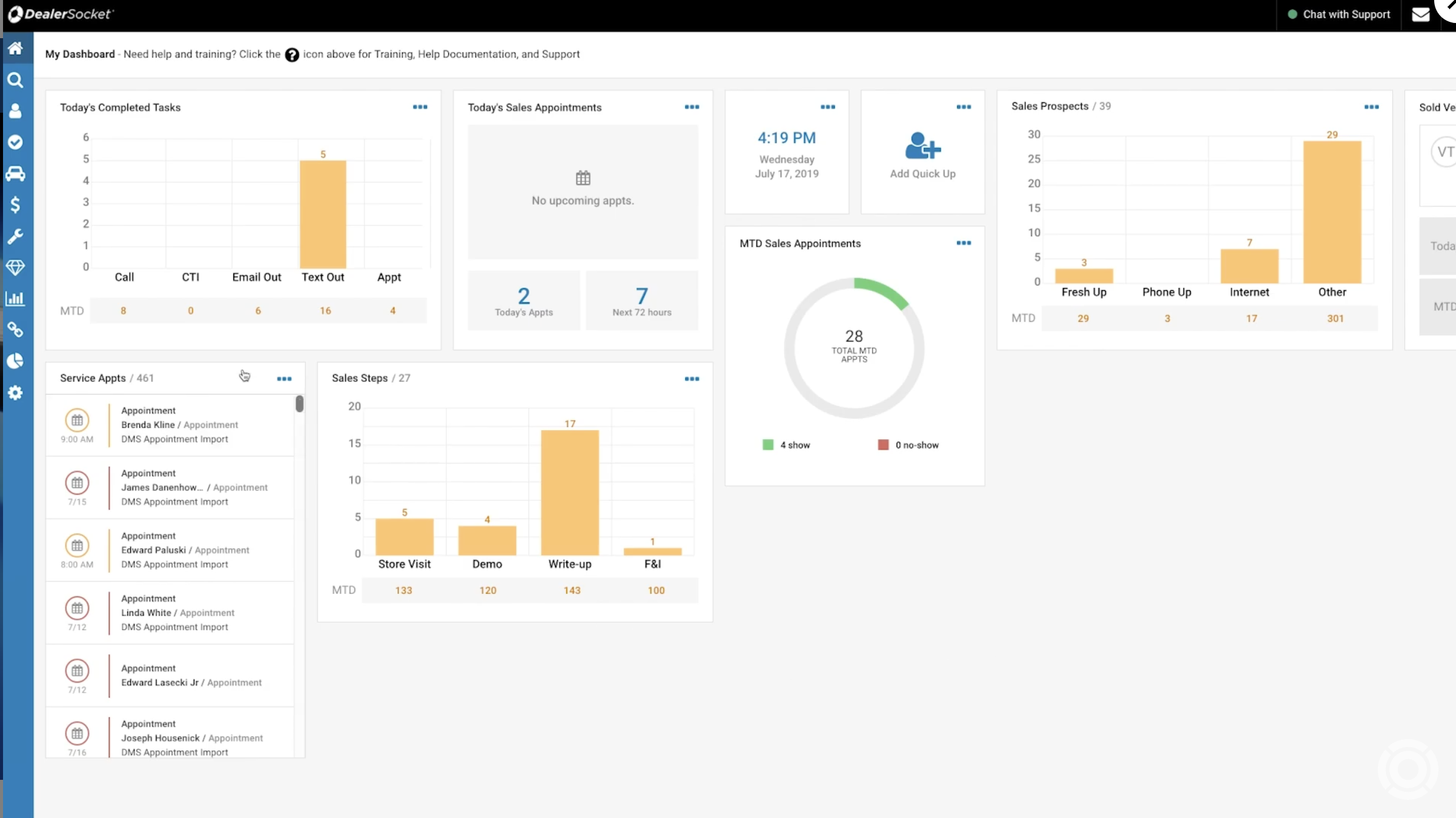
3. DealerSocket

screenshot of auto crm software

DealerSocket Ratings

  • 3.8/5 (G2)

DealerSocket Key Features

  • OEM integrations

  • Service appointment scheduling

  • Marketing automation and equity mining

  • Credit qualification tools

  • Mobile sales capabilities

DealerSocket is tailor-made for auto dealerships. It can help you manage marketing campaigns, streamline sales processes, and improve customer satisfaction.

The platform offers robust sales tools, including lead management, mobile sales capabilities, call management, and credit qualification. Other key features revolve around service management, which enables you to create a self-service portal for your customers, balance appointment capacity, and more.

The platform also offers automated marketing templates, vehicle lifecycle tracking, and web-based inventory management designed for independent and BHPH (Buy Here, Pay Here) dealerships.

4. Dominion Dealer Solutions

screenshot of auto crm software

Dominion Dealer Solutions Ratings

  • 2.5/5 (G2)

Dominion Dealer Solutions Key Features

  • Integrated CRM and DMS features

  • Inventory and lot management with video tours

  • Lead capture from multiple sources

  • Built-in dashboards and alerts

Dominion Dealer Solutions is a dealer management system (DMS) with CRM features. For example, it helps pull sales and service leads from multiple sources, including the shop floor, phone, and internet, into the platform.

The web-based platform offers a range of tools for inventory management, lead generation, and customer retention. With DMS and CRM tools, it’s a solid choice for both franchised and independent dealerships.

5. Selly Automotive

screenshot of auto crm software

Selly Automotive Ratings

Selly Automotive Key Features

  • Excellent support
  • Automated workflows, responses, and reminders
  • Built-in texting interface
  • Lead capturing via Facebook and Messenger

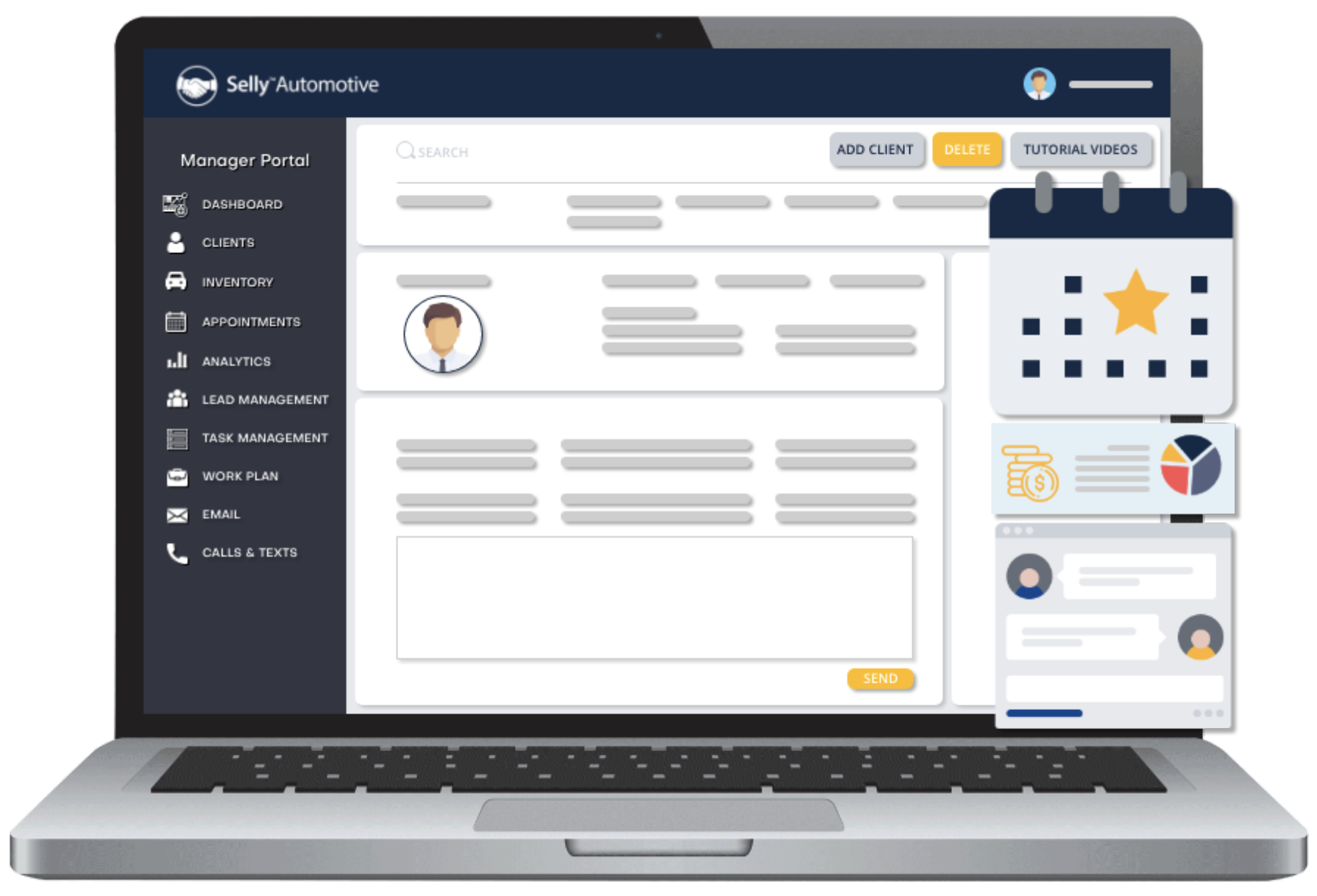
Selly Automotive has created a beginner-friendly solution specifically for independent auto dealers. The platform includes robust lead management tools, workflow automation, lead source tracking, text blast tools, and built-in call recording.

Selly Automotive’s best selling point is its customer support. The onboarding team helps set up the system and supports you in training your employees. All users get access to phone support and the resources in Selly Automotive’s Help Center.

6. VinSolutions

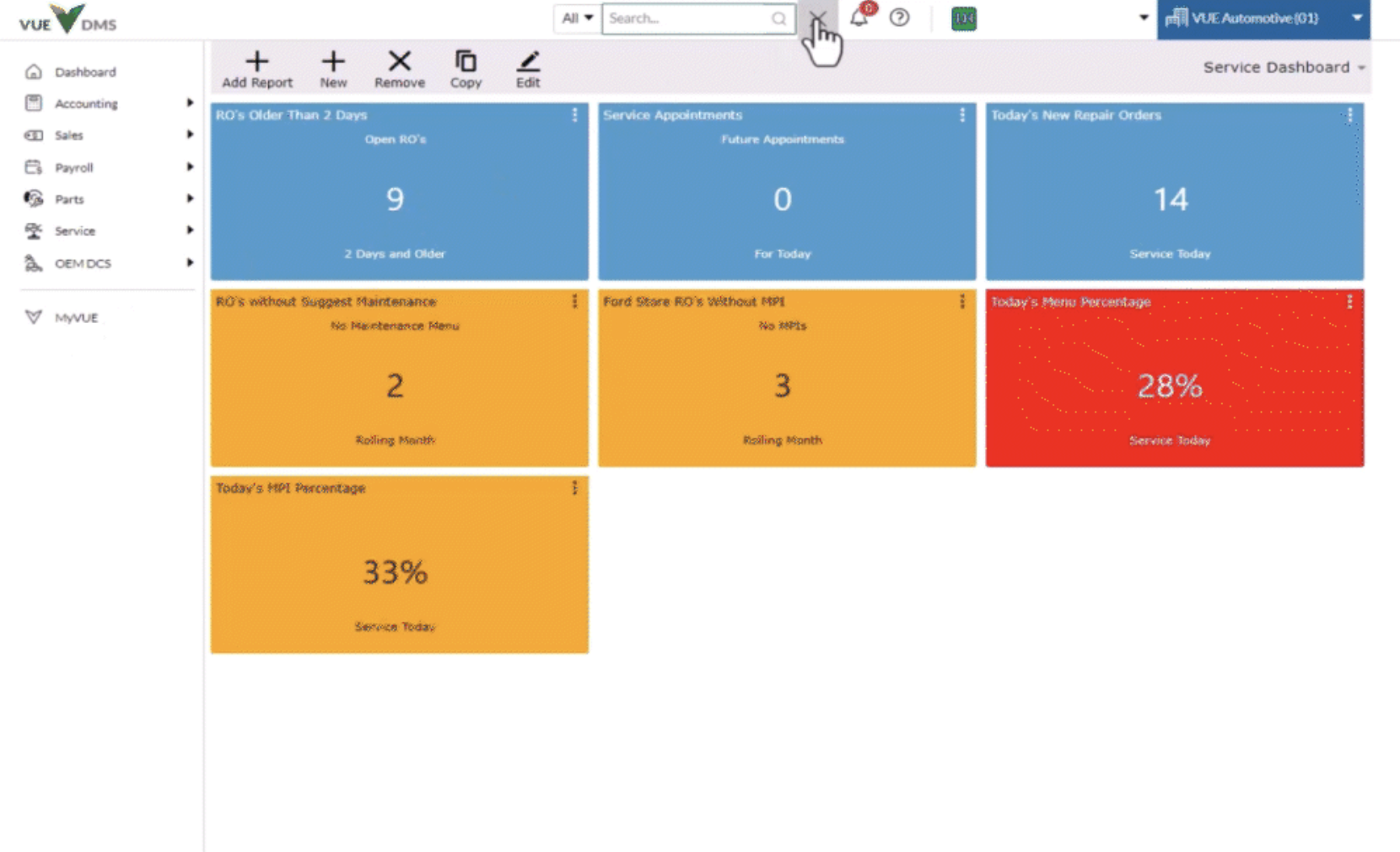
screenshot of auto crm software

VinSolutions Ratings

VinSolutions Key Features

  • Dedicated performance manager
  • Detailed sales reports for all leads
  • Ability to monitor and record conversations between team members and clients
  • Integrations with tools like Dealerstack DMS, Accelerate My Deal, Dealer.com, IntellaCar, and Xtime

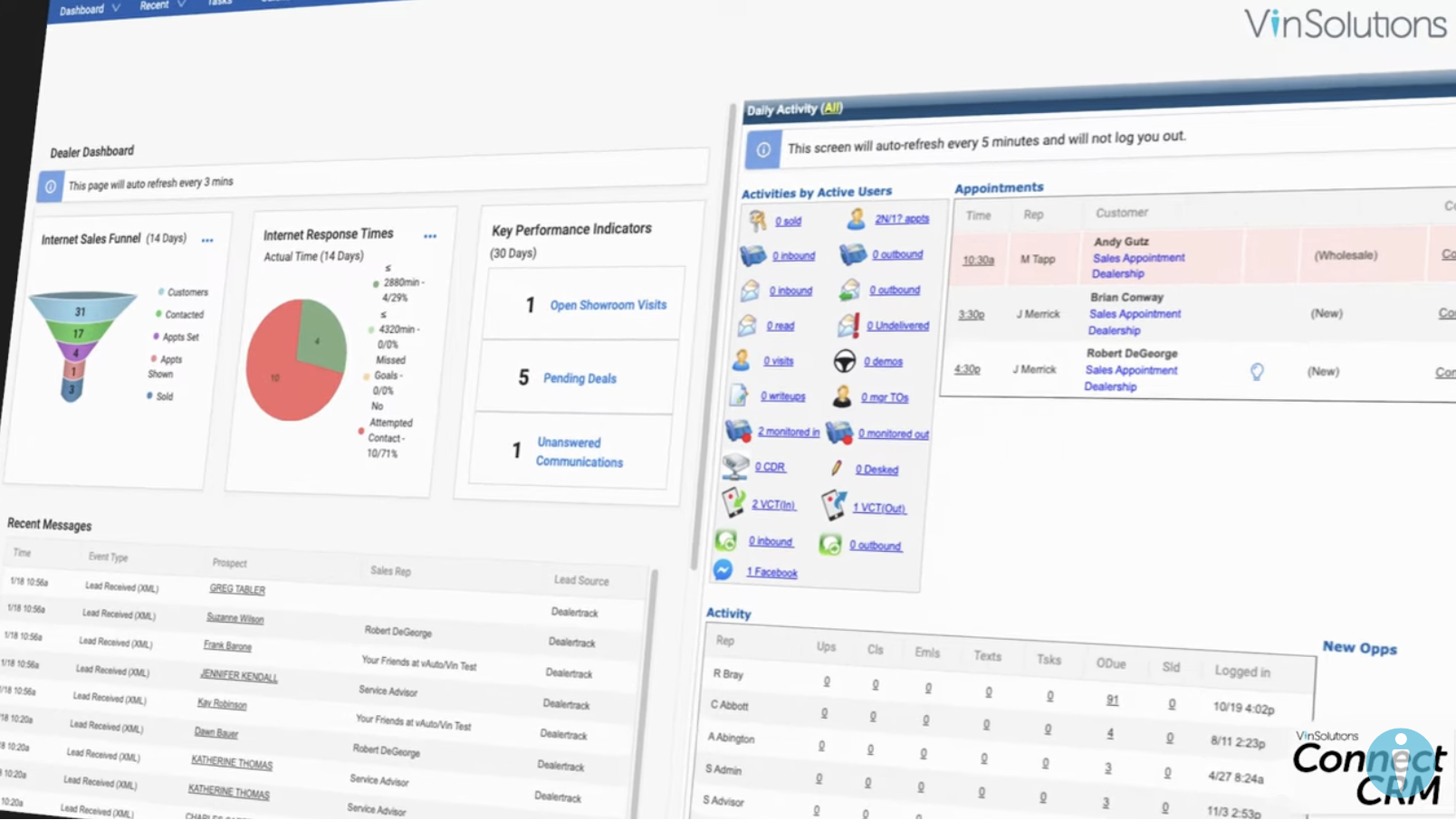
VinSolutions is a CRM built specifically for auto dealers. One standout feature is the support you receive from a dedicated performance manager who will partner with you to improve your sales processes.

Beyond this key feature, VinSolutions offers other critical features of a robust CRM, including built-in reports, marketing campaign development, and customizable workflows.

The CRM integrates with various automotive platforms, including Dealerstack DMS, Kelly Blue Book, and Dealer.com. This allows the VinSolutions Connect CRM to pull data from these apps and offer deep insights for your automobile dealership business.

7. DriveCentric

screenshot of auto crm software

DriveCentric Ratings

  • No rating available.

DriveCentric Key Features

  • Communication tools for tracking customer interactions
  • Inventory management tools for streamlining the vehicle acquisition process
  • Lead generation module for capturing, tracking, and nurturing leads
  • Advanced analytics for deep insights into customer behavior

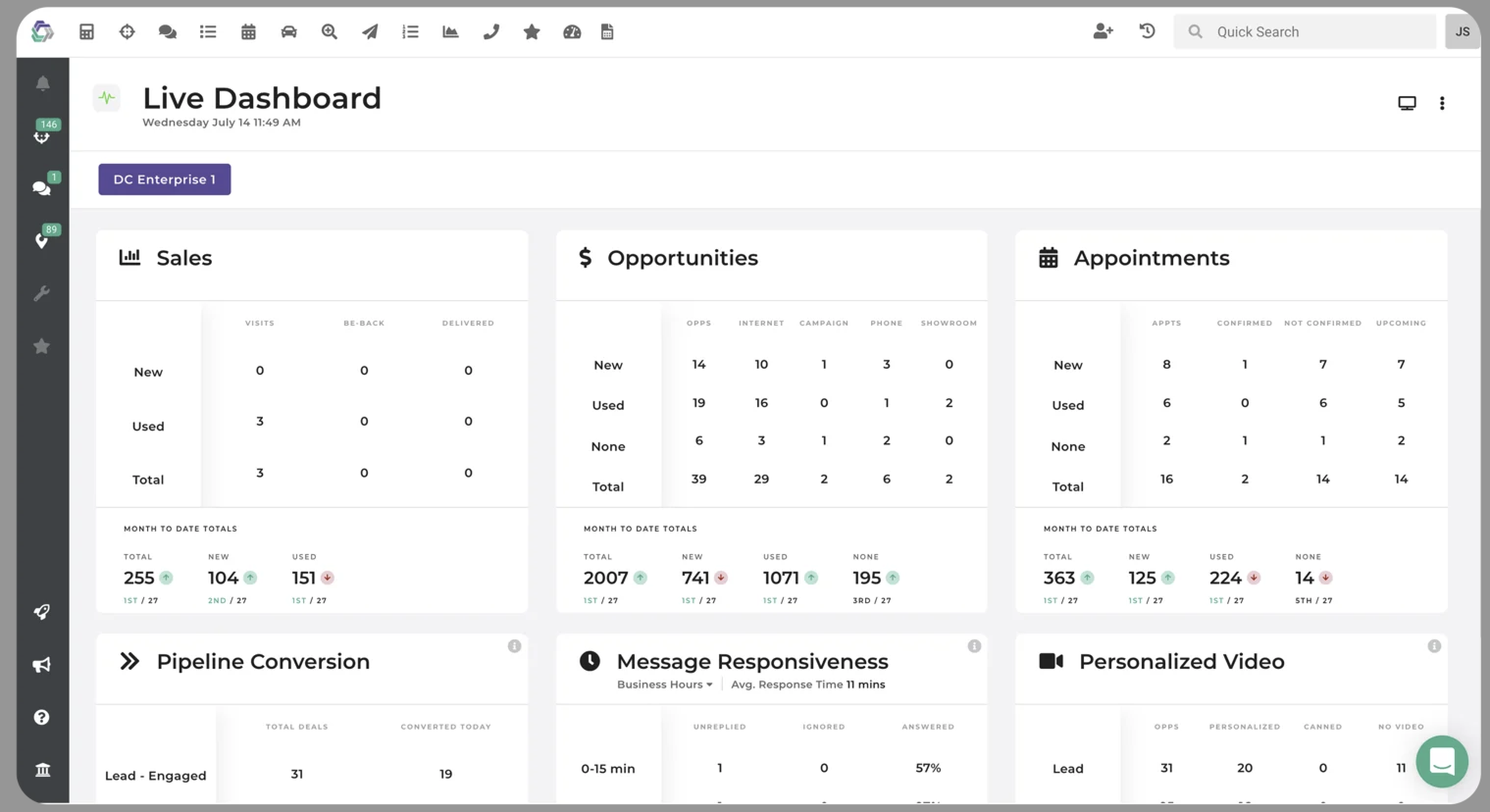
DriveCentric offers a simple and intuitive CRM platform. The software features simplified sales pipelines built to focus on the most important data, enabling your sales team to get more work done. Plus, you’ll benefit from its incredible inventory management tools that ensure the inventory your customers see online is what’s shown in your CRM.

The platform’s extensive analytics enable you to make data-driven decisions, while the customer communication tools allow frictionless interactions with customers across their preferred channels.

8. AutoRaptor

screenshot of auto crm software

AutoRaptor Ratings

AutoRaptor Key Features

  • Customizable sales processes and daily work plans
  • License and VIN scanning
  • SMS, email, and phone communication tools
  • Email and SMS campaign automation

AutoRaptor helps independent dealers manage leads and customer relationships. The CRM displays leads and customers, their activities, and their position in the pipeline. This allows sales teams to improve conversion rates and manage customer relationships more effectively. The CRM also includes the option to create no-code round-robin rules for effective lead distribution.

AutoRaptor also features automated and customizable sales process features, enabling you to customize your processes to fit your needs. You can also automate follow-up emails and texts so your dealership stays top of mind for your customers.

Maximizing CRM Benefits for Auto Dealerships

Implementing a CRM is just the first step; leveraging its full potential requires strategic planning and execution.

Best Practices:

  • Staff Training: Ensure your team is well-trained to utilize all CRM features effectively.

  • Data Cleanliness: Regularly update and clean your CRM data to maintain accuracy and relevance.

  • Performance Monitoring: Use the CRM’s analytics to track key performance indicators (KPIs) and adjust strategies accordingly.

  • Customer Segmentation: Segment your customer base to deliver targeted marketing campaigns and personalized communications.

  • Integration: Integrate the CRM with other dealership systems for a unified workflow and better data visibility.

Leverage Teamgate CRM for Enhanced Customer Engagement

Teamgate CRM offers a comprehensive solution tailored for auto dealerships, designed to enrich client interactions and streamline operational processes. With its user-friendly interface and robust features, Teamgate enables dealerships to:

  • Organize Customer Data: Keep all customer information organized and accessible to ensure a personalized service approach.
  • Gain Valuable Insights: Utilize advanced analytics to understand customer needs and preferences better, helping you make informed decisions.
  • Track Interactions: Monitor every customer interaction to provide timely responses and follow-ups, ensuring no opportunity is missed.

Experience Teamgate CRM for FREE Today

Discover how Teamgate can transform your auto dealership’s customer relationship management. Sign up for a 14-day free trial today and start exploring the possibilities of a more organized, insightful, and efficient CRM system.


FAQs: Auto Dealer CRM Software

What is CRM software and why is it important for auto dealerships?

CRM software is a tool that helps auto dealerships manage interactions with current and potential customers. It is vital for organizing customer information, automating sales processes, and improving service delivery, ultimately leading to increased customer satisfaction and loyalty.

What features should I look for in auto dealer CRM software?

When selecting CRM software for an auto dealership, important features to consider include lead and contact management, sales and marketing automation such as digital catalogs, analytics and reporting, task management, and integrated communication tools.

How does CRM software improve customer relationships?

CRM software helps auto dealerships provide a more personalized service by maintaining detailed records of customer interactions, preferences, and history. This information can be used to tailor communications and offers, thereby enhancing the customer experience and fostering loyalty.

Can CRM software integrate with other systems used by auto dealerships?

Many CRM systems are designed to integrate seamlessly with a wide range of business management tools, including ERP (Enterprise Resource Planning) and DMS (Dealer Management Systems). These integrations allow companies to streamline operations, automate workflows, and ensure real-time data synchronization across departments. Leveraging interconnected business management tools ultimately boosts efficiency and reduces manual errors.

What should I consider when choosing a CRM system for my auto dealership?

When choosing a CRM for your auto dealership, consider factors such as the system’s feature set, ease of use, configurability, integration capabilities, and the quality of customer support offered by the provider.

How can I start using CRM software at my auto dealership?

To start using CRM software, first identify your dealership’s specific needs. Then, evaluate various CRM solutions that meet these needs and choose one that fits your requirements and budget. Many CRM providers offer free trials, which can help you test the software before committing.

What support options are available for CRM software?

Most CRM providers offer a range of support options including phone support, email assistance, live chat, and access to an online knowledge base or help center. Ensure the chosen CRM offers the level of support you need for effective use and troubleshooting.

According to 50% of financial planning and investment advisory firms, customer relationship management (CRM) software is the most important tool they possess.

Why? Trust is a critical factor in closing deals for these firms. And building trust requires nurturing client relationships throughout the sales process. To do this at scale, you must have a reliable financial services CRM.

In this guide, we dive into the top 10 financial service CRMs so you can make the right decision for your firm.

Key Takeaways:

  • CRMs play a big role in building trust and nurturing client relationships. Whether you’re a financial advisor or manage a large fund, CRMs can be an excellent way to engage in conversations and build rapport.
  • The best CRMs offer ease of use, excellent customer support, and features relevant to financial services firms.
  • Some key features you should be on the lookout for include sales pipeline management, lead management, forecasting capabilities, and integrations with other apps.
  • Cost is a critical factor to consider. Luckily, some of the top CRMs are available for under $10 per user/month.
  • Some of the top CRM options for Financial services include Teamgate, Wealthbox, AdvisorEngine, Salesforce Financial Services Cloud, Zoho CRM, Redtail, UGRU CRM, Salesmate, Creatio, and Freshsales.

Contents:

  1. What Is CRM for Financial Services?
  2. How to Choose a CRM for Financial Services
  3. Top CRM Options for Financial Services in 2024
  4. Build Trust With a Reliable CRM for Financial Services
  5. FAQs: CRM for Financial Services

What Is CRM for Financial Services?

A CRM for financial services helps build long-term, lucrative relationships with customers. Financial services CRMs are designed to generate deep business insights, automate processes, and improve conversions.

Financial services CRMs help nurture leads throughout the sales funnel. For example, when a customer fills out a web form requesting more information about your financial services, the CRM automatically creates a customer profile.

Insurance organizations employ specialized distribution management platforms to automate producer onboarding and track licensing compliance across jurisdictions. Such platforms centralize appointment management and regulatory monitoring for carriers and MGAs.

The CRM then assists you with nurturing that lead until they become a loyal customer. Plus, a CRM’s reporting tools help you assess the effectiveness of your sales strategies.

How to Choose a CRM for Financial Services

When selecting a CRM for financial services, there are a few key things to consider, including feature sets, third-party integrations, and customer support options. Selecting the right CRM involves looking at key features, pricing, and other critical factors. Experts at the finance essay writing service confirm that a wise choice of a CRM is key to keeping your customers satisfied, as it ensures smooth lead generation, clear reporting, and effective support of your customers’ operations.

Similarly, having the right tools and resources is essential in other fields as well—whether you need to manage client data efficiently or find a reliable service to write my nursing paper, making informed decisions can save time and improve results.

Key Features

CRMs typically offer extensive feature sets. However, you need features relevant to financial services. For example, financial advisors must be able to access customer data, including previous transactions, so your team can offer prompt help when needed.

Third-Party Integrations

Financial services use multiple business tools, including Slack, Xero, and more. Integrations with these apps help automate processes and improve the data in the CRM.

Customer Support

How knowledgeable is the support team? Can they help you fix problems or navigate a feature quickly? The best CRMs offer real-time support via live chat and phone.

Top CRM Options for Financial Services in 2024

1. Teamgate

Teamgate dashboard on a laptop and cellphone

Teamgate Rating: 4.4/5 (G2)

Teamgate Key Features:

Teamgate is an easy-to-use CRM solution built for financial services firms of all sizes. It helps you streamline your sales processes and automate major parts of your workflow.

Teamgate integrates with business platforms like Slack, Google Drive, and Xero, which helps minimize manual work. Integrations also bring rich data from other platforms to Teamgate. This helps Teamgate create ideal customer profiles that can inform your marketing campaigns.

The CRM’s key differentiators are its user-friendly interface, advanced filters, intelligent lead scoring, and configuration options. Why spend on expensive customization when you can configure workflows to fit your needs? Teamgate makes configuration easier, even for non-experts.

Plus, Teamgate is affordable. Pricing starts at just $9 per user/month when billed annually. Professional and Enterprise plans are available, depending on your needs.

2. Inoxoft

Inoxoft Rating: 5.0/5 (G2)

Inoxoft Key Features:

  • Custom software development for healthcare, finance, logistics, and education
  • AI-powered solutions for automation and decision-making
  • Secure and scalable cloud-based applications
  • Integration with various third-party services and platforms

Inoxoft provides end-to-end software development services tailored to businesses seeking cutting-edge digital solutions. The company specializes in AI, machine learning, and data-driven applications, helping organizations enhance efficiency, security, and customer experiences.

Inoxoft’s expertise in software development ensures businesses can optimize operations, streamline workflows, and leverage advanced technology. One of its standout offerings is AI-driven automation, which helps companies improve decision-making, reduce manual work, and increase productivity.

The company also delivers real-time communication tools, secure data management solutions, and cloud-based platforms that support seamless collaboration.

3. Financial Cents

Financial Cents Rating: 4.8/5 (G2)

Financial Cents Key Features:

  • Collect and organize client data.
  • Maintain client data secure.
  • Keep track of how the team and the client communicate.
  • Engagement with clients
  • Get information more quickly by automating the gathering of client data.
  • Communicate with clientele

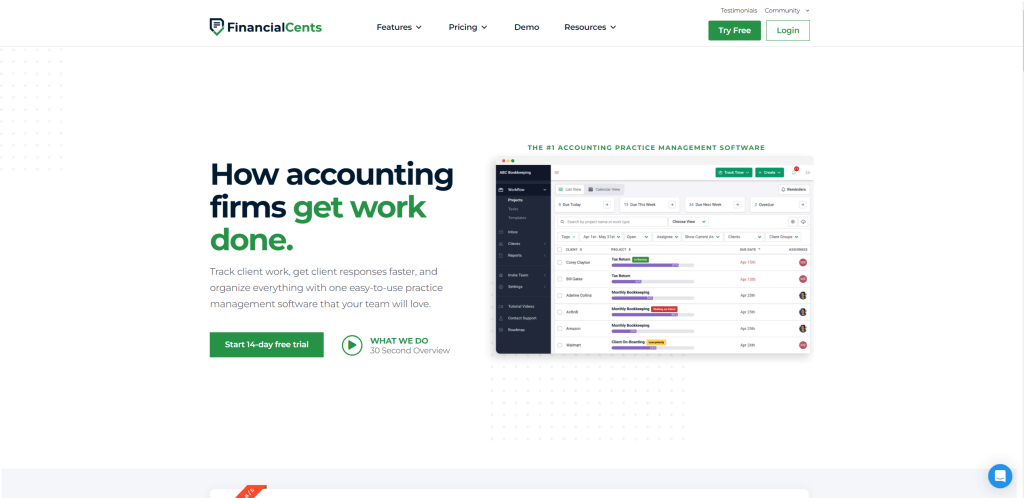
Financial Cents is an easy-to-use CRM software designed for accountants and bookkeepers. It helps small to medium-sized firms keep track of all their client information, tasks, and communications in one place.

The software automates collecting client data, sets up recurring tasks, and integrates with email to make workflows smoother. It also includes features to help manage team workload and avoid overloading staff. Financial Cents saves time on administrative work, allowing firms to focus more on providing accounting services

4. AdvisorEngine

AdisorEngine dashboard

AdvisorEngine Rating: 3.9/5 (G2)

AdvisorEngine Key Features:

  • Workflow automation
  • Unlimited custom fields
  • Compelling visualizations and interactive dashboards
  • Enhanced login security features

AdvisorEngine CRM is an extensive solution for financial advisors. Summarize client data and add unlimited custom fields with AdvisorEngine’s contact management features.

The built-in automation features enable you to create templated and customizable workflows and track the progress of workflows using the workflow monitor.

AdvisorEngine aggregates your business data to generate valuable insights. The business intelligence dashboards and reporting capabilities help you quickly visualize data with predefined charts organized based on various parameters, including AUM by advisor, account objective, and more.

Pricing for AdvisorEngine isn’t disclosed on the vendor’s website. For more details, you must reach out to the sales team.

5. Salesforce Financial Services Cloud

Salesforce Financial Services Cloud dashboard

Salesforce Financial Services Cloud Rating: 4.2/5 (G2)

Salesforce Financial Services Cloud Key Features:

  • Document tracking and approvals
  • Lead assignment and routing
  • Asset management and product tracking
  • Customizable reports and dashboards

Salesforce Financial Services Cloud integrates sales, marketing, and service into a personalized customer experience across departments and communication channels. The CRM is purpose-built for banking, wealth management, and insurance companies.

It combines the power of AI, data, and CRM into a single solution to help financial services firms accelerate revenue growth and deliver top-notch customer experiences. The CRM offers AI-driven insights that help minimize cost-to-serve and personal client interactions.

Large enterprises might appreciate Salesforce Financial Services Cloud’s powerful and extensive feature set. If you’re a small or medium business, you might want to look elsewhere.

The starter pricing plan for the Financial Services Cloud starts at $250 per user/month when billed annually.

6. Zoho CRM

Zoho CRM dashboard

Zoho CRM Rating: 4/5 (G2)

Zoho CRM Key Features:

  • Multiple pipelines and advanced filters
  • Predefined reports and dashboards
  • Anomaly detectors
  • IP address restriction

Zoho CRM is a cloud-based CRM for medium and large businesses. If you’re looking for a CRM from a well-established brand at an affordable price, Zoho CRM is worth considering.

The CRM includes all the basics, such as pipeline management and workflow automation features. Plus, it includes an AI-powered conversational assistant that enables you to offer real-time responses.

Zoho CRM offers advanced reporting and analytics features, allowing you to create laser-focused strategies and optimize them based on results. Since Zoho integrates with over 500 business apps, you can exchange data for more insightful reports and workflow automation.

Zoho CRM is free for up to three users. If you require additional users, pricing starts at $14 per user/month when billed annually.

7. Redtail

Redtail dashboard

Redtail Rating: 4.3/5 (G2)

Redtail Key Features:

  • Sales pipeline management and opportunity tracking
  • Generate reports with real-time data
  • Seminar management tools
  • Integrations for Asset-Map, Morningstar Office, Mailchimp, and more

Redtail is an affordable and easy-to-use CRM solution for financial professionals. It offers a great blend of essential and advanced features, allowing you to streamline your business with a single solution.

The CRM has a built-in calendar tool with coding and view customizations. The calendar syncs with Microsoft 365 and Google Calendar, so you never have to take the extra step of manually migrating calendar events.

Redtail also includes unique features like the Seminars tool. This tool helps you plan and manage seminars within Redtail. It can also help track email and call campaigns.

Redtail’s pricing starts at $39 per user/month when billed annually for the basic CRM. Two other plans are available, including Growth and Enterprise.

8. UGRU CRM

UGRU CRM dashboard

UGRU CRM Rating: 5/5 (G2)

UGRU CRM Key Features:

  • Unified interface to minimize double-entry
  • Sales and marketing automation
  • Free live chat
  • Integrations for Laser App Software, Spitfire Dialers by OPC Marketing, and Aqumulate

UGRU CRM is an integrated financial practice management platform that stands out due to its sales automation for contact and account management. The feature helps manage contacts, forecast sales, connect outbound phone systems to call clients with a single click, and assign regions on a macro and micro level.

The CRM’s marketing automation feature allows you to build client relationships, determine your marketing activities’ effectiveness, and automate workflows to win more clients.

UGRU’s centralized dashboard gives you a complete picture of your company’s financial health and supports financial planning, including multi-scenario planning. You won’t have to spend money on setup and migration. It also provides free training materials and live customer chat.

Pricing for UGRU starts at $59 per month for up to three users.

9. Salesmate

Salesmate dashboard

Salesmate Rating: 4.6/5 (G2)

Salesmate Key Features:

  • Communication features like call recording, call transfer, and text marketing
  • Live chat
  • Shared inbox
  • Integrations for over 700 apps, including QuickBooks, PandaDoc, and more

Salesmate CRM packs in everything you need to deliver highly personalized customer experiences across sales, marketing, and service touchpoints, as well as communication channels, including text, email, chat, calls, and the web.

The CRM’s extensive feature set helps you nurture client relationships, generate leads, and win more deals. One of its standout features is the automation journey tool. The feature helps you run multi-channel drip campaigns, schedule follow-ups, and automate repetitive tasks.

Salesmate’s built-in live chat helps offer real-time help to website visitors or customers. It also has a shared inbox that allows you and your team to collaborate on emails.

Salesmate’s Starter plan starts at $12 per user/month when billed annually. There are three other plans to choose from, including Growth, Boost, and Enterprise.

10. Creatio

Creatio dashboard

Creatio Rating: 4.6/5 (G2)

Creatio Key Features:

  • AI/ML models
  • Omnichannel communication
  • Unlimited no-code customization and low-code/no-code automation tools
  • Real-time analytics and reporting

Creatio’s financial services CRM offers a range of features to streamline and augment the processes of a financial services firm. For example, Creatio’s loan application management features help automate loan verification using customer data. The feature also creates personalized loan terms for applicants.

Creatio offers full visibility of loan application data. This helps streamline the underwriting process and equips underwriters with insightful analytics. The analytics can help your team decide whether to approve, postpone, or reject an application.

Firms can access Creatio’s features for $25 per user/month. If you require additional features, you can choose from the other two plans: Enterprise or Unlimited.

Honorable Mention: Freshsales

Freshsales dashboard

Freshsales Rating: 4.5/5 (G2)

Freshsales Key Features:

  • View social profiles, recent engagements, customer touchpoints, and more in a unified view
  • AI-powered assistant called Freddie
  • Real-time, in-depth analytics and custom reports
  • Built-in communication channels (phone, chat, and email)

Freshsales is a sales force automation tool that offers a comprehensive feature set to attract leads, engage prospects in conversation, and win deals with AI-powered insights. Email, phone, chat, and telephony are built into Freshsales, allowing you to communicate with clients from a single platform.

The CRM’s native AI feature, called Freddy AI, delivers insights that enable sales teams to identify the best leads to go after and the actions they should take to close each deal. Freddy AI also helps forecast sales.

Pricing starts at $15 per user/month when billed annually. If you have fewer than three users, you can use the basic features found inside Freshsales for free.

Build Trust With a Reliable CRM for Financial Services

Your clients only want the best from you, from initial contact to service delivery. The only way to deliver the experience they’re looking for is with a CRM.

Teamgate is the best CRM for financial services. The software is the perfect mix of ease-of-use and configurability, so you can easily tailor the CRM to fit your firm’s needs. Plus, Teamgate offers an extensive feature set and a knowledgeable support team you can trust.

Ready to start building and nurturing client relationships? See Teamgate in action within your business by requesting a demo or getting started with a free trial today!


Frequently Asked Questions (FAQs): CRM for Financial Services

Q: Why is trust important in financial services?

A: Trust is a critical factor because building and nurturing client relationships throughout the sales process is essential for financial firms. A reliable financial services CRM helps in doing this at scale.

Q: What are the key features to look for in a CRM for financial services?

A: Key features to consider include sales pipeline management, lead management, forecasting capabilities, and integrations with other apps relevant to financial services firms.

Q: How do financial services CRMs help in nurturing leads?

A: A CRM for financial services assists in nurturing leads throughout the sales funnel. For instance, when a customer requests more information about financial services, the CRM automatically creates a customer profile and aids in nurturing that lead until they become a loyal customer.

Q: How does Teamgate cater to financial services firms?

A: Teamgate is an easy-to-use CRM solution designed for financial services firms of all sizes. It offers features like sales pipeline management, lead capturing, extensive analytics, and integrations with business platforms like QuickBooks, Xero, Slack, and LinkedIn.

Q: Why is cost an important factor when choosing a CRM for financial services?

A: Cost is a critical factor because while the best CRMs offer essential features and excellent customer support, it’s important to find a solution that provides value for money. Some top CRMs are available for under $10 per user/month.

Q: How does a CRM help in building rapport in financial services?

A: CRMs play a significant role in engaging in conversations and building rapport with clients. They offer tools and features that allow financial advisors and firms to engage with clients effectively, ensuring trust and long-term relationships.

Q: What is the role of third-party integrations in financial services CRMs?

A: Financial services often use multiple business tools, such as Slack and Xero. Integrations with these apps in a CRM help automate processes and enhance the data within the CRM, leading to more insightful reports and efficient workflow automation.

Q: Why is Teamgate considered the best CRM for financial services?

A: Teamgate offers a perfect mix of ease-of-use and configurability, allowing firms to tailor the CRM to their needs. It provides an extensive feature set and a knowledgeable support team, making it a trusted choice for financial services.

In this comprehensive exploration of SaaS platforms, we delve into the diverse array of solutions that are shaping the future of business and personal productivity. From industry giants like Salesforce and Adobe Creative Cloud to innovative tools like Airtable and Monday.com, we unveil how each platform contributes to the evolving digital landscape, catering to specific needs like customer relationship management, team collaboration, and creative endeavors.

Key Takeaways:

  1. SaaS Defined: Understand the essence of Software as a Service (SaaS) and how its cloud-based model offers advantages over traditional software.
  2. Customization and Integration: Discover the extent to which SaaS solutions can be tailored and integrated with existing business systems to enhance functionality.
  3. Security and Compliance: Learn about the stringent security measures and compliance protocols SaaS providers implement to protect user data.
  4. Collaboration and Accessibility: Recognize the power of SaaS platforms to facilitate seamless collaboration and provide access from anywhere, fostering remote work and real-time communication.
  5. Industry-Specific Solutions: Explore the availability of specialized SaaS platforms designed to meet the unique challenges and requirements of various industries.

Table of Contents

  1. Salesforce
  2. Zoom
  3. Teamgate CRM
  4. Shopify
  5. Dropbox
  6. HubSpot
  7. Slack
  8. Asana
  9. DocuSign
  10. Trello
  11. MailChimp
  12. FreshBooks
  13. Wix
  14. Zendesk
  15. Squarespace
  16. VistaCreate
  17. QuickBooks Online
  18. Zoho
  19. Microsoft 365
  20. Google Workspace
  21. Adobe Creative Cloud
  22. Twilio
  23. Intercom
  24. Canva
  25. Airtable
  26. Monday.com
  27. Klaviyo
  28. Spotify
  29. Tableau
  30. Ceridian Dayforce

30 SaaS Examples for 2023

30 SaaS Examples image with logo's of SaaS Companies

Introduction

In the digital era, Software as a Service (SaaS) is not just a buzzword; it’s a pivotal element of modern business strategy. SaaS platforms have revolutionized the way companies operate, offering sophisticated tools that are accessible over the internet. These services provide flexibility, scalability, and cost-effectiveness, allowing businesses to leverage cutting-edge technology without significant upfront investment in hardware or software.

This comprehensive guide delves into the world of SaaS, showcasing a curated list of exemplary services that have altered the landscape of their respective industries. From customer relationship management (CRM) to project coordination, and from creative design to financial management, the versatility of SaaS solutions is boundless. As we explore these trailblazers, you’ll gain insights into their core features, their transformative impact, and how they can be harnessed to propel your business forward in an increasingly competitive market.

Salesforce

What is Salesforce?

Salesforce stands at the pinnacle of SaaS success, a beacon for what cloud-based CRM can achieve. It’s not merely a tool; it’s a comprehensive ecosystem that has redefined customer relationships for businesses across the globe. In the pursuit of sales excellence, Salesforce is your steadfast ally, empowering you to connect with customers, streamline processes, and make data-driven decisions.

Salesforce Benefits

With Salesforce, every customer interaction becomes an opportunity to create value. It captures a wealth of customer data, translating it into actionable insights through its sophisticated analytics. Sales teams can track leads, monitor sales pipelines, and automate routine tasks, all in real time, which enhances efficiency and frees them to focus on what truly matters—building lasting relationships.

What Sets Salesforce Apart?

Industry use-cases of Salesforce are as diverse as they are impressive. Whether it’s a small startup looking to establish a foothold or a multinational corporation managing complex sales cycles, Salesforce’s adaptability makes it an indispensable asset. It’s the Swiss Army knife of CRM, equipped with everything you need to carve a path to success in the sales world.

Zoom

What is Zoom?

Zoom emerged as the quintessential example of SaaS agility, transforming from a mere video conferencing tool into an indispensable fixture in corporate and educational communication. Its sleek, intuitive interface belies the powerful technology beneath—a technology that has kept the world connected when physical proximity became a luxury.

Zoom Benefits

The impact of Zoom extends far beyond the conference room. It has enabled remote workforces to flourish, bridging the gap between geographical distances and fostering a new era of collaboration. With features such as screen sharing, webinar hosting, and real-time messaging, Zoom has made its mark as a comprehensive communication suite.

What Sets Zoom Apart?

Business operations have been reimagined through Zoom’s lens, breaking down traditional barriers to efficient workflow management. Training sessions, global meetings, and even virtual social gatherings are conducted with seamless precision, illustrating Zoom’s versatility. In a world where adaptability is key, Zoom has not just adapted; it has led the charge in redefining professional communication.

Teamgate CRM

What is Teamgate?

Teamgate CRM strides into the SaaS realm with a focus on simplicity and clarity, designed to streamline the labyrinth of sales management into a navigable path. It’s a CRM that understands the nuances of the sales process, built to enhance the acumen of sales teams with a blend of intelligence and intuition.

Teamgate Benefits

At its core, Teamgate is a catalyst for sales growth, providing a full-stack sales platform that nurtures leads from the first contact to the final handshake. Its interface is a testament to user-centric design, ensuring that every feature, from lead scoring to sales pipeline visualization, is but a few clicks away. Teamgate’s integrated analytics serve not only as a rearview mirror, reflecting past performance but also as a compass, guiding future strategy with predictive insights.

What Sets Teamgate Apart?

Sales teams find in Teamgate a partner that speaks their language. It offers a scalable solution that aligns with the dynamic nature of sales cycles, adaptable to the ebbs and flows of customer engagement. For businesses seeking a CRM that merges functionality and affordability with user experience and dedicated customer support, Teamgate stands as a compelling candidate, one that not only promises enhanced sales management but also delivers it with precision.

Shopify

What is Shopify?

In the bustling marketplace of e-commerce, Shopify shines as a beacon of innovation, providing a lifeline to retailers in the digital ocean. It is the cornerstone upon which many merchants have built their online stores, a platform that combines ease of use with robust functionality. Shopify has democratized e-commerce, allowing anyone from budding entrepreneurs to established brands to carve out their niche in the online retail space.

Shopify Benefits

What sets Shopify apart is its user-friendly interface, paired with powerful tools designed to optimize sales and manage products. It’s a harbor in the complexity of e-commerce, where one can manage inventory, analyze sales trends, and craft a customer experience that resonates. The platform’s flexibility enables businesses to create a storefront that reflects their brand, with customizable templates and themes.

What Sets Shopify Apart?

Moreover, Shopify is not just a static platform; it’s a dynamic ecosystem that grows with your business. It’s scalable, supporting small businesses as they expand their digital footprint, and robust enough to serve large enterprises with high-volume transactions. Shopify’s integration with various payment gateways, SEO tools, and marketing platforms makes it a comprehensive solution for anyone looking to thrive in the e-commerce arena. If you’re looking to set up your Shopify store, there are professional services that can help you get started seamlessly and effectively.

Dropbox

What is Dropbox?

Dropbox, a pioneer in cloud storage, stands as a testament to the transformative power of SaaS. It has replaced the clunky external drives and the labyrinthine file servers with a sleek, cloud-based solution that can be accessed from anywhere, at any time. Dropbox is more than just storage; it’s a collaborative workspace where ideas are born and brought to fruition.

Dropbox Benefits

Collaboration is the heart of Dropbox. It has transcended the traditional boundaries of file sharing, enabling teams to work together seamlessly, whether they are separated by a wall or an ocean. Real-time syncing ensures that the latest version of a document is always at hand, while version history provides a safety net for every change made.

What Sets Dropbox Apart?

The beauty of Dropbox lies in its simplicity. It integrates into the workflow with such ease that it becomes an extension of the work itself. It’s a silent partner in projects, a custodian of creativity that safeguards data without stifling the creative process. For businesses and individuals alike, Dropbox has redefined what it means to work together, proving that the best tools are those that are so intuitive, they become nearly invisible.

HubSpot

What is Hubspot?

HubSpot is the conductor of the digital marketing orchestra, a SaaS platform that brings harmony to the cacophony of online marketing tools. It’s an all-in-one suite that allows businesses to attract visitors, convert leads, and close customers. In the realm of inbound marketing, HubSpot is not just a participant; it is a leader, a visionary that has crafted a new paradigm for customer engagement.

Hubspot Benefits

The suite’s prowess lies in its integration capabilities—combining CRM, email marketing, social media management, and content management into a cohesive whole. HubSpot is a central hub that aligns sales, marketing, and customer service teams, providing a 360-degree view of the customer journey. This alignment is not just convenient; it’s critical in delivering a consistent and personalized customer experience.

What Sets Hubspot Apart?

HubSpot’s analytical tools are the compass by which businesses can navigate the complex seas of digital marketing. It doesn’t just collect data; it illuminates paths, showing which marketing efforts are resonating and which need fine-tuning. For those seeking to understand and capitalize on the nuances of customer interactions, HubSpot offers clarity and direction, ensuring that every marketing effort is an informed one.

Slack

What is Slack?

Slack has reimagined the workplace conversation, transforming it from a tangle of emails into a streamlined flow of productivity. As a SaaS platform, Slack is the epitome of efficient workplace communication, offering a centralized space for teams to collaborate, share ideas, and push projects forward. It’s more than a messaging app; it’s a communal workspace that transcends geographical boundaries.

Slack Benefits

The magic of Slack lies in its channels—dedicated spaces for every topic, project, or team. These channels ensure that conversations are organized and that the right people are included without the noise of an all-staff inbox. Integration with numerous productivity tools means that Slack doesn’t just centralize communication; it becomes the operational nexus of the workday. Many teams extend Slack’s capabilities through native apps for employee recognition, pulse surveys, and team connections, keeping culture-building activities within the same workspace where daily communication already happens.

What Sets Slack Apart?

Adopting Slack is akin to adopting a new work culture, one that favors openness, speed, and agility. Its impact on project management is profound, providing visibility into the progress and hurdles in real-time, thereby enabling quicker pivots and decision-making. For businesses looking to foster a culture of transparency and collaboration, Slack is the digital cornerstone of the modern, interconnected workplace.

Freshworks

What is Freshworks:

Freshworks is a global software company that provides a suite of cloud-based customer engagement tools, primarily designed for businesses to improve their customer service, sales, and marketing efforts. The platform includes a variety of software solutions for customer support, help desk management, CRM (Customer Relationship Management), IT service management, and more.

World of Top FAQ Software

Freshworks offers a robust solution for managing customer queries with its powerful top FAQ software, serving as a central hub for creating, organizing, and distributing knowledge. Designed to streamline support and reduce response times, it allows businesses to build self-service portals that empower customers to find answers quickly, reducing the need for direct interactions and boosting overall efficiency.

DocuSign

What is DocuSign?

In an age where every second counts, DocuSign has emerged as the harbinger of efficiency, bringing the time-consuming process of signing documents into the digital age. As a SaaS platform, DocuSign is synonymous with the ease and security of e-signatures, streamlining agreements for businesses and customers alike.

DocuSign Benefits

DocuSign’s digital signature service does more than mimic an ink signature; it enhances the agreement process with layers of security and verification that paper documents can’t match. The platform maintains an audit trail for each document, ensuring compliance and providing peace of mind for even the most sensitive of agreements.

What sets DocuSign Apart?

What truly sets DocuSign apart is its universal applicability. From real estate contracts to HR paperwork, DocuSign facilitates a seamless transition from paper to digital, cutting down the turnaround time for approvals from days to minutes. It’s a testament to how SaaS platforms can not only improve business operations but also fundamentally alter them for the better.

Trello

What is Trello?

Trello stands as a testament to the power of visual organization in managing projects and tasks. As a flexible SaaS tool, Trello transforms the concept of the to-do list into an interactive board, where workflow and task management are as intuitive as moving a card from one column to the next. It’s an embodiment of the Kanban methodology, adapted for the digital age.

Trello Benefits

The strength of Trello lies in its simplicity and the tactile satisfaction of moving cards to signify progress. It’s a platform that can be as straightforward or as detailed as the project demands, with customizations that can cater to the specific needs of any team or project. Teams can see at a glance what needs to be done, who’s responsible for what, and where things stand in the project timeline.

What sets Trello Apart?

Trello fosters a sense of accomplishment and momentum. With features like checklists, due dates, and labels, it’s a dynamic tool that keeps teams engaged and informed. For organizations that thrive on visual cues and real-time updates, Trello is the digital workspace that brings teams together around a shared vision of progress and completion.

MailChimp

What is Mailchimp?

MailChimp is the digital marketer’s right hand, an all-encompassing SaaS platform that turns email marketing into a fine art. It goes beyond sending emails; it’s about building relationships, analyzing engagement, and personalizing communication to resonate with each recipient. MailChimp is a bridge between businesses and their audiences, delivering messages that matter.

Mailchimp Benefits

What sets MailChimp apart is its user-friendly design paired with powerful marketing automation tools and CRM integrations. It allows for the creation of beautifully crafted emails without needing a background in graphic design. Its segmentation capabilities ensure that campaigns are targeted, increasing relevance and engagement. Moreover, the analytics MailChimp provides are not merely numbers—they are insights that shape future strategies.

What sets Mailchimp Apart?

MailChimp serves as a launchpad for small businesses and a powerful engine for large enterprises. Whether it’s managing a newsletter, launching a product, or nurturing leads, MailChimp provides the tools to reach the right people with the right message at the right time. It’s not just about sending emails—it’s about starting conversations.

FreshBooks

What is FreshBooks?

In the complex world of business finance, FreshBooks emerges as a beacon of clarity. This SaaS platform takes the dread out of accounting with its user-friendly interface and comprehensive set of tools designed for small businesses and freelancers. FreshBooks makes it possible to send invoices, track time, manage receipts, and stay on top of business finances without being an accounting expert.

FreshBooks Benefits

FreshBooks excels in simplifying the invoicing process. Creating professional-looking invoices, automating billing, and receiving payments become tasks that require just a few clicks. The platform’s time-tracking capabilities ensure that every billable hour is accounted for, while its expense tracking helps maintain a clear picture of financial health.

What sets FreshBooks Apart?

For entrepreneurs who wear multiple hats, FreshBooks is the financial manager that provides peace of mind. It offers the insights needed to make informed decisions about the business’s future, translating numbers into narratives. With FreshBooks, the financial side of running a business becomes less about stress and more about strategy.

Wix

What is Wix?

Wix is the artist of the website creation world, a SaaS platform that brings the craft of design into the hands of the many. With its powerful yet user-friendly features, Wix strips away the complexities of web development, enabling entrepreneurs, creatives, and business owners to construct their digital presence with grace and ease. It’s a canvas for the modern web, where the barriers to creating beautiful, functional websites are all but erased.

Wix Benefits

The allure of Wix lies in its drag-and-drop interface, granting the freedom to design without the need for coding expertise. Templates galore offer a starting point for various industries, while the depth of customization allows each site to have its unique flair. It’s not just about building a website; it’s about crafting a digital identity that’s in perfect alignment with one’s brand vision.

What sets Wix Apart?

Beyond aesthetics, Wix is a robust platform equipped with SEO tools, e-commerce capabilities, and responsive design for mobile devices. It empowers businesses to not only launch their websites but to thrive online. For those seeking to make a mark on the internet, Wix offers the tools to carve out a virtual space that is distinctly and memorably their own.

Zendesk

What is Zendesk?

In the realm of customer service, Zendesk stands as a paragon of customer relations management. This SaaS platform is designed to build better relationships between companies and their customers by offering seamless support channels and a wealth of customer insights. It’s the bridge between customer queries and company responses, ensuring that no customer feels unheard or underserved.

Zendesk Benefits

Zendesk streamlines customer interactions across multiple channels into one accessible dashboard, ensuring that whether a customer reaches out via email, chat, or social media, their voice is centralized and addressed. It’s an approach that recognizes the multifaceted nature of modern communication and respects the customer’s choice of medium.

What sets Zendesk Apart?

The platform’s true power, however, lies in its analytics and reporting features, which transform raw data into a deeper understanding of customer needs and behaviors. This knowledge allows businesses to tailor their service strategies, drive further insights into your CRM, and continuously improve the customer experience. For any business that believes customer service is the cornerstone of success, Zendesk offers the tools to build a strong foundation.

Squarespace

What is Squarespace?

Squarespace takes the essence of creativity and molds it into a suite of tools that enables anyone to build an online presence that is both elegant and powerful. As a SaaS platform, Squarespace is synonymous with design excellence, offering a suite of website building and hosting services that empower individuals and businesses to create stunning websites that captivate visitors.

Squarespace Benefits

At the heart of Squarespace is a philosophy that good design is for everyone. It achieves this with a plethora of design templates that serve as the starting blocks for creating a web presence. But Squarespace is more than just good looks; it’s a comprehensive platform with built-in SEO tools, e-commerce functionalities, and detailed analytics.

What sets Squarespace Apart?

Squarespace’s intuitiveness extends to its e-commerce solutions, which provide a streamlined, secure shopping experience for customers. The platform is not just about building websites; it’s about creating a cohesive brand experience from homepage to checkout. For businesses and individuals who aspire to make a statement on the web, Squarespace offers a blend of aesthetics and functionality that stands out in the vastness of the internet.

VistaCreate

What is VistaCreate?

VistaCreate is a creative design SaaS platform built for fast, high-quality visual production at scale. It empowers marketers, content creators, and businesses to design eye-catching visuals for social media, ads, websites, and print—without relying on complex design software. With a strong focus on ready-to-use templates and motion content, VistaCreate bridges the gap between speed and professional aesthetics.

VistaCreate Benefits

VistaCreate stands out for its balance of simplicity and depth. Users can quickly customize thousands of static and animated templates using an intuitive editor, rich design elements, and a curated library of photos, videos, and backgrounds. The platform is especially effective for teams that need consistent branding and rapid content output, making it a practical tool for always-on marketing and social media workflows.

What sets VistaCreate Apart?

What truly differentiates VistaCreate is its API-first mindset. The VistaCreate API enables businesses and platforms to embed design creation directly into their own products, automate visual generation, and scale content production programmatically. This makes VistaCreate not just a design tool, but a design infrastructure—ideal for SaaS products, marketing platforms, and content-driven ecosystems that need visuals on demand.

QuickBooks Online

What is Quickbooks?

In the financial tapestry of small to medium-sized businesses, QuickBooks Online threads itself as an essential SaaS solution, simplifying accounting tasks with precision and accessibility. It’s the financial nerve center for countless businesses, providing real-time insights into cash flow, invoice management, and expense tracking.

Quickbooks Benefits

QuickBooks Online’s edge is its intuitive interface, which makes complex accounting tasks manageable for non-accountants. Its seamless automation of day-to-day accounting tasks—like categorizing expenses and reconciling bank statements—frees up valuable time for business owners to focus on growth. Additionally, the platform’s robust reporting capabilities allow for a quick understanding of a business’s financial health. Additionally, Quickbooks Online has the capability to integrate into your CRM creating seamless two-way deal management and invoicing.

What sets Quickbooks Apart?

For those venturing into the world of entrepreneurship or those steering the finances of an established business, QuickBooks Online is a vigilant ally. It offers a comprehensive, cloud-based accounting solution that adapts to the ebb and flow of business dynamics, ensuring that financial management is a strength, not a stressor.

Zoho

What is Zoho?

In the crowded landscape of business productivity tools, Zoho stands out as a comprehensive suite of over 40 applications designed to bolster business operations. It’s a versatile SaaS ecosystem that caters to various facets of business management, from sales and marketing to email and collaboration.

Zoho Benefits

Zoho’s suite is like a Swiss Army knife for businesses, offering tools for CRM, project management, invoicing, and much more—all designed to work together seamlessly. The connectivity between apps facilitates a smooth data flow, enhancing efficiency and reducing the need for disparate software solutions.

What sets Zoho Apart?

What sets Zoho apart is its commitment to customization and scalability, ensuring that businesses of all sizes can tailor the tools to their specific needs. Whether streamlining communication with Zoho Mail, managing customer relationships with Zoho CRM, or analyzing data with Zoho Analytics, the platform is a one-stop-shop for businesses seeking to streamline their operations and drive growth through smarter workflows and insights.

Microsoft 365

What is Microsoft 365?

In the digital tapestry of workplace productivity, Microsoft 365 emerges as a comprehensive suite of tools that blend tradition with innovation. This SaaS offering from the tech giant Microsoft has redefined collaboration and productivity, providing a plethora of applications that cater to every aspect of the modern workspace. From the stalwarts of Word and Excel to the collaborative hubs of Teams and SharePoint, Microsoft 365 is the productivity powerhouse for businesses worldwide.

Microsoft 365 Benefits

The brilliance of Microsoft 365 lies in its familiar interface coupled with cloud-based agility. It offers the tools millions have grown up with, now enhanced for the cloud era, enabling work from anywhere, on any device. This versatility extends to its collaboration features, where co-authoring documents and virtual meetings have become as straightforward as traditional work tasks.

What sets Microsoft 365 Apart?

Microsoft 365 is not just about individual productivity; it’s a collaborative ecosystem. Its integrated approach ensures that whether you’re planning a project, crunching data, or securing corporate communications, all your tools are interconnected and always up to date. For businesses seeking a seamless transition to a modern workplace, Microsoft 365 offers a bridge to the future, built on the foundations of the past.

Google Workspace

What is Google Workspace?

Google Workspace stands as a testament to Google’s vision of a collaborative, interconnected, and flexible work environment. This SaaS solution harnesses the power of Google’s search and cloud technology to provide a suite of tools that are simple yet powerful, accessible yet secure. From the real-time collaboration of Docs and Sheets to the communication capabilities of Gmail and Meet, Google Workspace is the embodiment of efficiency and synergy.

Google Workspace Benefits

The strength of Google Workspace lies in its simplicity and integration. Every tool is designed with the user in mind, ensuring that collaboration is not an added feature but a core aspect of every application. The seamless integration across all its tools fosters a work environment where the sharing of ideas and information is instantaneous and natural.

What sets Google Workspace Apart?

Google Workspace’s appeal extends beyond its tools to its infrastructure, which is built with security and privacy at its core. For businesses, this means peace of mind, knowing that their data is protected with robust security measures. For teams looking for a platform that supports dynamic collaboration within a secure environment, Google Workspace presents a compelling proposition.

Adobe Creative Cloud

What is Adobe Creative Cloud?

Adobe Creative Cloud is a luminary in the creative SaaS space, providing a suite of applications that are synonymous with digital creativity. From image editing with Photoshop to video production with Premiere Pro, Adobe Creative Cloud is an indispensable toolkit for creatives across disciplines. It’s a platform that has not only witnessed the evolution of digital design but has driven it.

Adobe Creative Cloud Benefits

The suite’s strength lies in its comprehensive set of professional tools that cater to designers, photographers, videographers, and artists of all kinds. Adobe Creative Cloud offers not just the tools but also the cloud storage and collaborative features that enable creatives to work together from anywhere in the world.

What sets Adobe Creative Cloud Apart?

Beyond its applications, Adobe Creative Cloud is also a hub for learning and inspiration. With a subscription, users gain access to a vast library of tutorials and assets that encourage continuous learning and creativity. For professionals and enthusiasts alike, Adobe Creative Cloud is more than a set of tools—it’s a community and a catalyst for creative expression.

Twilio

What is Twilio?

Twilio has redefined communication in the digital age, offering a cloud-based SaaS platform that equips businesses with the ability to engage with customers on a variety of channels. Whether it’s voice, text, chat, or video, Twilio provides the APIs that integrate communication capabilities directly into existing applications or services. It’s about meeting customers where they are and how they prefer to communicate.

Twilio Benefits

The power of Twilio lies in its flexibility and scalability. Developers can build custom communication solutions that scale with the growth of the business, ensuring that customer engagement remains consistent, personalized, and effective. With Twilio, businesses can create a seamless communication ecosystem that fosters a closer connection with their audience.

What sets Twilio Apart?

Twilio also emphasizes robust analytics and automation. By providing detailed insights into communication patterns and allowing for automated workflows, it enables smarter engagement strategies and more efficient operations. For businesses that want to innovate how they connect with customers, Twilio offers the building blocks to do so with precision and ease. Use cases include seamless integration of Twilio into your CRM for in-app dialling and call analytics.

Intercom

What is Intercom?

Intercom has carved out its niche in the SaaS landscape by reimagining how businesses interact with customers. It’s a platform that integrates various aspects of messaging to create a fluid and dynamic customer experience. From live chat to targeted emails, Intercom builds a bridge between the customer’s needs and the business’s response.

Intercom Benefits

The key to Intercom’s success is its conversational approach. It humanizes digital interactions by providing tools that feel personal and responsive. The platform’s use of AI-powered bots further enhances this by ensuring that customers receive instant attention, while complex issues are seamlessly escalated to human agents.

What sets Intercom Apart?

Intercom excels in creating a narrative of customer engagement that is coherent and continuous. By tracking customer interactions across the entire lifecycle, it enables businesses to deliver contextual and informed support. This approach not only improves the customer experience but also drives growth by building lasting relationships. Take Intercom one step further by integrating it into your CRM to benefit from centralized data across both sales and customer success.

Canva

What is Canva?

Canva has democratized design, making it accessible to professionals and novices alike. This SaaS platform provides an intuitive design suite filled with a vast array of templates and tools, allowing users to create everything from social media graphics to presentations. It embodies the intersection of simplicity and functionality in design.

Canva Benefits

The appeal of Canva is its straightforward user interface, which simplifies the design process without sacrificing quality or creativity. Users can drag and drop elements, experiment with color palettes, and select from thousands of fonts to bring their vision to life. With Canva, high-quality design is not the exclusive domain of trained designers.

What sets Canva Apart?

Canva also promotes collaboration, allowing teams to work together on projects in real-time, providing feedback, and sharing designs instantly. This collaborative spirit extends to its marketplace, where users can access a wealth of resources, including images, icons, and templates. For businesses and individuals who need to create professional-looking designs efficiently, Canva is a versatile and powerful ally.

Airtable

What is Airtable?

Airtable stands out in the SaaS industry as a hybrid platform that merges the simplicity of a spreadsheet with the complexity of a database. Its interface is familiar, yet beneath the surface lies a powerful tool for organizing projects, processes, and data. Airtable brings the power of database functionalities to those without extensive technical know-how, making it an accessible option for a wide range of business needs.

Airtable Benefits

The genius of Airtable is its versatility. It can act as a CRM, a project management tool, an inventory tracker, or whatever else businesses need to organize. Customizable views — including Grid, Calendar, Kanban, and Gallery — allow users to visualize their work in the way that suits them best. Integrated with a rich field type selection and linked records, Airtable goes beyond traditional spreadsheet capabilities.

What sets Airtable Apart?

With Airtable, collaboration is a breeze. Real-time updates mean that teams always have the most current information at their fingertips. For businesses looking for a flexible, user-friendly platform to handle their diverse data needs, Airtable provides a robust solution that scales with their operations.

Monday.com

What is Monday.com?

Monday.com has emerged as a vibrant and visual project management tool that promises to help teams stay on the same page. Its color-coded boards and customizable workflows bring clarity and fun to task management. As a work operating system (Work OS), Monday.com goes beyond project management, offering a platform for work processes of all kinds.

Monday.com Benefits

The platform’s strength is in its customization capabilities, which allow teams to create workflows that mirror how they work in real life. With a variety of templates and a drag-and-drop interface, Monday.com is adaptable to any project or process, whether that’s tracking complex projects, managing customer onboarding, or even running marketing campaigns.

What sets Monday.com Apart?

Monday.com promotes transparency in teamwork. With clear visual cues and timelines, everyone knows what’s due when and who’s responsible. The platform also includes powerful automation that reduces the need for manual grunt work, freeing teams to focus on the tasks that require their unique human skills. For teams seeking a comprehensive and flexible tool to enhance their productivity, Monday.com offers a compelling and engaging solution.

Klaviyo

What is Klaviyo?

Klaviyo is revolutionizing the way e-commerce brands approach marketing, offering a SaaS platform that specializes in harnessing the power of data to create targeted and personalized marketing campaigns. This platform excels at email and SMS marketing, allowing brands to reach out to their customers with messages that are timely, relevant, and effective.

Klaviyo Benefits

What sets Klaviyo apart is its deep integration with e-commerce platforms like Magento and Shopify, which enables it to pull in rich customer data for segmentation and analysis. This data-driven approach allows businesses to craft marketing messages that speak directly to the customer’s interests and behaviors.

What sets Klaviyo Apart?

Klaviyo’s automation tools are a game-changer, enabling businesses to set up sophisticated sequences that trigger based on customer actions, ensuring that communication is always contextual. With Klaviyo, e-commerce businesses can expect not just to send emails, but to start conversations that lead to lasting relationships and, ultimately, to drive sales.

Spotify

What is Spotify?

Spotify stands as a cultural SaaS icon in the music and audio streaming industry. Its platform has reshaped how we discover, share, and enjoy music. With an expansive library spanning countless genres, artists, and podcasts, Spotify offers a personalized listening experience powered by sophisticated algorithms that learn and adapt to user preferences.

Spotify Benefits

The platform’s success is grounded in its user-centric approach. Features like Discover Weekly and Spotify Radio are tailored to individual tastes, making music discovery effortless and engaging. Spotify also serves as a social medium where users can share playlists and see what friends are listening to, fostering a sense of community.

What sets Spotify Apart?

For artists and record labels, Spotify provides valuable data insights and marketing tools that aid in reaching audiences effectively. Its analytics help understand listener demographics and behavior, crucial for developing promotional strategies. Spotify isn’t just a streaming service; it’s a nexus where fans, artists, and the industry converge.

Tableau

What is Tableau?

Tableau has carved out a name for itself as a leading SaaS analytics platform, empowering businesses to make data-driven decisions. Its intuitive interface and powerful data visualization tools allow users to create interactive and shareable dashboards, making complex data analysis accessible to professionals at all levels. To maximize its impact, many organizations rely on Tableau consulting services.

Tableau Benefits

The strength of Tableau lies in its ability to connect with almost any database or data format, pulling in vast amounts of data for visualization. Users can drill down into analytics with ease, uncovering trends and insights that would remain hidden in spreadsheets. Tableau’s dashboards are a canvas for storytelling with data, presenting insights that can drive strategic business decisions.

What sets Tableau Apart?

For organizations that aim to foster a culture of analytics, Tableau offers a comprehensive solution. Its collaborative features ensure that insights are shared across teams and departments, facilitating informed discussions and decisions. In the age of big data, Tableau stands as an essential tool for visualizing and understanding the ever-growing data landscape.

Ceridian Dayforce

What is Ceridian Dayforce?

Ceridian Dayforce is a global human capital management (HCM) SaaS platform that redefines how organizations manage the employee lifecycle. From payroll and benefits to talent management and workforce management, Dayforce provides a unified suite that streamlines complex HR processes into a single application.

Ceridian Dayforce Benefits

The innovation of Dayforce lies in its real-time processing engine, which allows for immediate data updates across the system. This means that any change, like a shift swap or a time-off request, is reflected instantly throughout all modules. This real-time approach helps ensure accuracy and compliance while providing employees and managers with up-to-date information.

What sets Ceridian Dayforce Apart?

Dayforce also places a significant emphasis on the employee experience, with a mobile app that gives employees control over their work-life balance. The platform’s predictive analytics help managers make informed decisions on staffing and performance, enhancing overall business efficiency. For organizations looking to modernize their HCM practices, Dayforce offers a comprehensive, people-focused solution.

Conclusion

In conclusion, the landscape of Software as a Service (SaaS) platforms is vast and varied, with each offering a unique set of tools designed to enhance and streamline different aspects of business operations and personal productivity. From the pioneering CRM functionalities of Salesforce to the collaborative virtual environments provided by Zoom, and the targeted sales approach of Teamgate CRM, SaaS platforms are reshaping the way we interact, manage, and perform tasks in the digital era.

These platforms, each with their distinct features and specializations, not only enable businesses to operate with greater efficiency but also empower them to provide better experiences for their customers. The integration of artificial intelligence, real-time data processing, and intuitive design across these services underscores a future where technology and human ingenuity coalesce to foster innovation and growth.

As we embrace the digital transformation, the role of SaaS platforms becomes increasingly integral. They are the conduits through which the potential of cloud computing is realized, offering scalability, flexibility, and accessibility. The evolution of these services will continue to drive change in the business world, setting new standards for what is possible within the realm of online services.

If you would like to learn more about how Teamgate can aide in streamlining your sales processes, talk to the team today or get started yourself with a free 14 day trial. 


FAQs: SaaS Examples

  1. What is SaaS and how does it differ from traditional software? SaaS, or Software as a Service, is a cloud-based service where instead of downloading software to run on your PC or business network, you access it via the internet, freeing yourself from complex software and hardware management.
  2. Can SaaS solutions be customized for my business needs? Many SaaS platforms offer a range of customization options, either natively through their settings or via integrations and add-ons from their respective marketplaces or app stores.
  3. What are the main benefits of using a SaaS platform? SaaS platforms offer numerous benefits, including lower upfront costs, scalability, accessibility from any internet-connected device, automatic updates, and streamlined collaboration.
  4. Is data secure with SaaS platforms? Reputable SaaS providers implement robust security measures, including data encryption and compliance with international standards, to protect your data.
  5. How do SaaS platforms handle data privacy and compliance? SaaS providers typically adhere to global data protection regulations and allow users to control their privacy settings. However, it is important to review each provider’s policies and ensure they meet your compliance requirements.
  6. Can I integrate a SaaS platform with other tools and services? Most SaaS platforms are built with integration in mind, offering APIs and services that allow them to seamlessly connect with other tools and software ecosystems.
  7. How does a SaaS platform improve collaboration? SaaS platforms are designed for real-time collaboration, providing teams with tools to communicate, share resources, and work on projects simultaneously, irrespective of their physical location.
  8. What should I consider when selecting a SaaS provider? Consider factors such as the specific needs of your business, the provider’s security and privacy policies, the level of customer support, integration capabilities, and user reviews.
  9. Are there industry-specific SaaS platforms? Yes, there are SaaS solutions tailored to specific industries, offering specialized tools and functionalities that cater to the unique requirements of different professional sectors.
  10. How do I transition to a SaaS platform from traditional on-premises software? Transitioning to a SaaS platform typically involves selecting the right provider, planning the migration process, training your team, and possibly working with the provider or a consultant to ensure a smooth transition.